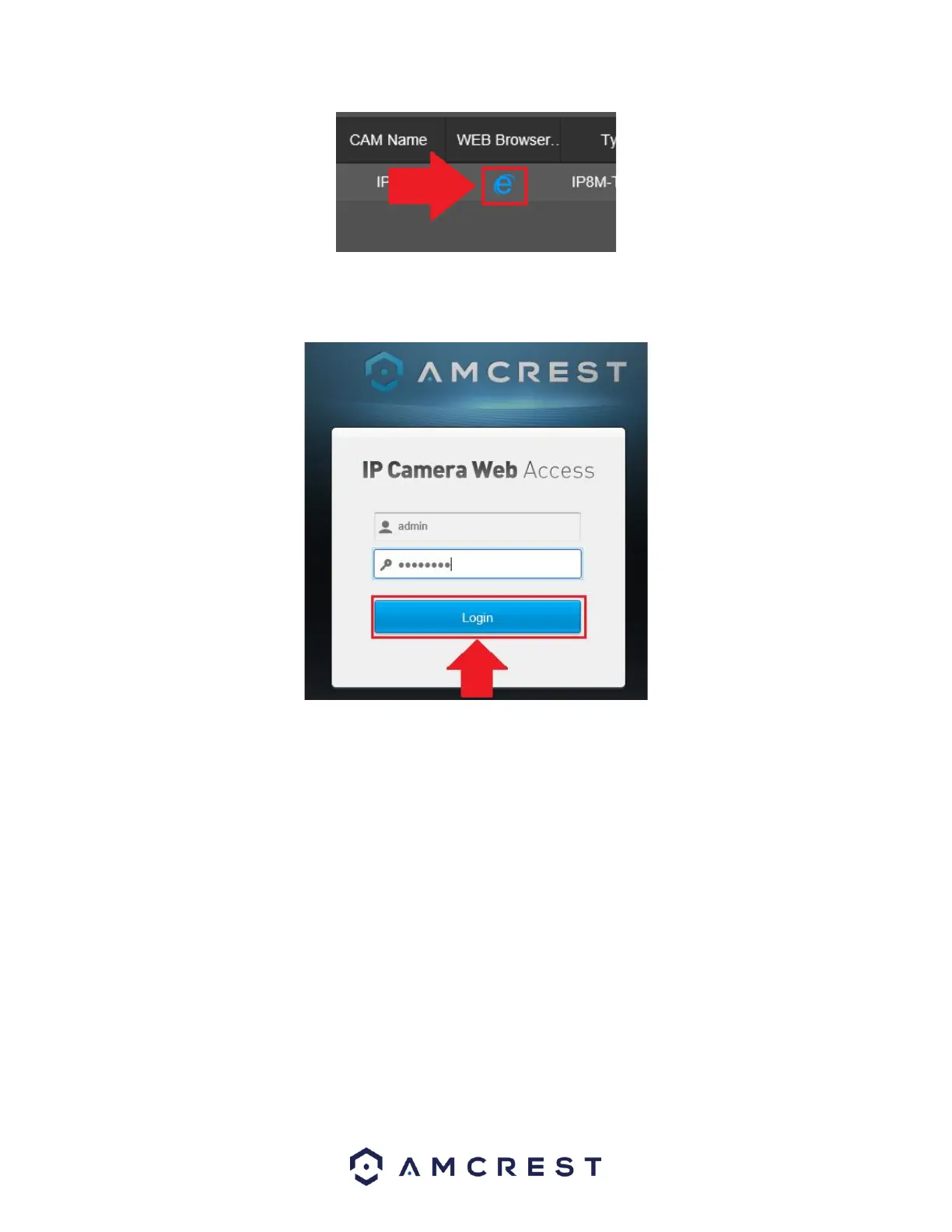
The web UI for your connected camera will be displayed. Enter the password for your camera and
click Login to access the interface.
Please note, if your camera is not supported in the web browser you are using, please try another main
stream browser such as Google Chrome, etc. to access the interface.
In the camera's web UI, click on Setup>>Camera>>Audio and ensure the audio settings on both the
main stream and sub stream are enabled on the camera. Click Save.



 To Next Page