Installation
Page 3-3
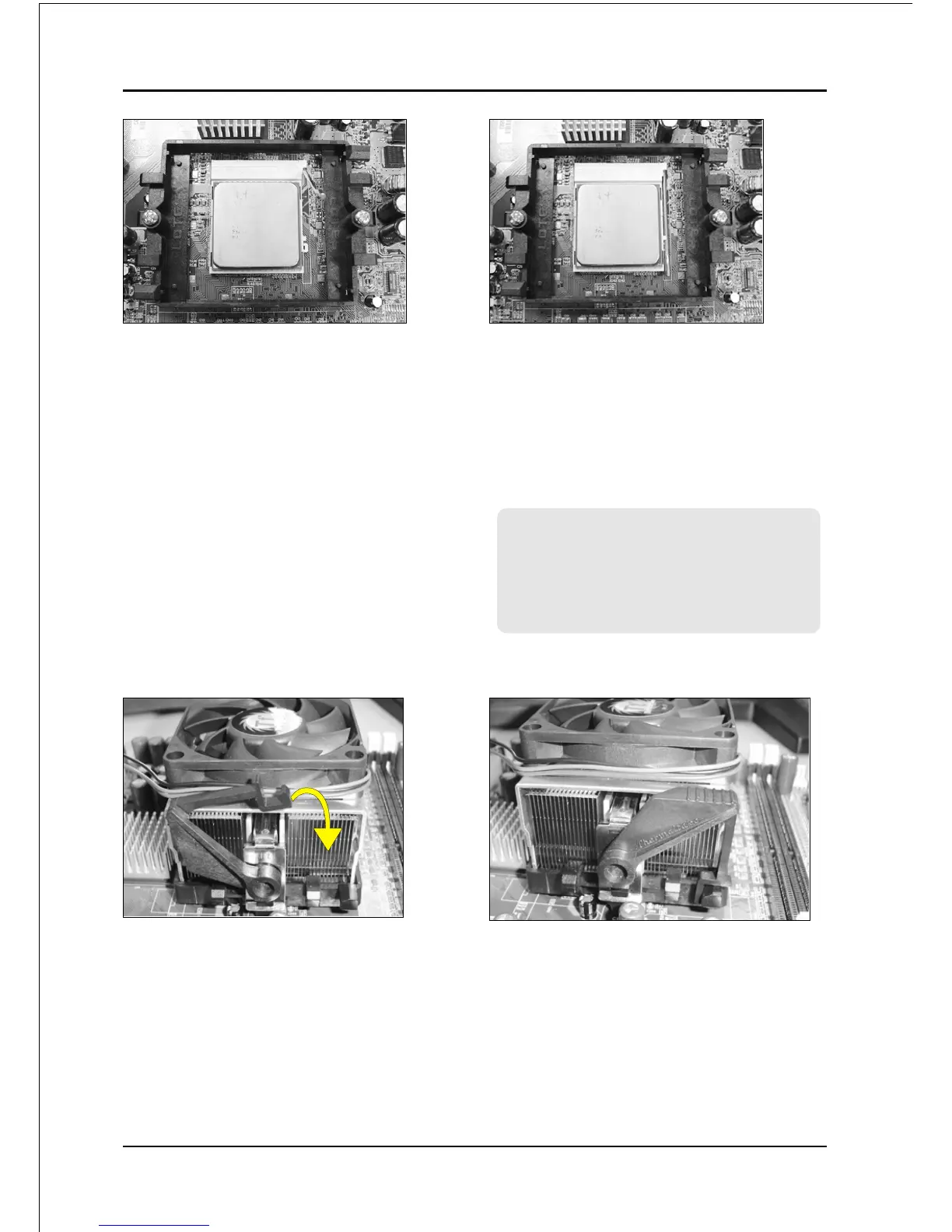
Step 5
Align pin 1 on the CPU with pin 1 on
the CPU socket and gently insert the
CPU. The CPU is keyed to prevent
incorrect insertion. Do not force the
processor into the socket. If it does not
go in easily, check for mis-orientation
and reinsert the CPU.
Make sure the processor is fully
inserted into the socket.
<Figure 5>
<Figure 6>
Step 6
Close the socket by lowering and
locking the actuation lever.
Apply thermal compound to the top of
the CPU.
<Figure 7>
Step 7
Insert the heatsink as shown above.
Press the clips in the direction of the
arrows shown in Figure 7 to secure the
assembly to the CPU socket.
Step 9
Plug the CPU fan power into the
mainboard’s CPU fan connector.
The installation is complete.
<Figure 8>
Note:
Thermal compound and qualified
heatsink recommended by AMD are a
must to avoid CPU overheat damage
.



 To Next Page