BIOS
Page 4-14
Hot Key Power ON
Enables you to set a hot key combination to be used for powering on the system.
The default is Ctrl-F1.
Options: Ctrl+F1 ~ Ctrl+F12.
PwerOn After Pwr-Fail
This item enables your computer to automatically restart or return to its last operat-
ing status after power returns from a power failure.
Off: The system stays off after a power failure.
Former-Sts: The system returns to the state it was in just prior to the power
failure.
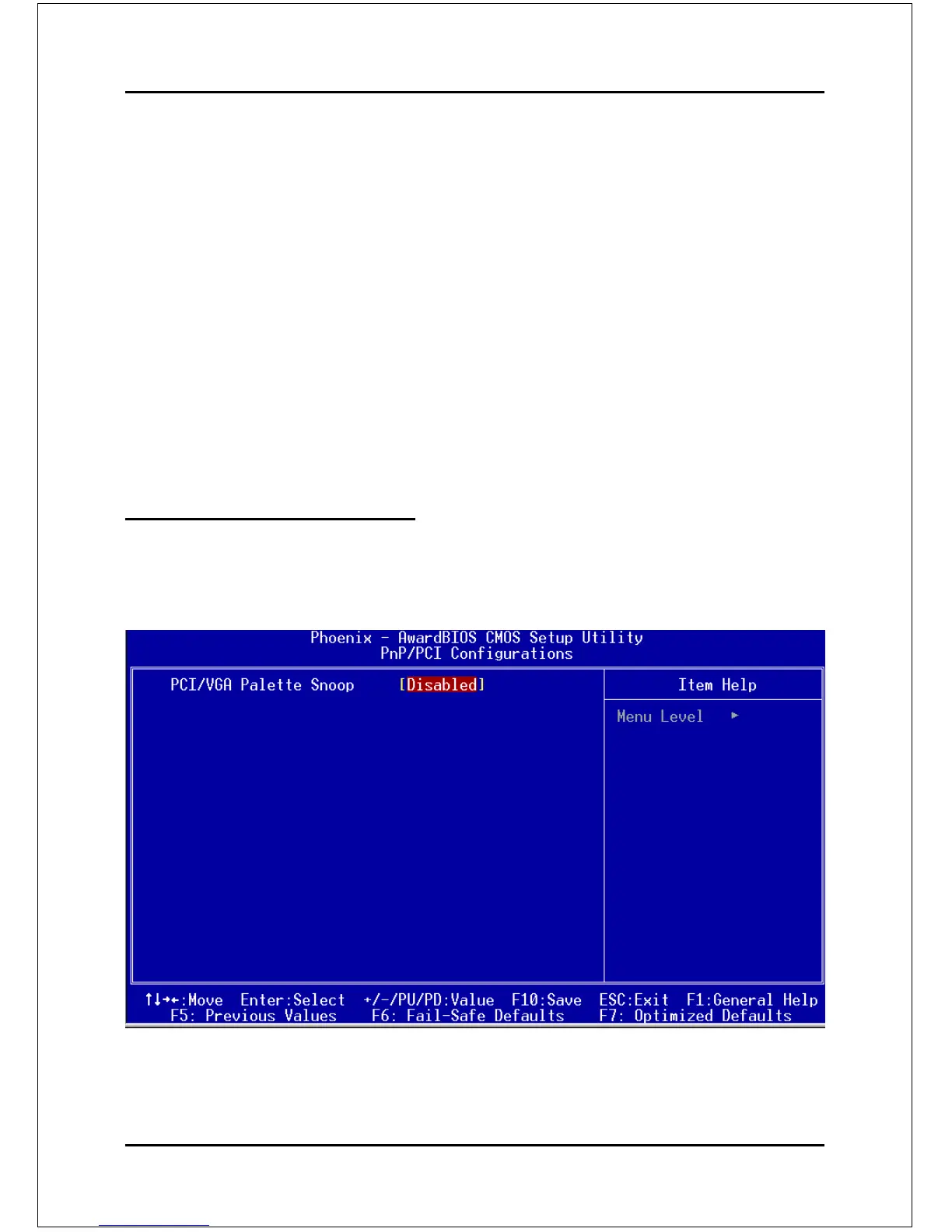
4-6 PNP/PCI Configuration
This page lets the user to modify the PCI IRQ signals when various PCI cards are
inserted.
WARNING: Conflicting IRQ’s may cause system unable to locate certain devices.
Figure 7: PNP/PCI Configuration Setup



 To Next Page