S-ATA RAID Configuration
Page 5-4
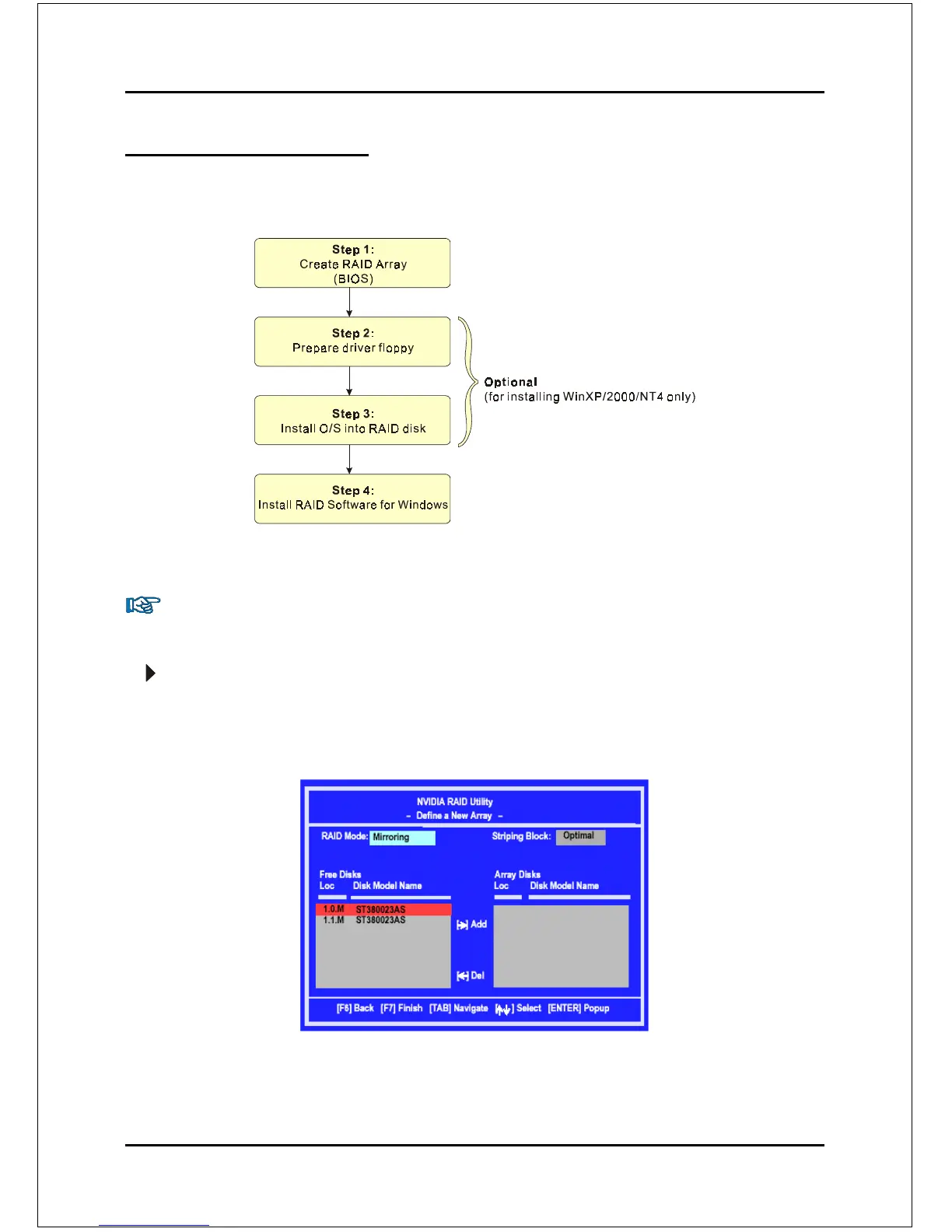
Enable RAID Function
For any RAID controller, the general procedure to enable RAID function are shown
below:
Step 1: Create RAID Array
RAID arrays are created using the RAID controller’s BIOS utility.
NVIDIA nForce3 250Gb
Power-on the system and wait for the following screen to appear. Press the
”F10” key to enter its BIOS configuration utility.
Refer to Appendix B-1 for details about creating RAID array using this utility.
After the RAID array is created, press “F10” to exit.
Note: If you are not installing O/S into the RAID
disks, you may skip Step 2 & Step3.



 To Next Page