S-ATA RAID Configuration
Page 5-5
Step 2: Prepare driver floppy
When installing Windows XP/2000/NT4.0 into any RAID disk, the O/S setup will
require a floppy disk containing the RAID driver. This step will show you how to
prepare this driver floppy. There are 2 methods to prepare this floppy:
Method 1
1. Insert the bundled CD into the CD-ROM drive
2. Boot the system from the CD-ROM
3. A menu of driver for various RAID controllers will appear
4. Insert a blank floppy into the A:drive
5. Select the appropriate RAID controller to begin copy into the floppy
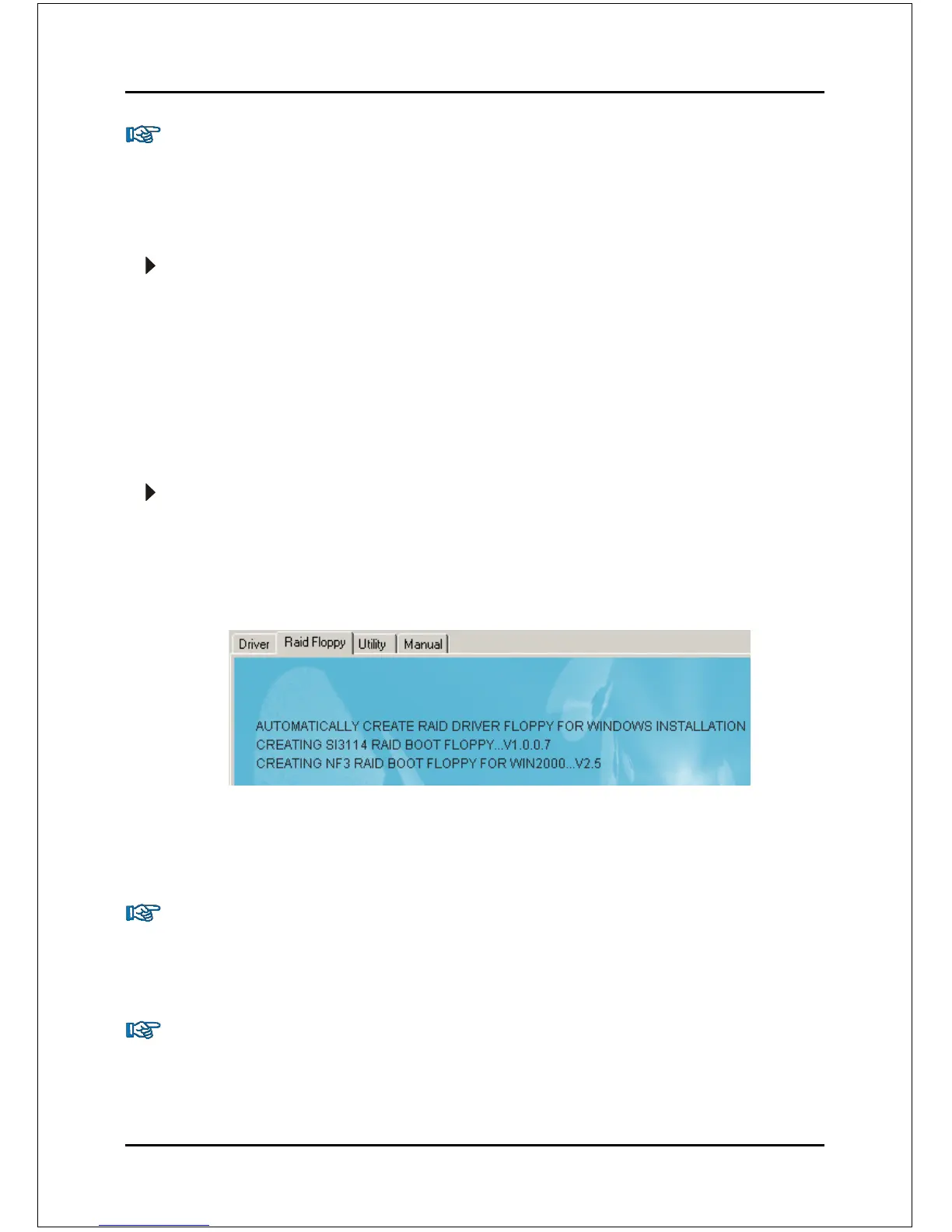
Method 2
1. Locate another computer and insert the bundled CD into its CD-ROM drive.
2. A main menu screen will appear (Autorun feature)
3. Select the page “RAID floppy”
4. Insert a blank floppy into the A:drive
5. Click on the required driver to begin copy into the floppy
Step 3: Install O/S into RAID disk
Continue to install Windows XP/2000/NT4.0 as normal. When requested by
Windows Setup for RAID driver, insert the floppy created earlier in Step 2.
Step 4: Install Software utility for Windows
After the O/S has been installed, you may install the RAID driver and software. The
RAID software is a Windows-based utility with graphical user interface that
provides an easy operating tool to configure and manage RAID arrays.



 To Next Page