Drivers Installation
Page 6-1
Section 6
DRIVER INSTALLATION
Easy Driver Installation
Method 1
Method 2
Auto Installation
Selective Installation
[nVIDIA nForce3 Series]
Please install SP4 for Windows 2000 before installing NVIDIA nForce3 driver
nVIDIA nForce3 Driver
AC’97 AUDIO Driver
USB 2.0 Driver
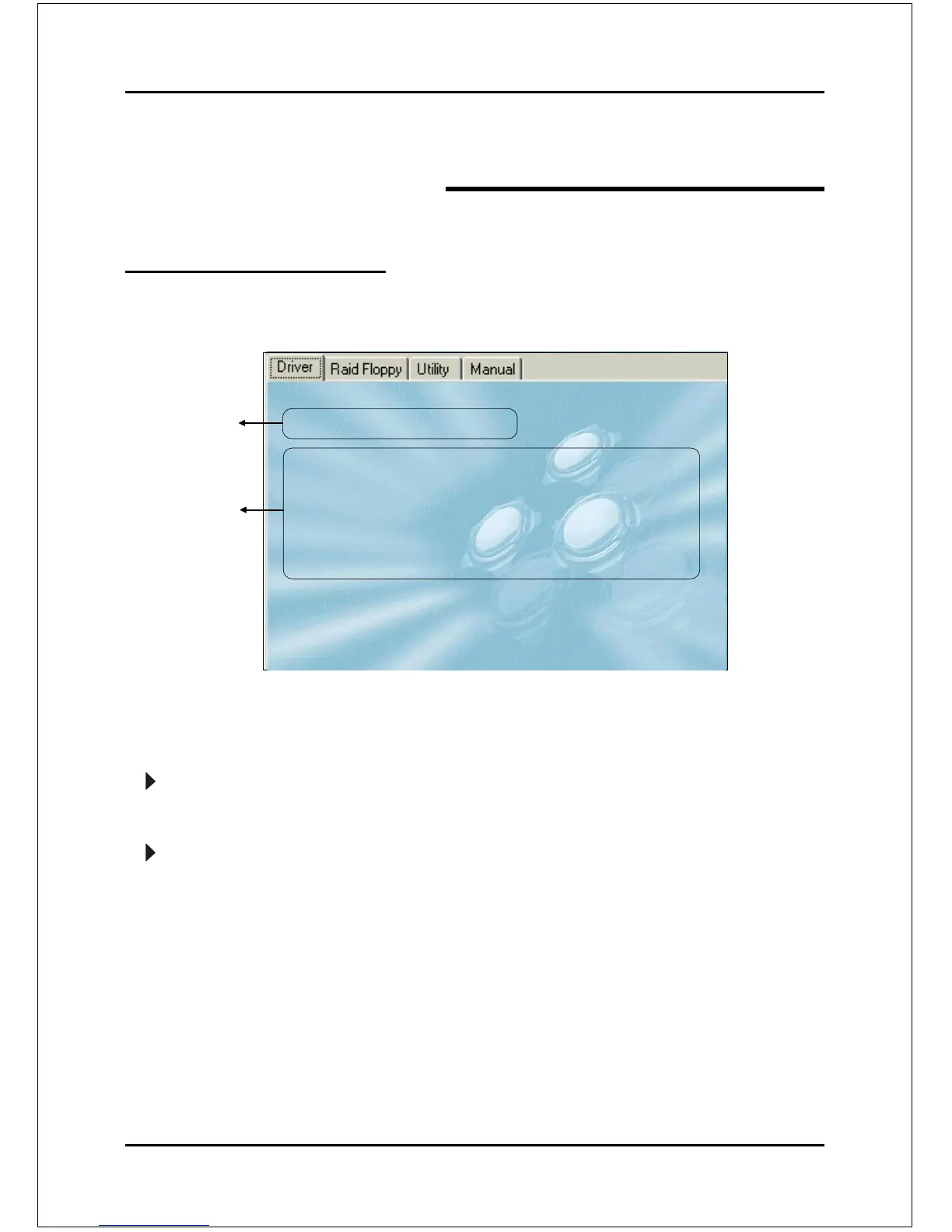
Insert the bundled CD into the CD-ROM and the main menu screen will appear. The main
menu displays links to the supported drivers, utilities and software.
Method 1
This item can installs all drivers automatically.
Method 2
This item can allows you to install the drivers selectively.
Step 1 : Click “nVIDIA nForce3 Driver” to install chipset driver.
Step 2 : Click “AC’97 AUDIO Driver” to install audio driver.
Step 3 : Click “USB V2.0 Driver” to install USB 2.0 driver.
Once the operating system has been installed, you need to install the drivers for the mainboard.



 To Next Page