Appendix
B-3
Use the arrow keys to select the array that you want to set up, then press Enter.
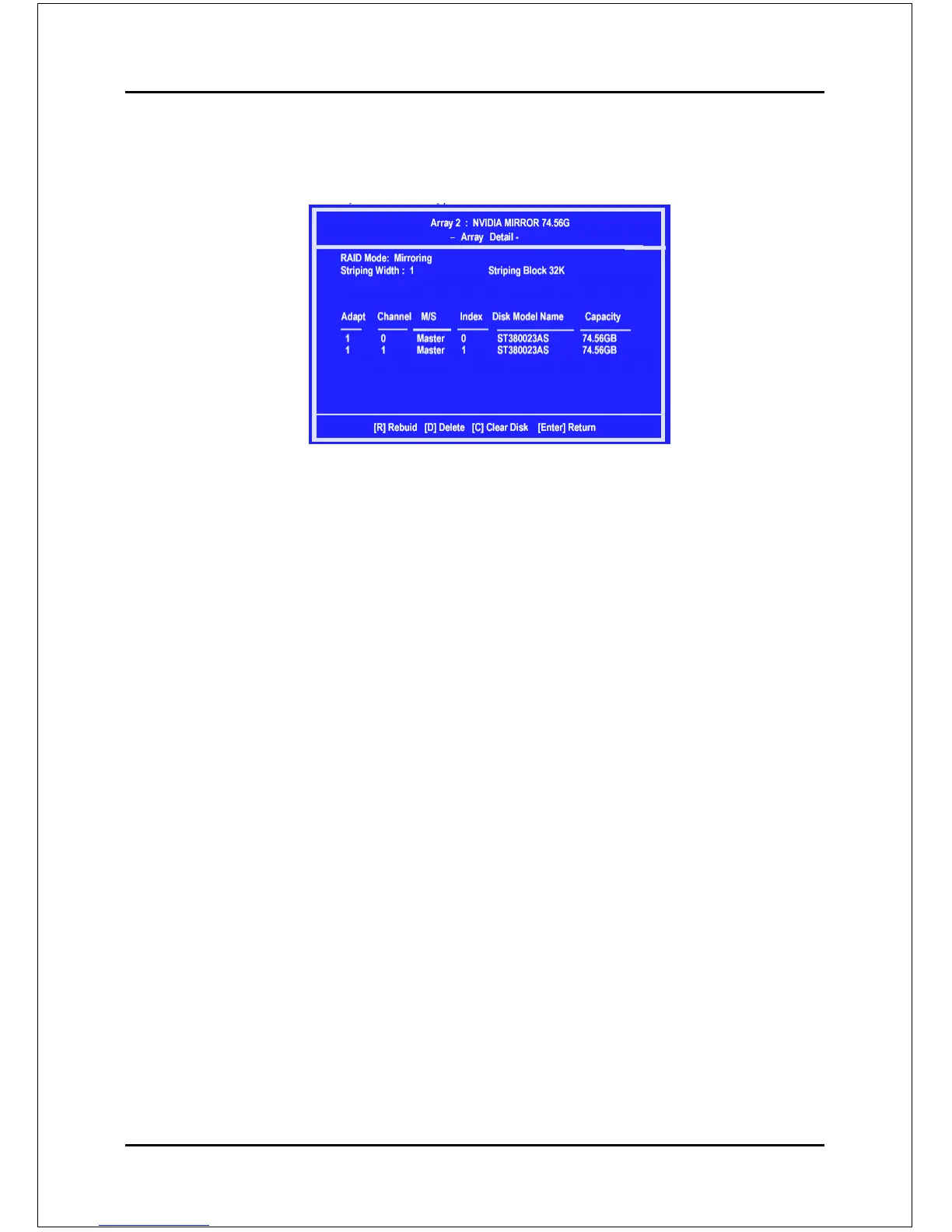
The Array Detail window appears.
The Array Detail window shows information about the array that you
selected, such as Striping Block used, RAID Mode, Striping Width,
Disk Model Name, and disk capacity.
If you want to mark this disk as empty and wipe out all its contents then press C.
At the prompt, press Y to wipe out all the data, otherwise press N.
Press Enter again to go back to the previous window and then press F10 to exit the
RAID setup.



 To Next Page