Ethernet PHY LED Interface
[Figure 3, callout 16]
Each DP83867 PHY (GEM0 U198) controls two LEDs in the J307 two port connector bezel. The
PHY signal LED0 drives the green LED, and LED1 drives the yellow LED. The LED2 signal is not
used.
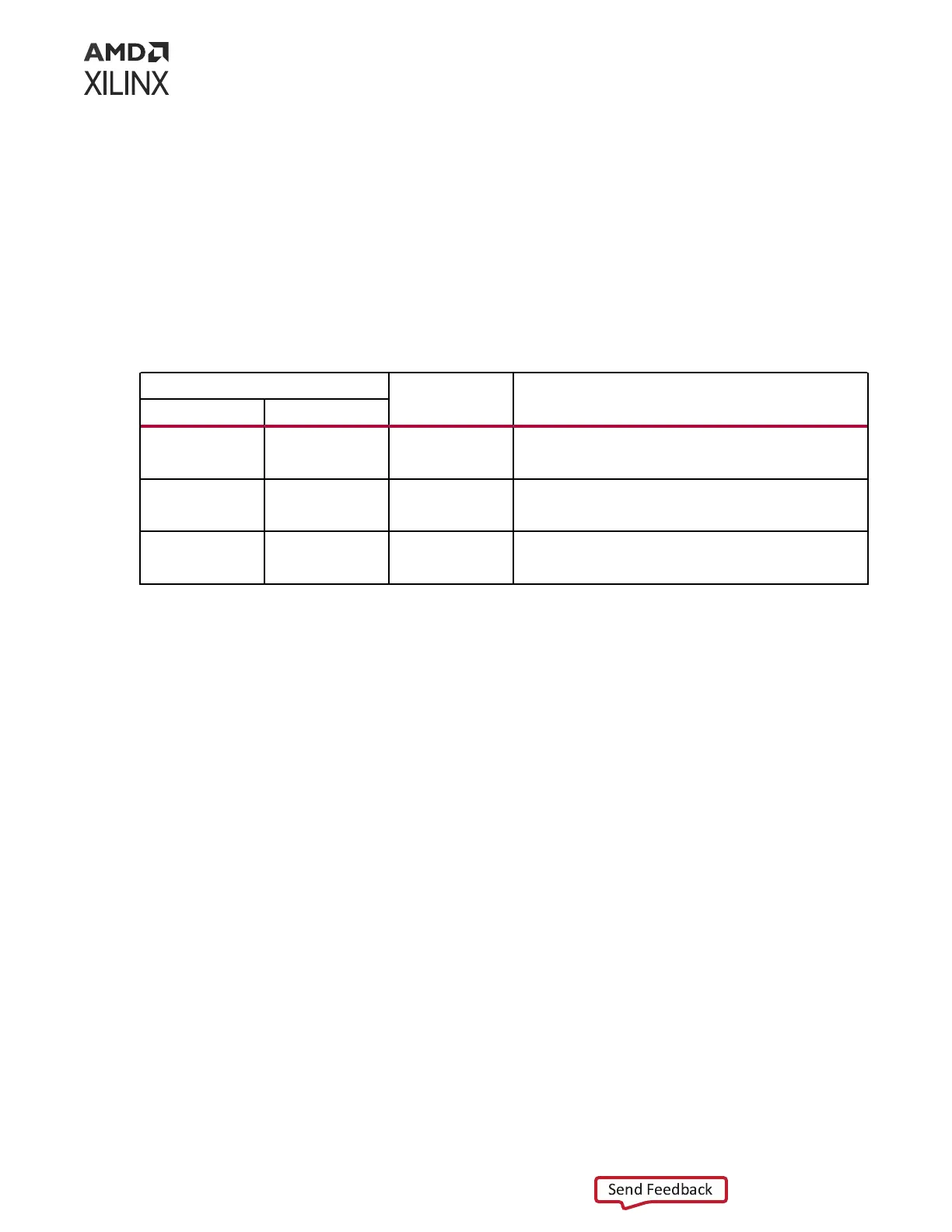
The LED funconal descripon is listed in the following table.
Table 14: Ethernet PHY LED Functional Description
DP83867IS PHY Pin
Type Description
Name Number
LED_2 45 S, I/O, PD By default, this pin indicates receive or transmit activity.
Additional functionality is configurable using LEDCR1[11:8]
register bits.
LED_1 46 S, I/O, PD By default, this pin indicates that 100BASE-T link is
established. Additional functionality is configurable using
LEDCR1[7:4] register bits.
LED_0 47 S, I/O, PD By default, this pin indicates that link is established.
Additional functionality is configurable using LEDCR1[3:0]
register bits.
The LED funcons can be repurposed with a LEDCR1 register write available via the PHY's
management data interface, MDIO/MDC.
See the TI DP83867 RGMII PHY data sheet at the Texas Instruments website for component
details.
The detailed ACAP connecons for the feature described in this secon are documented in the
VPK180 board XDC le, referenced in Appendix B: Xilinx Design Constraints.
PMC MIO[49] and LPD MIO[13,15:16,20]: Power
Enable
[Figure 3, callout 20-28]
The VPK180 allows the Versal ACAP to control the power to the various power domains. This is
an acve-High signal. It is connected to the components that are controlled using an open-drain
buer, U268 (VCC_PSLP_EN) or U254 (see others in the following table). The output of the
buers are pulled up with a 4.7K resistor to aid in the default boot state being set properly.
When J345 is installed, the Versal ACAP has control over this power enable. When not installed,
the enable is controlled by UTIL_5V0_PGOOD, which is an output from the 5.0V power supply
(U191). See schemac page 90 for more informaon (see Jumpers for defaults).
Chapter 3: Board Component Descriptions
UG1582 (v1.0) February 21, 2023 www.xilinx.com
VPK180 Board User Guide 44



 To Next Page