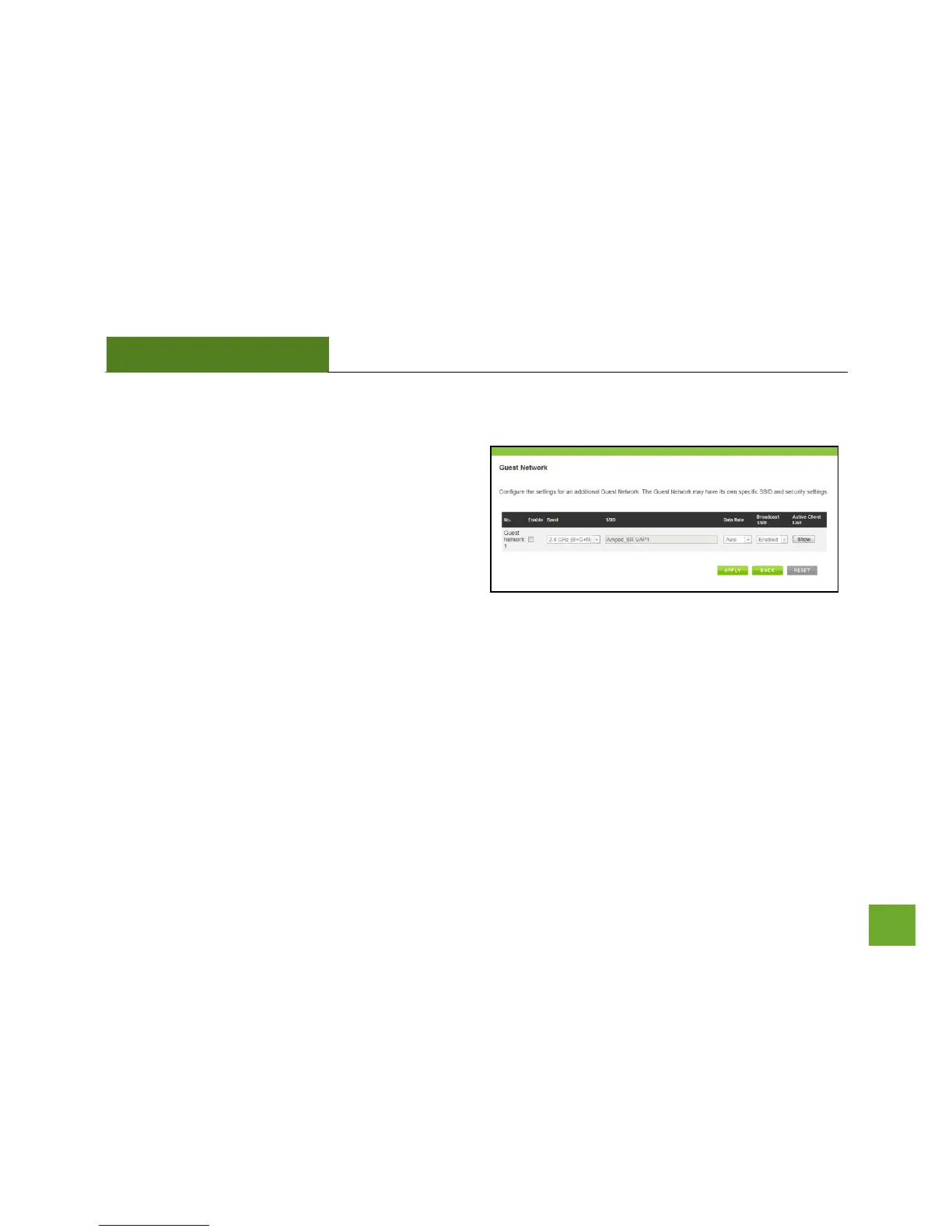
Guest Network
Click “Enable” to create a Guest Network. Guest
Networks provide a separate wireless network, with
unique settings for users to connect to.
SSID: This is the name of your Guest Network.
Data Rate: You can restrict access to the Guest
Network by setting a lower bandwidth by changing the
band (i.e. only allow 802.11b access to specific users).
Associated Clients: View all computers and network devices that are connected to your Guest Network
wirelessly.
To set security settings for the Guest Network go to: Wireless Settings > Security.


 To Next Page