5
The Hz button will alternate the display between the voltage function selected
and frequency reading.
1. Set the Function Switch to .
2. Connect the test leads: Red to +, Black to .
3. Connect the test probes to the circuit test points.
4. Read the display, and if necessary, correct any overload (0L) conditions.
1. Set the Function Switch to .
2. Connect the test leads: Red to +, Black to .
3. Connect the test probes to the circuit test points.
4. Read the display, and if necessary, correct any overload (0L) conditions.
The Hz button will alternate the display between the AC current and frequency
reading.
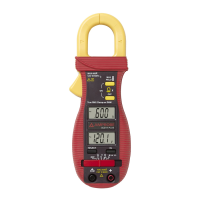
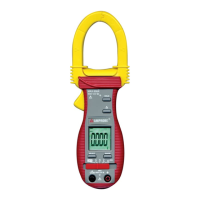
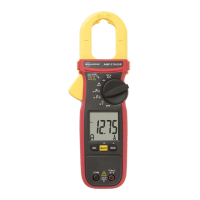
1. Set the Function Switch to A position.
2. Open spring-loaded clamp by pressing the lever on left side of meter.
3. Position clamp around one wire or conductor and release the clamp lever.
Make sure that the clamp is entirely closed. The clamp must be positioned around
only one conductor. If it is placed around two or more current carrying conductors,
the reading is FALSE.
4. Read the displayed value, and if necessary, correct any overload (0L) conditions.


 To Next Page