6
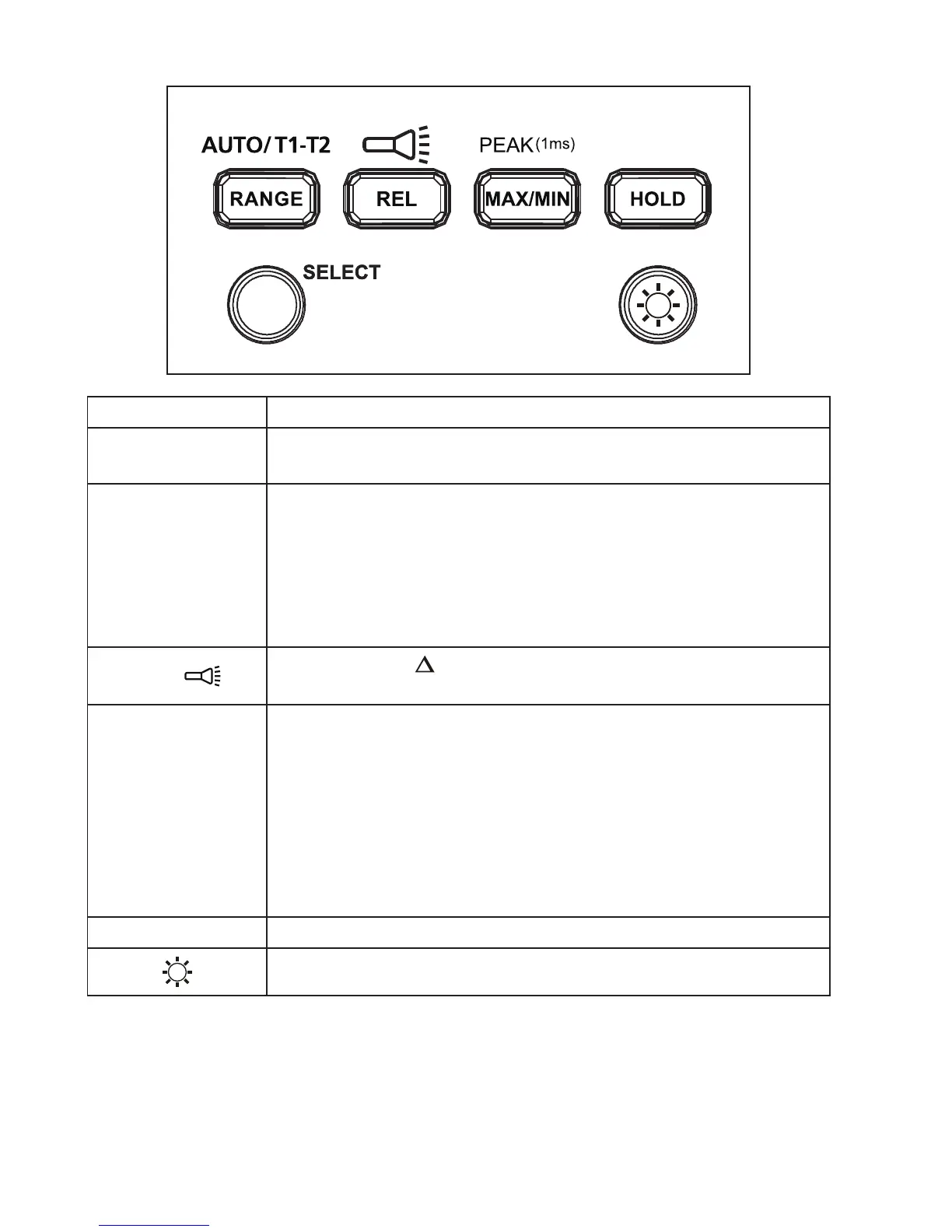
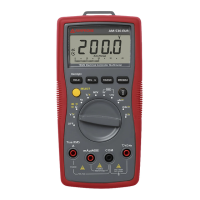
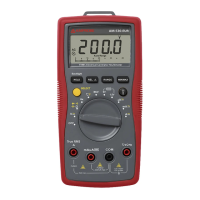
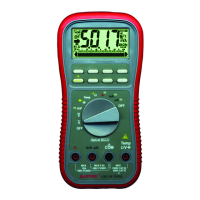
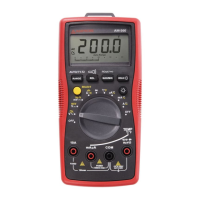
AM-560 / AM-540-EUR Function Buttons
Button Measurement Function
SELECT
Press the yellow SELECT button to select alternate
measurement functions on the rotary switch.
RANGE /
AUTO T1-T2
Manual or Auto range switching for voltage current,
resistance and capacitance. The default setting is auto-
ranging, press to switch to manual ranging. Press for 2
seconds to return to auto-ranging.
T1 or T2 or T1-T2 function switching for temperature
measurement.
REL /
Relative mode / Press >2 seconds to turn ON or turn
OFF flash light.
MAX/MIN /
PEAK(1ms)
Press to enter maximum / minimum reading memory
mode. Press again for maximum reading; press again for
minimum reading. Press > 2 seconds to exit maximum/
minimum reading mode.
Press > 2 seconds to enter Peak MAX/ Peak MIN mode.
Press again for Peak MAX reading; press again for Peak
MIN reading. Press > 2 sec to exit Peak MAX/ Peak MIN
reading mode.
HOLD Display freezes present reading.
Press > 2 seconds to turn ON or turn OFF LCD backlight.


 To Next Page