Loading and operating the cassette datacorder system
Subjects covered in this chapter:
* Similarities and differences between data and audio cassettes
* Loading and running programs from cassette
- the Welcome tape
* The optional cassette data speeds
* Saving programs onto cassette
* Read errors
The CPC464 memory is only able to store data as long as the power is connected to the computer -
and the unit itself is switched on - in computer terminology it is a ‘volatile’ storage medium . If you
want to store programs or data when the power is switched off - then this must be stored onto the
cassette (or other ‘non-volatile’ storage medium - such as the optional disk system).
2.1 Cassette controls
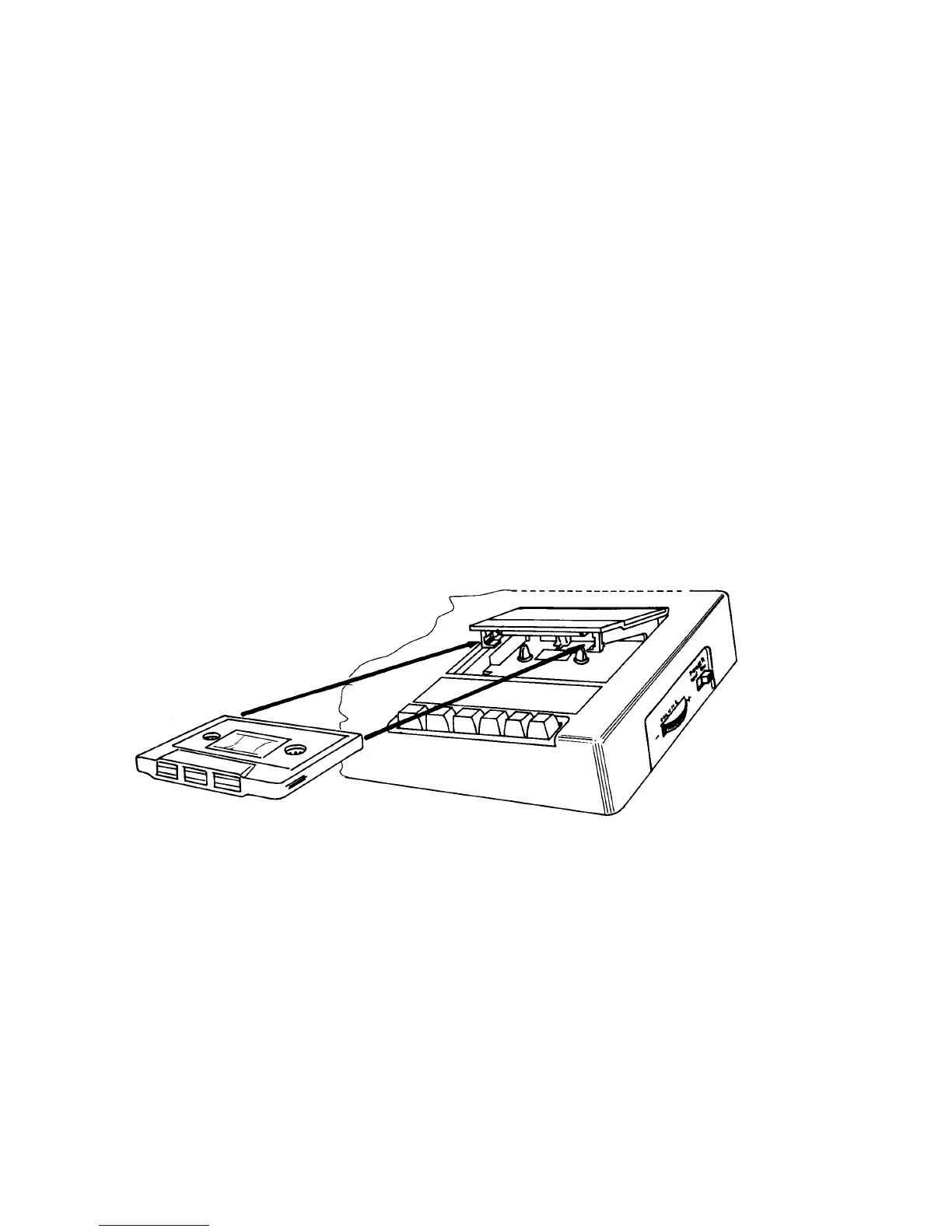
At the right hand end of the keyboard unit you will find the cassette datacorder -figure 2.1. The
mechanics of this cassette mechanism are essentially the same as those of an audio cassette system -
except that the electronics that control the signals are specifically optimised for use with computer
data storage systems.
Figure 2.1 The right way to insert a cassette into the Datacorder



 To Next Page