EasyManua.ls Logo

Anadex DP-9000 - User Manual

Default Icon
82 pages
Print Icon
To Next Page IconTo Next Page
Loading...
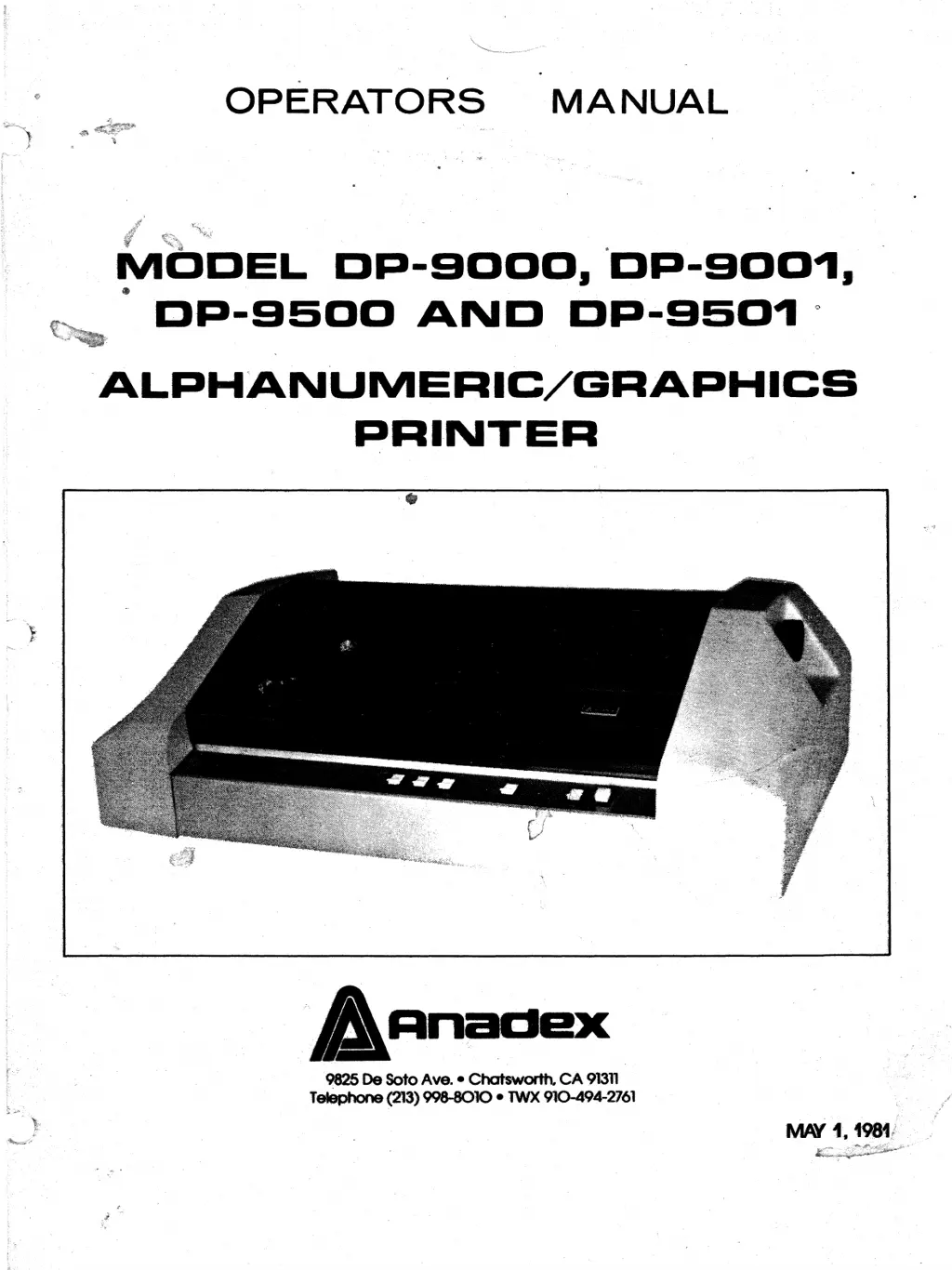
OPERATORS
MANUAL
~DDEL
DP-9000.
·DP-900~.
DI=I-9500
AND
DP-9S0.,
·ALPHANUMERIC/GRAPHICS
PRINTER
...•...
AnacIeX
9825 De Soto Ave. -Chatsworth,
CA
91311
T~(213) 998-8010 -
TWX
910-494
..
2761

Questions and Answers

  • L
    Lindsey HoodAug 10, 2025
    What to do if data from the data source is not printed on Anadex DP-9000?
    • G
      Grant MillerAug 10, 2025
      If data from the data source fails to print, the issue might stem from several causes: * One or more sections of S3 are ON, except S3-2. * Printer BUSY, IBZ or ACK not properly connected to data source. * DSTR strobe from data source is too late or data from data source is not on bus long enough. * Faulty interface cable. * Faulty printer circuit card. In such cases, it is best to refer the unit to a service center.
  • J
    James PayneAug 15, 2025
    What to do if Anadex Printer prints the correct number of characters but data is garbage?
    • H
      harrisjoshuaAug 15, 2025
      If your Anadex printer prints the correct number of characters but the data is garbage, with random line feeds or form feeds, this could be due to: * One or more of Sections 3 through 10 of S3 are ON, while in parallel mode. * Bad RAM on the circuit board. * Faulty I/O circuits on the circuit board. * Switch S-3 is not correctly set for proper word length, stop bits or parity configuration. It is recommended to refer the unit to service center.
  • D
    dbarnesAug 20, 2025
    What to do if Anadex DP-9000 Printer prints correct data for characters equal to the FIFO buffer size and then loses data?
    • G
      Grant SmithAug 20, 2025
      If your Anadex printer prints correct data for a number of characters equal to the FIFO buffer size, and then loses data or prints garbage, the issue might be that the Printer BUSY or SRTS (PRINTER BUSY) is not connected to the proper pin at the data source. In that case it is recommended to refer the unit to service center.
  • J
    Jessica DickersonAug 26, 2025
    Why does the print head jerk back and forth on my Anadex DP-9000 Printer?
    • P
      Pamela KellyAug 26, 2025
      If the print head on your Anadex Printer is jerking back and forth, it could indicate a faulty circuit board, print head, or drive motors. In that case it is recommended to refer the unit to service center.
  • L
    Lindsay MoodyAug 30, 2025
    How to fix incorrect print head gap on Anadex DP-9000?
    • C
      carterdanielleAug 30, 2025
      To correct an incorrect print head gap on your Anadex printer, move the print head gap adjustment lever forward until printing is satisfactory. If the print head gap is all the way forward and printing is still not satisfactory, refer to a service center for head alignment or replacement.
  • B
    brandon41Sep 4, 2025
    How to replace worn out ribbon on Anadex DP-9000?
    • J
      Jennifer MartinezSep 4, 2025
      If the ribbon on your Anadex printer is worn out or faulty, replace the ribbon cartridge.

Anadex DP-9000 Specifications

General IconGeneral
Print MethodDot Matrix
Paper HandlingFriction Feed
Character Sets96 ASCII
Column Width80 columns
InterfaceParallel