- 13 -
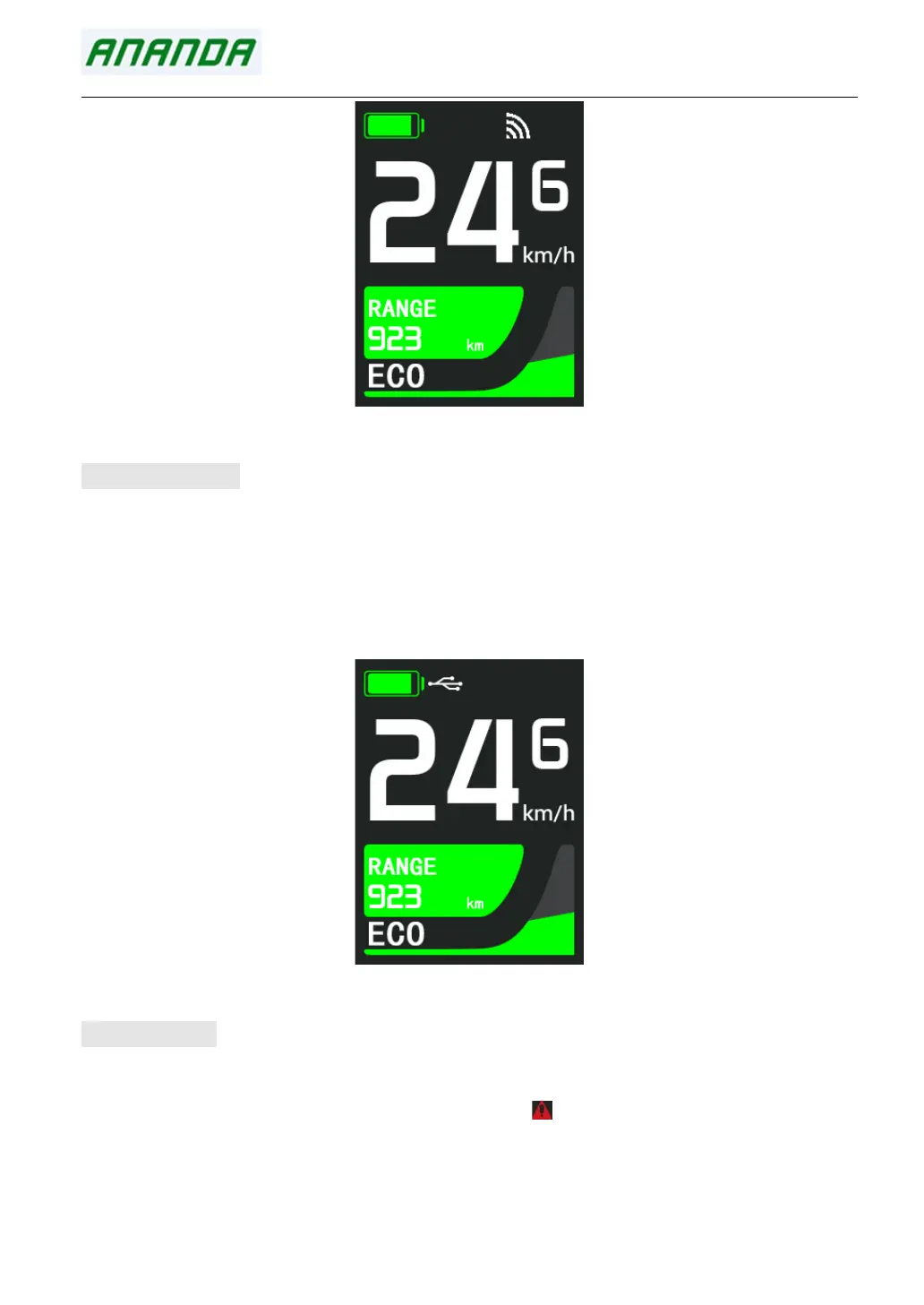
Wireless mode indicator
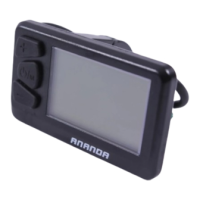
5.8 USB Charging
Plug in the device that needs charging when display is off. After turn on the display, the battery will
charge the device through the display, and the USB charging logo on the interface will be light up.
After the device that needs USB charging is plugged in at the power on state, long press the "PLUS"
button in the main interface to activate the USB charging function. If charging is in progress, the USB
charging logo on the display interface will light up.
USB Charging indicator
5.9 Error Code
In the main interface, if there is an electrical fault in the E-bike electronic control system, the latest
fault code will be displayed in real time, and the red " " mark will be displayed in the upper
column.
When the E-bike founds fault in electric control system, the display will shows error code
automatically. Only after the fault is eliminated, the fault code can be cleared. At the same time, the


 To Next Page