CONTROL PANEL OPERATION:
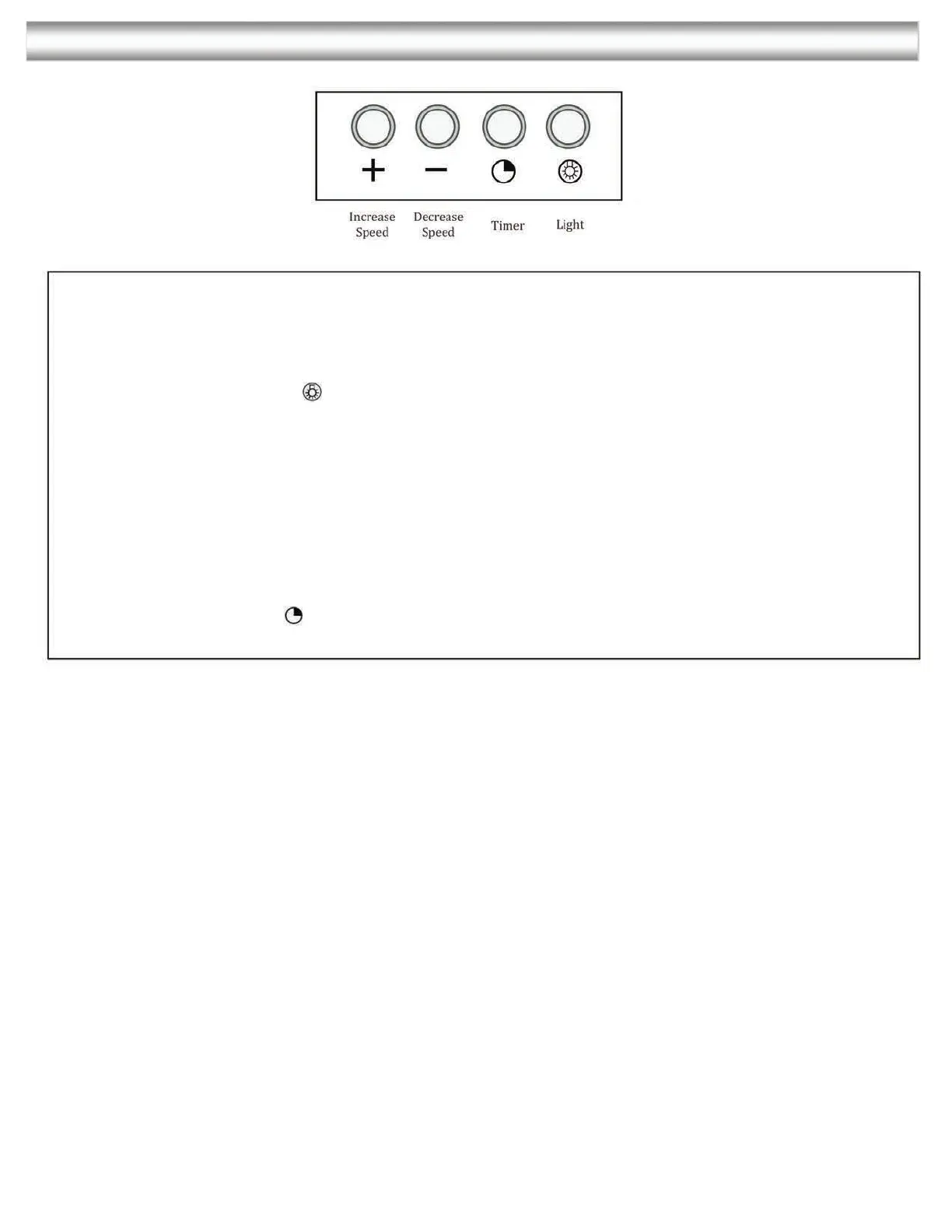
Control Panel Layout
and Buttons Configurations:
Electronic Controls with Time Display
Lights:
Press the light button to turn halogen lights on and off.
Power Settings:
Press the + button once the motor starts to operate at low speed.
Press the + button again and the motor will reach Medium speed.
Press the + button once again and the motor will reach high speed.
Press the - button to lower speeds in succession until the motor stops working (power off).
Timer function:
The control provides the option to run the motor for a predetermined time period in order to
evacuate remaining vapors from the kitchen.
Press times button while the motor is running. The motor will shut off automatically
after 10 minutes.


 To Next Page