E-14
Using the Monitor
Tricheck™ Mode
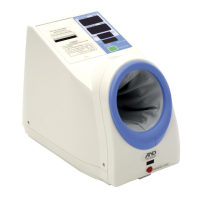
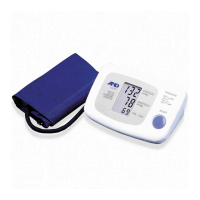
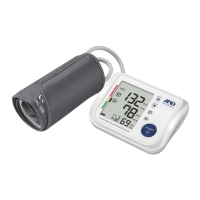
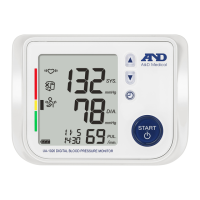
The UA-1030T blood pressure monitor has an optional feature to
automatically take three consecutive readings one minute apart and then
provide you with the average. This complies with the American Heart
Association's recommended measuring method.
1. After setting the year, month, day, hour and pressure, the next mode is
the TriCheck™ Mode.
2. Default is off.
3. To turn on, use the arrow buttons.
4. To turn off again, use the arrow buttons.
5. After reaching the desired setting, press the set button again.
6. This will end your settings session.
7. To adjust any values, push the set button and begin again.


 To Next Page