61
62
3) Turn on the speed volume
compensation switch, the volume of
system will automatically increase as the
speed increased, decreased as the
speed decreased.
4) The volume of the system determines
the basis of the volume in all the
programs.
( -154)picture
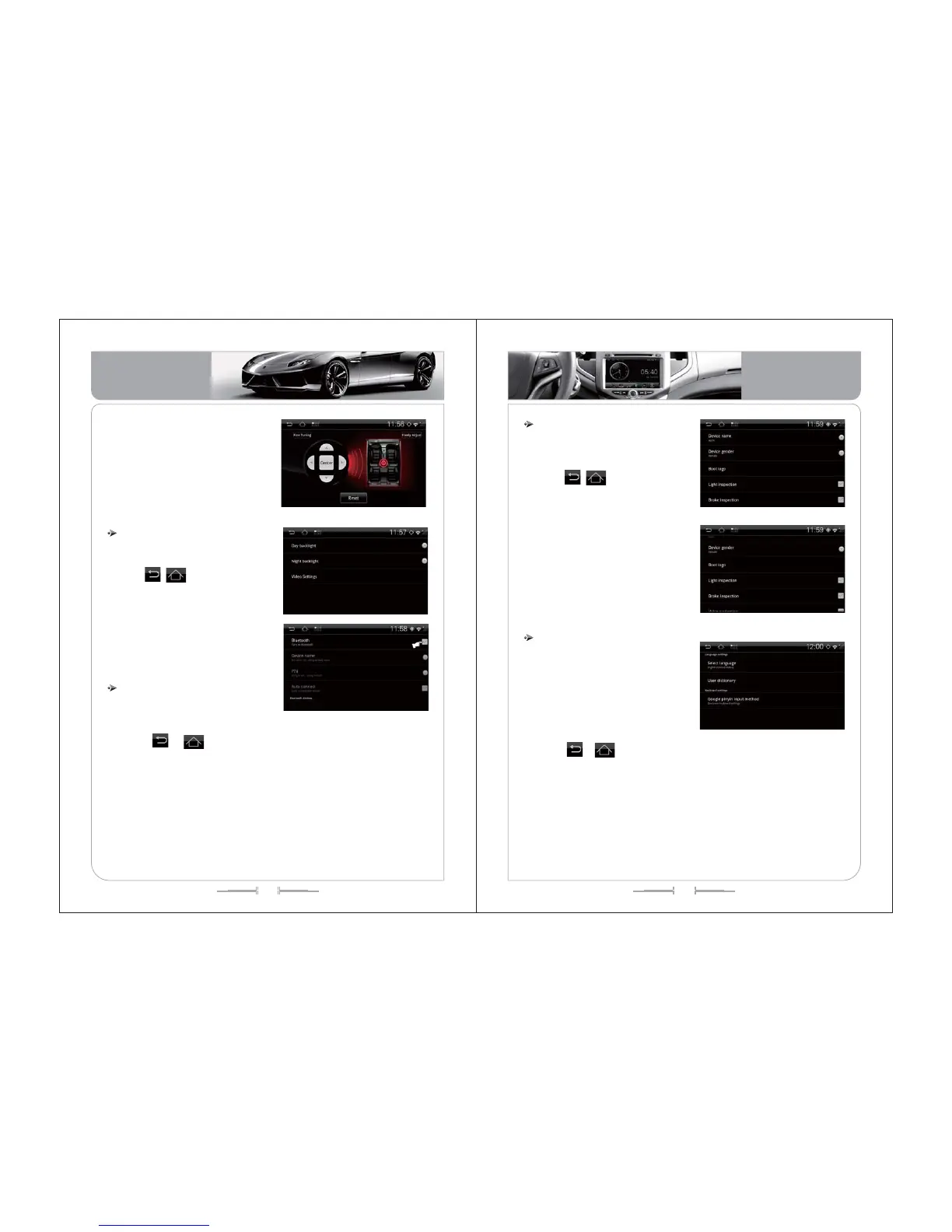
Display setting functional operation
In the system setting interface, click
“display setting” interface, as(picture-155)
Click , icon or (home) button
or “ back” to exit.
1. The display setting contains day
backlight, night backlight, video setting
options, you can adjust the screen
display through the brightest, also can
adjust the video interface display through
the brightness, contrast, color.
( -155)picture
Bluetooth setting functional operation
In the system setting interface, click
“Bluetooth setting” interface, as (picture-
156)
1) Click , icon or (home)
button or “ back” to exit.
2) Open the system Blue tooth device, at the same time open your phone Blue
tooth device. When the system with the phone obtain the signal connection, the
phone device name will be displayed and click device name, then enter
connection password and the mobile phone pairing password, begin to connect
your phone.
3) Successful paired and connected ,if you turn on the automatic connection,
the system will initially discover paired devices and automatically connect.
( -156)picture
Device setting functional operation
In the system setting interface, click
“device setting” interface, as (picture-
157,158):
Click , icon or (home)button
or (back) to exit.
1) Device setting include the device
name, light inspection, brake inspection,
voice navigation, reverse function,
reverse mute, reversing boot, boot
automatic video, key tone type, key light
color, virtual disc format.
2) Select the function you need to set,
and click this function to complete the
setting.
( -157)picture
Language setting functional operation
:
In the system setting interface, click
“language setting” icon enter into the
language setting interface, as(picture-
159)
Click , icon or (home) button or “ back” to exit.
1) Language setting interface contains the language selection, user dictionary
setting and input keyboard setting.
2) The product language supports for Chinese and the English.
3)User dictionary setting: touch the panel “MENU” to select “increase”.
4) Input keyboard settings default as Google Pinyin input, you can set the key
sound and associating input.
( -159)picture
( -158)picture
Basic Operation
Basic Operation


 To Next Page