EN 63 2015/02 Rev. 1.0
OptiFresh Bean
2.5.4 Switching times
/i
2.5.5 Recipe counters
/i
2.5.6 Quick recipe
1
/i
2.5.7 Software
/i
2.5.8 PIN-code
2
/i
2.5.9 OptiLight
/i
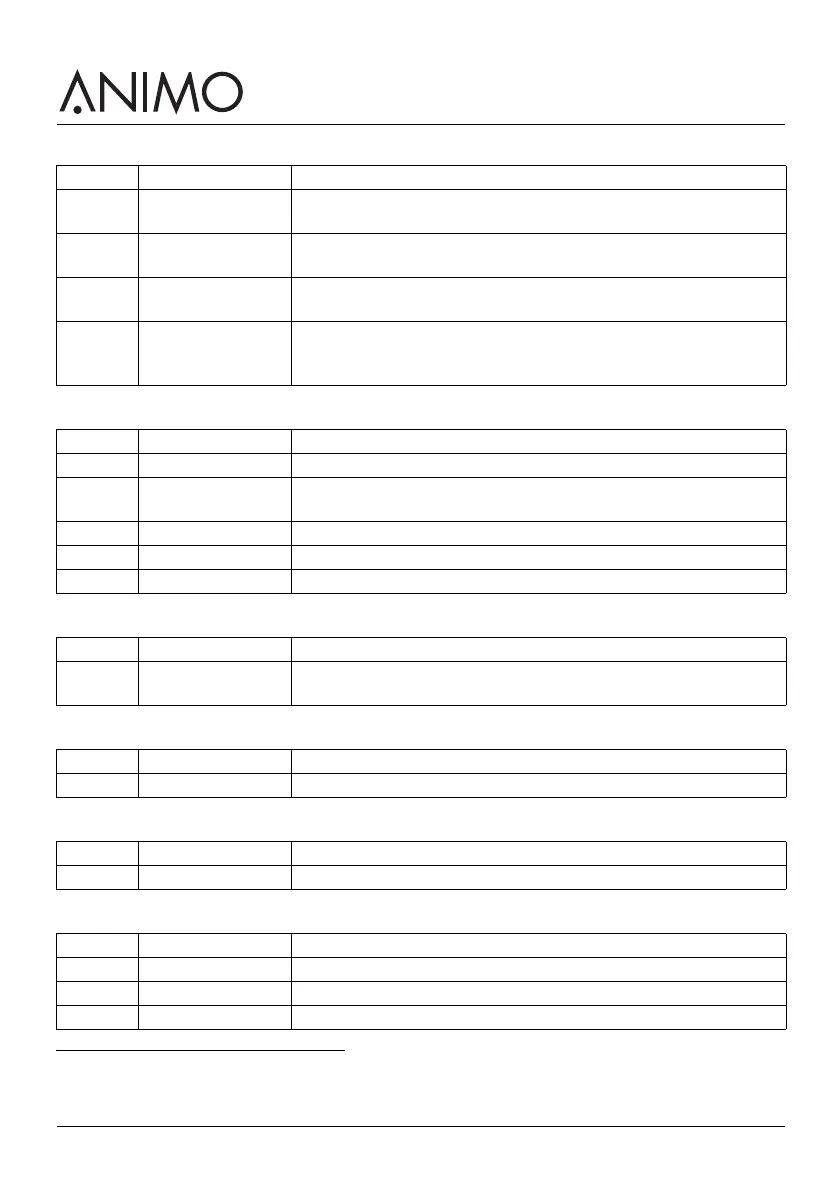
Screen Item Description
1.2.0 Mo-Fri To set the on and off time from Mondays until Fridays [hour:min]
00:00 = not active. There are 3 switching times available.
1.2.1 Sa To set the on and off time on Saturdays [hour:min]. 00:00 = not
active. There are 3 switching times available.
1.2.2 Su To set the on and off time on Sundays [hour:min]. 00:00 = not active.
There are 3 switching times available.
1.2.3 Energy safe mode To activate and set the energy safe mode: active / not active,
backlight on/off, OptiLight on/off and boiler temperature in energy
safe mode. See 2.6.
Screen Item Description
1.3.0 Recipe 1-12 To show the amount of free, paid, jug and total cups [0-99999 cups].
1.3.1 Recipe total To show the total amount of free, paid, jug and total cups [0-99999
cups].
1.3.2 Service counters To show the amount of rinsing of the brewer and mixer [0-99999].
1.3.3 Reset counters If available, to reset all counters.
1.3.4 Save counters To save counters.
1. The quick recipe menu is only available if it has been activated by the service engineer.
Screen Item Description
1.4.0-11 Recipe: <recipe
name>
To set the volume, strength of coffee, cocoa, topping and sugar per
recipe.
Screen Item Description
1.6 Software To show the software version.
2. For service personnel only.
Screen Item Description
1.7 PIN-code To enter the service menus.
Screen Item Description
1.8.0 Red To set the amount of red in the colour [0-100%].
1.8.1 Green To set the amount of green in the colour [0-100%].
1.8.2 Blue To set the amount of blue in the colour [0-100%].













 To Next Page