Page 15 of 24
6.2 Speed Control
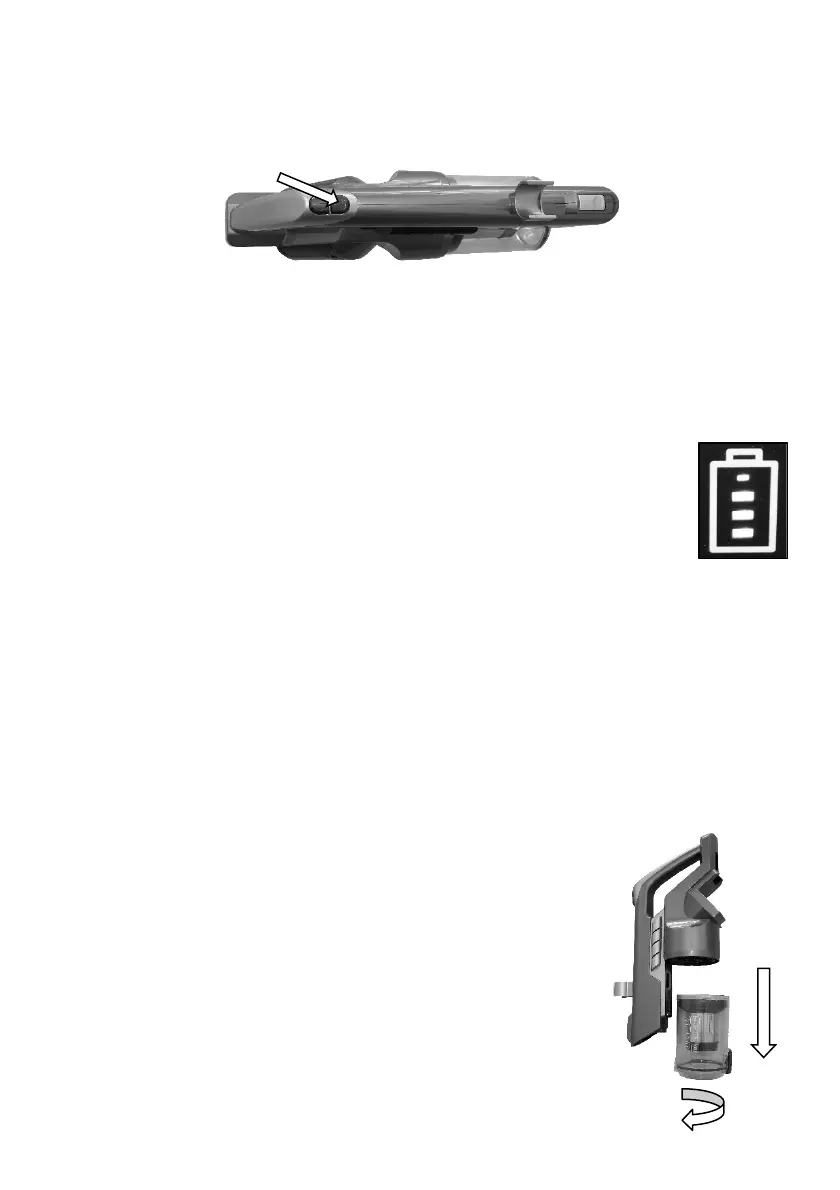
Whilst the vacuum cleaner is running, press the lower button on the handle
once. The vacuum cleaner will change to high power mode.
Press the same button again and it will change back to low power mode.
Press the On / Off button to turn Off.
7 Indicator Lights
7.1 Charge Status
Refer to the section “Charging” for the indicator light function
during charging.
As the battery charge is used, the illuminated indicator lights will
change from four bars to three to two, two to one.
When it reaches the “one” light, it will flash indication the battery needs
recharging.
The vacuum cleaner will automatically turn off when the battery is flat and
needs recharging.
8 Emptying the Dust Canister
To empty the dust canister, first remove the Dust Canister from the vacuum
cleaner.
Grasp the dust canister body, and whilst holding the
vacuum cleaner body, twist the dust canister clockwise
(from looking down from the top) and pull down to
remove it.


 To Next Page