3-15 SECURE OPERATION The 681XXC can be operated in a secure mode of operation. In this
secure mode, the display of all frequency, power level, and modulation
parameters is disabled during both local (front panel) and remote
(GPIB) operations. The instrument will continue to function normally
in all other respects. The following paragraphs describe how to place
the signal generator in secure mode and how to return to normal op
-
eration.
To place the 681XXC in the secure mode, first press
SYSTEM to display the System Menu.
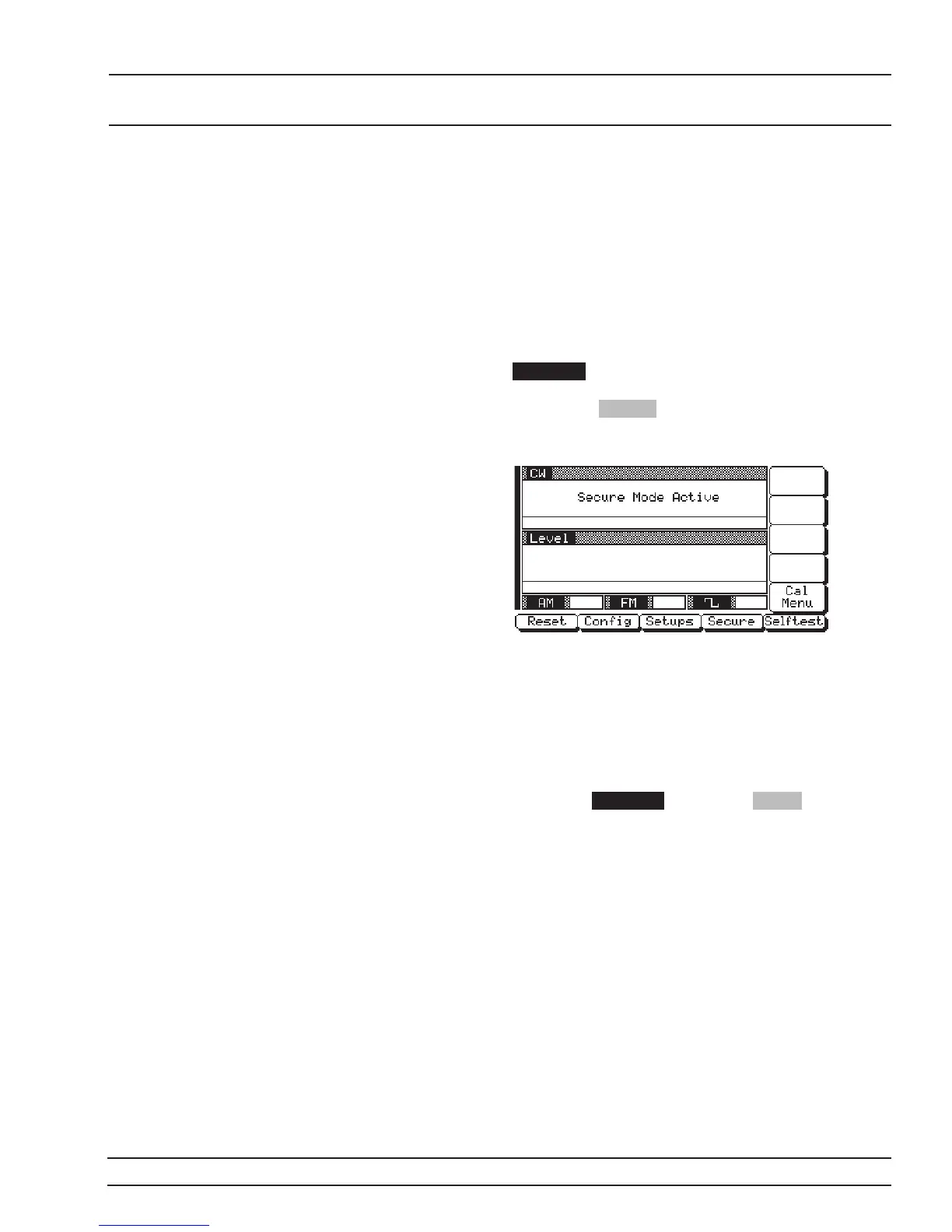
Next, press Secure . This places the signal genera
-
tor in the secure mode and the Secure Menu (below)
is displayed.
NOTE
During secure mode, all main menu keys
and menu soft-keys operate normally. The
menu soft-key labels are displayed and
change with menu selections. Only the
parameter display is disabled.
To return the 681XXC to unsecured (normal) opera
-
tion, press SYSTEM , then press Reset .
681XXC OM 3-91
LOCAL (FRONT SECURE
PANEL) OPERATION OPERATION














 To Next Page