Manual
Sweep Mode
In manual sweep frequency mode, the output fre
-
quency can be manually tuned in phase-locked steps
between the selected start and stop frequencies us
-
ing the rotary data knob. As the knob is turned, the
current output frequency is displayed on the data
display as Fm. The step size or number of steps be
-
tween the start and stop frequencies are controlla
-
ble from the manual sweep menu. The step size
range is 1 kHz (0.1 Hz with Option 11) to the full
frequency range of the instrument; the number of
steps range is 1 to 10,000.
Selecting
Manual
Sweep Mode
To place the 681XXC in manual sweep frequency
mode, press the main menu key
CW/SWEEP
SELECT
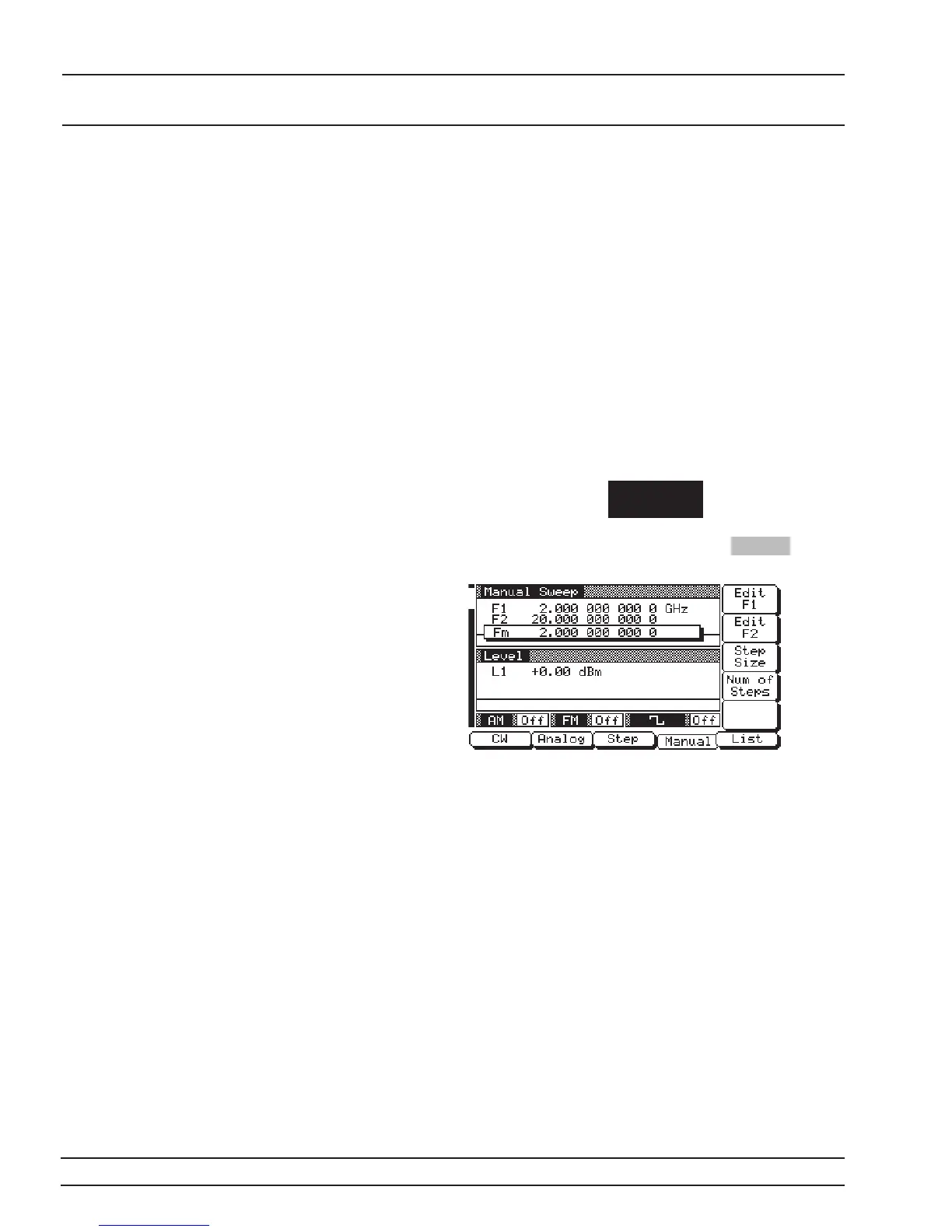
At the resulting menu display, press Manual . The
Manual Sweep Menu (below) is then displayed.
This menu lets you perform the following:
q
Select a sweep range (edit the start and stop
frequency parameters).
q
Set the step size or number of steps (previously
described on page 3-30).
3-32 681XXC OM
LOCAL (FRONT SWEEP FREQUENCY
PANEL) OPERATION OPERATION














 To Next Page