sweep. In the Level Sweep mode, this menu
lets you select the power sweep range parame
-
ters to use.
q
MODULATION—This menu provides you
with access to sub-menus that let you select
the type of signal modulation (AM, FM, or
Square Wave) and control the option settings
for each type.
q
SYSTEM—This menu provides you with ac
-
cess to sub-menus that let you (1) reset the in
-
strument to factory-selected default values; (2)
configure the front panel, rear panel, RF, and
GPIB; (3) set incremental sizes for editing fre
-
quency, power level, and time parameters; (4)
save or recall instrument setups; (5) disable
front panel data display; (6) perform instru
-
ment self-test; and (7) perform reference oscil
-
lator calibration.
Main Menu Key Cursor
With the exception of the SYSTEM key, when any
main menu key is pressed, the main menu that is
displayed contains a cursor positioned adjacent to
the pressed key (Figure 3-2). The cursor is displayed
on all sub-menus of the current menu until a differ-
ent main menu key is pressed.
When the SYSTEM key is pressed, the System
menu is displayed. The System menu and its sub-
menus do not contain a main menu key cursor.
Menu Soft-Keys
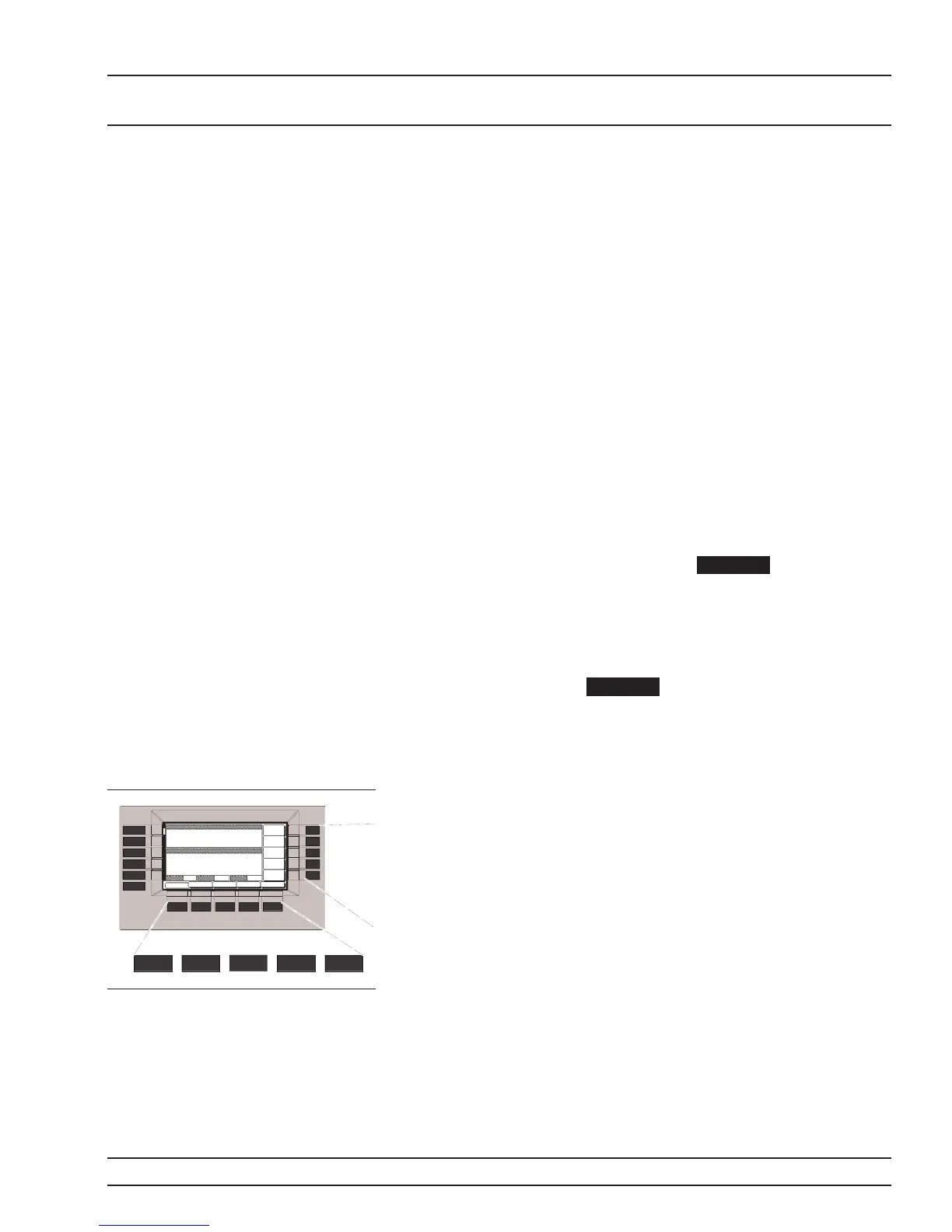
As shown on the left, five menu soft-keys are located
below the data display and five menu soft-keys are
located to the right of the data display. In general,
the menu soft-keys located below the data display
select a sub-menu of the current main (top-level)
menu display; the menu soft-keys located to the
right of the data display either control a function on
the current menu display or select an additional
sub-menu. Menu labels that identify the current
function of each soft-key are shown on the menu dis
-
play adjacent to the soft-keys.
681XXC OM 3-11
LOCAL (FRONT DATA DISPLAY
PANEL) OPERATION AREA
SYSTEM
MODULATION
CW/SWEEP
SELECT
FREQUENCY
CONTROL
LEVEL/ALC
SELECT
LEVEL
CONTROL














 To Next Page