EasyManua.ls Logo

AnyCubic MEGA ZERO - Page 46

AnyCubic MEGA ZERO
47 pages
Print Icon
To Next Page IconTo Next Page
To Previous Page IconTo Previous Page
Loading...
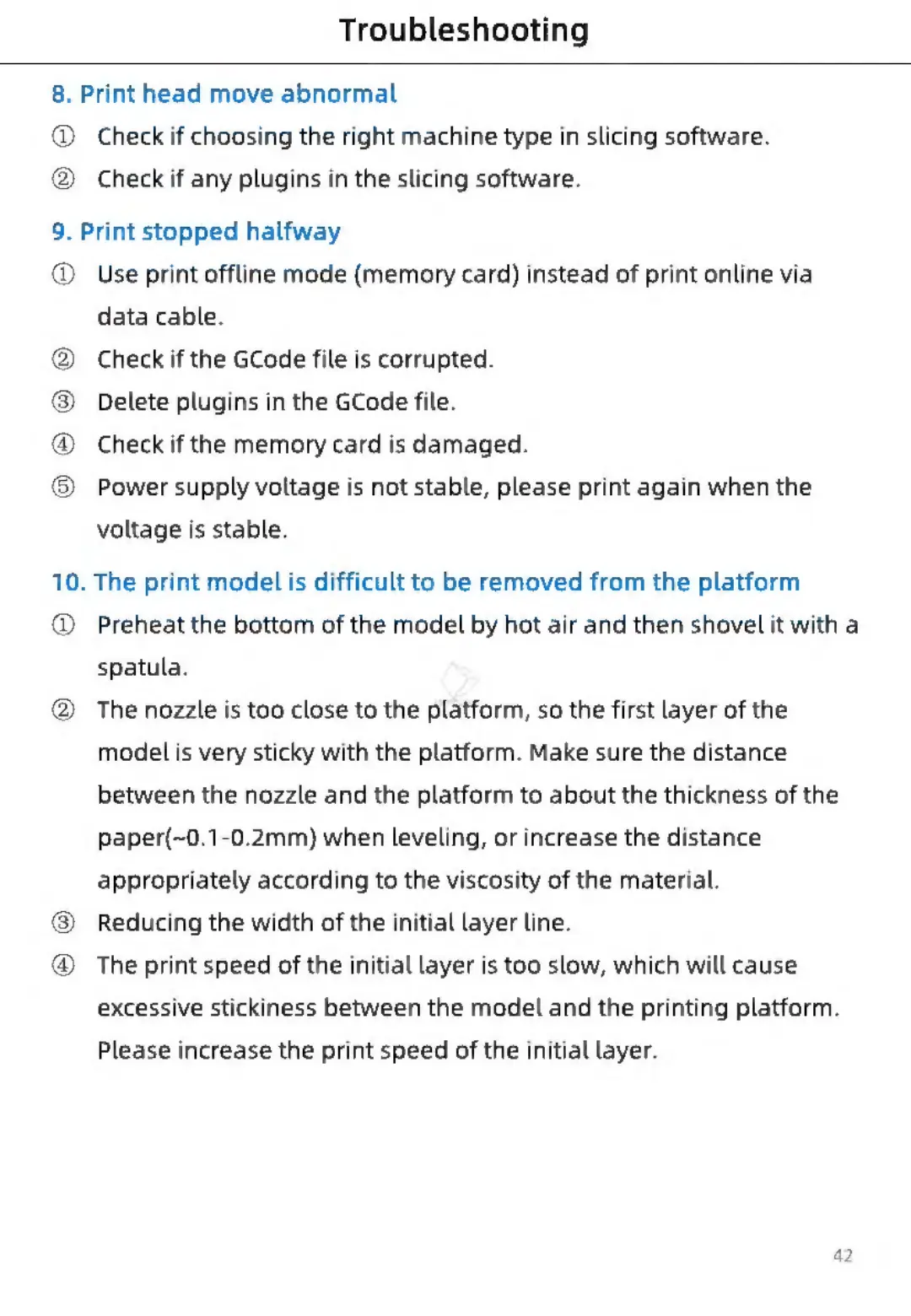
Troubleshooting
8.
Print
head
move
abnormal
@
®
@
Check
if
choosing
the
right
machine
type
in
slicing
software.
Check
if
any
plugins
in
the
slicing
software.
9.
Print
stopped
halfway
®
@
®
®
6)
®
10.
@
@
2)
©
®
Use
print
offline
mode
(memory
card)
instead
of
print
online
via
data
cable.
Check
if
the
GCode
file
is
corrupted.
Delete
plugins
in
the
GCode
file.
Check
if
the
memory
card
is
damaged.
Power
supply
voltage
is
not
stable,
please
print
again
when
the
voltage
is
stable.
The
print
model
is
difficult
to
be
removed
from
the
platform
Preheat
the
bottom
of
the
model
by
hot
air
and
then
shovel
it
with
a
spatula.
The
nozzle
is
too
close
to
the
platform,
so
the
first
layer
of
the
modelis
very
sticky
with
the
platform.
Make
sure
the
distance
between
the
nozzle
and
the
platform
to
about
the
thickness
of
the
paper(~0.1-0.2mm)
when
leveling,
or
increase
the
distance
appropriately
according
to
the
viscosity
of
the
material.
Reducing
the
width
of
the
initial
layer
line.
The
print
speed
of
the
initial
layer
is
too
slow,
which
will
cause
excessive
stickiness
between
the
model
and
the
printing
platform.
Please
increase
the
print
speed
of
the
initial
layer.

Related product manuals