EasyManua.ls Logo

AnyCubic MEGA ZERO - Page 45

AnyCubic MEGA ZERO
47 pages
Print Icon
To Next Page IconTo Next Page
To Previous Page IconTo Previous Page
Loading...
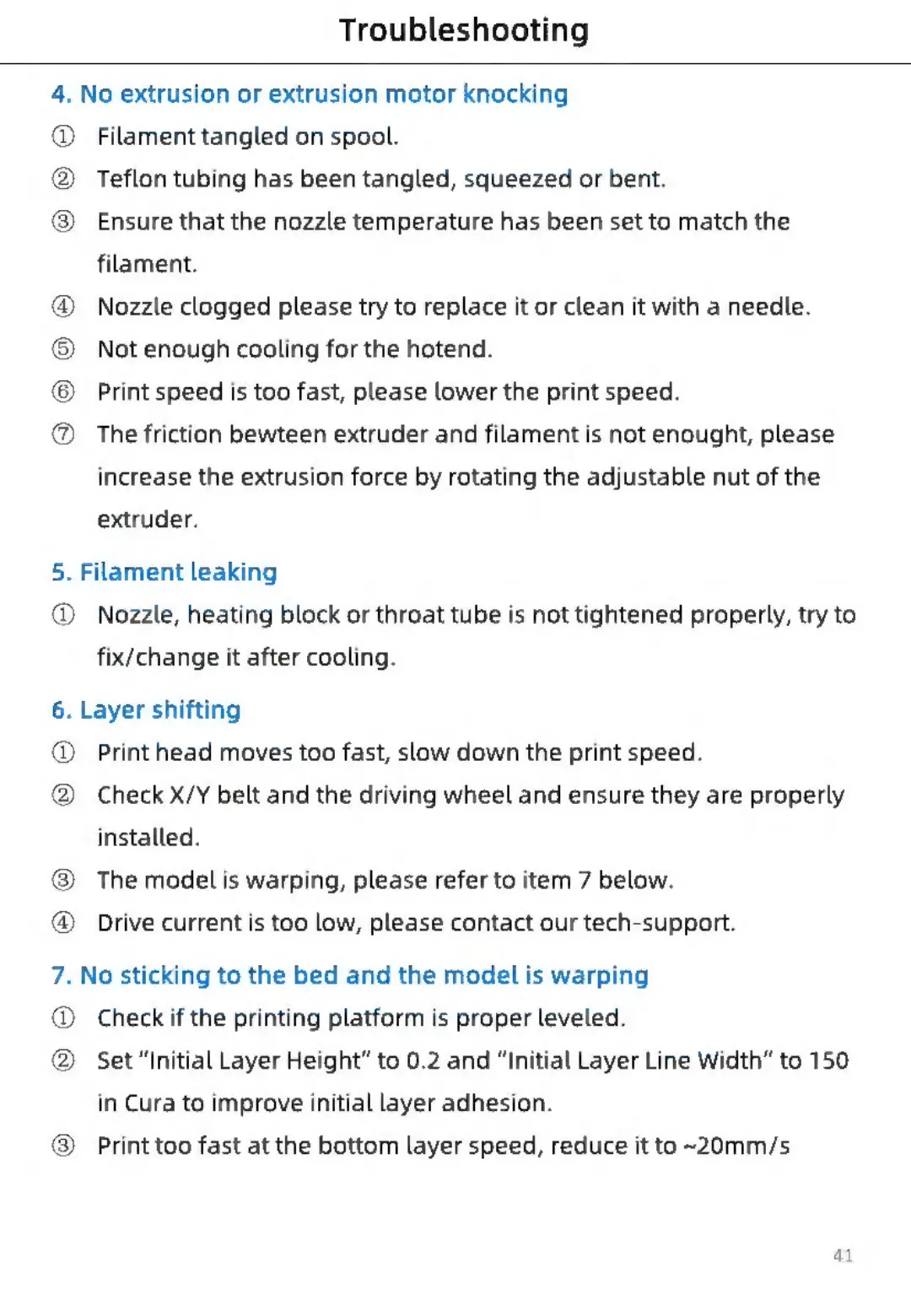
Troubleshooting
4.
No
extrusion
or
extrusion
motor
knocking
®
2)
®
8eeeae®e
Filament
tangled
on
spool.
Teflon
tubing
has
been
tangled,
squeezed
or
bent.
Ensure
that
the
nozzle
temperature
has
been
set
to
match
the
filament.
Nozzle
clogged
please
try
to
replace
it
or
clean
it
with
a
needle.
Not
enough
cooling
for
the
hotend.
Print
speed
is
too
fast,
please
lower
the
print
speed.
The
friction
bewteen
extruder
and
filament
is
not
enought,
please
increase
the
extrusion
force
by
rotating
the
adjustable
nut
of
the
extruder.
5.
Filament
leaking
®
Nozzle,
heating
block
or
throat
tube
is
not
tightened
properly,
try
to
fix/change
it
after
cooling.
6.
Layer
shifting
®
®
Print
head
moves
too
fast,
slow
down
the
print
speed.
Check
X/Y
belt
and
the
driving
wheel
and
ensure
they
are
properly
installed.
The
model
is
warping,
please
refer
to
item
7
below.
Drive
current
is
too
low,
please
contact
our
tech-support.
7.
No
sticking
to
the
bed
and
the
model
is
warping
@
@
®
®
Check
if
the
printing
platform
is
proper
leveled.
Set
“Initial
Layer
Height”
to
0.2
and
“Initial
Layer
Line
Width”
to
150
in
Cura
to
improve
initial
layer
adhesion.
Print
too
fast
at
the
bottom
layer
speed,
reduce
it
to
~20mm/s
41

Related product manuals