16
BASIC OPERATIONS
into microphone. Please keep around 2.5-5cm distance between
microphone and your lip. And please speak in normal tone to make
the receiver obtain best tone quality.
Emergency Alarm Function
Press this key for over 3 second to start the Emergency Alarm
Function.
Once this function is started, the transceiver will voice alarm
beep, start transmitting and send the alarm beep to companions
or systems. Restart the power supply to exit the emergency alarm
function.
To prevent wrong operation, users can start Keypad Lockout
function to lock key and key.
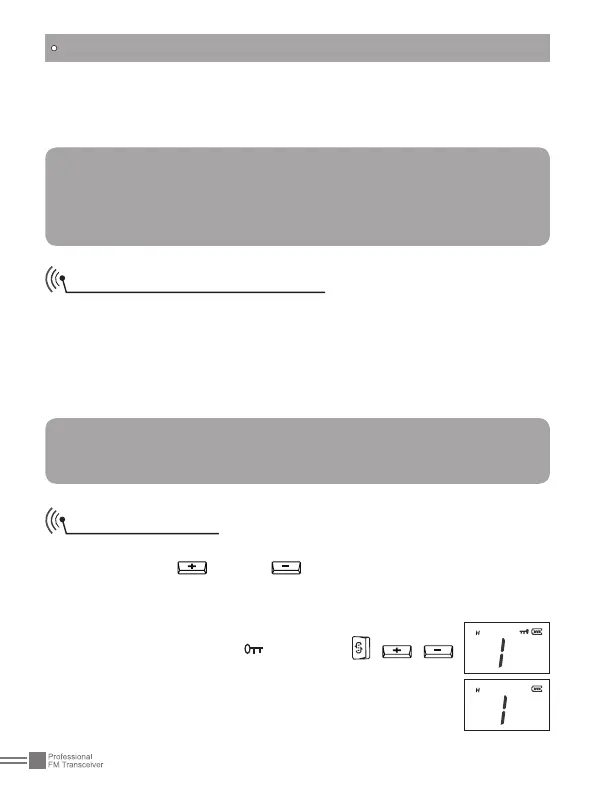
To start Keypad Lockout function, press and hold Emergency
Alarm key while turning on the transceiver, and then release the
key when the transceiver emits "DU". Then, the
LCD displays the icon
. The keys , ,
will be invalid when this functions is started. Repeat
the above operations to disable the keypad lockout
function with "DU DU" prompt.
Note:
Pressing and holding [PTT], if the backlight lightens for
10seconds and goes out afterwards and TX icon displayed on
the LCD, the transceiver is transmitting. Release the PTT to
receive.
NOTE:
Factory default: Disabled.
You can enable this function via programming software.
Keypad Lockout



 To Next Page