21
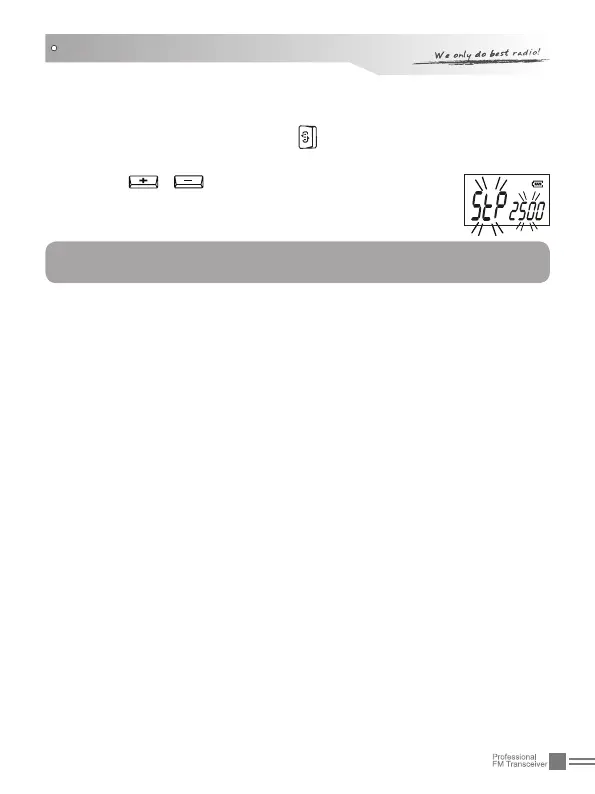
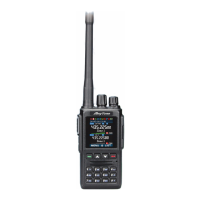
Under standby state, Press 1. repeatedly till "STP" icon and
current value of frequency step are displayed on the LCD.
Press 2.
/ to select desired value. There are
ve options: 5k, 6.25k, 10k, 12.5k.
Press [PF1] or [PF2] to exit.3.
channel mode. Under VFO mode, users can upward or downward
the frequency by frequency step.
FUNCTIONS SETUP
NOTE:
This function is invalid under channel mode.


 To Next Page