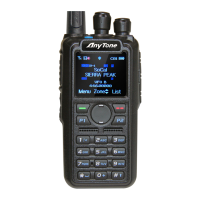
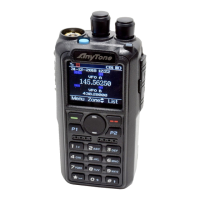
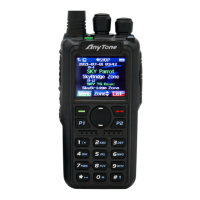
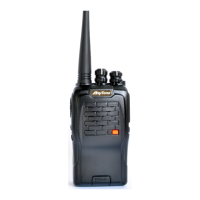
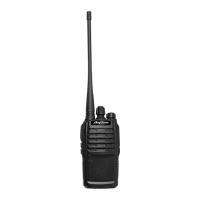
Professional
FM Transceiver
25
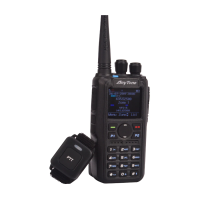
Man Down Alarm
Recording
Play and Send the Record
1. Press Menu to enter main Menu, press UP/DOWN key to Settings.
2. Select Radio Set, press UP/DOWN key to 25 Man Down.
3. Select Man Down On to turn on the function.
When the function is on, the radio will start alarm if the radio is falling to the ground. Raise the radio
to stop the alarm.
Turn on/ off the recording
1. Press Menu to enter main Menu, press UP/DOWN key to Record.
2. Select Record Switch, select on or off to turn on or off the Record.
When the function is on, the radio will auto record the talking during communication.
Play the Record
1. Press Menu to enter main Menu, press UP/DOWN key to Record.
2. Select Record List to enter Record list, select a Record list to enter the Record le
Note: When GPS is on and positioning successfully, it will auto send out the GPS information when
radio starts the alarm.


 To Next Page