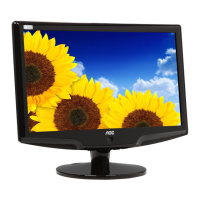
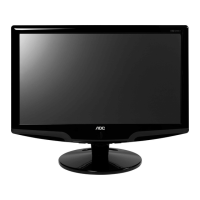
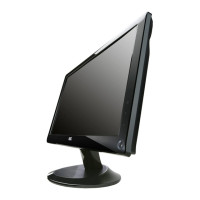
Service Manual AOC 931SW+
32
Key Board---OSD no working
8.3 Software update step(SOP)
After replacing the Main board and the Panel, Check if white-balance is within the specs ,then re-writing DDC is
necessary.
Product information
U402 056G2233501 FLASH MX25L2026DM1I-12G 2Mb SOP-8
SMTCR-U402 100GARV9001B11 AOC931SW+_RTD2270_TPM190A1_100611_V001
CBPCAR5ACJ1 mainboard G3244-2-2-X-3-100609
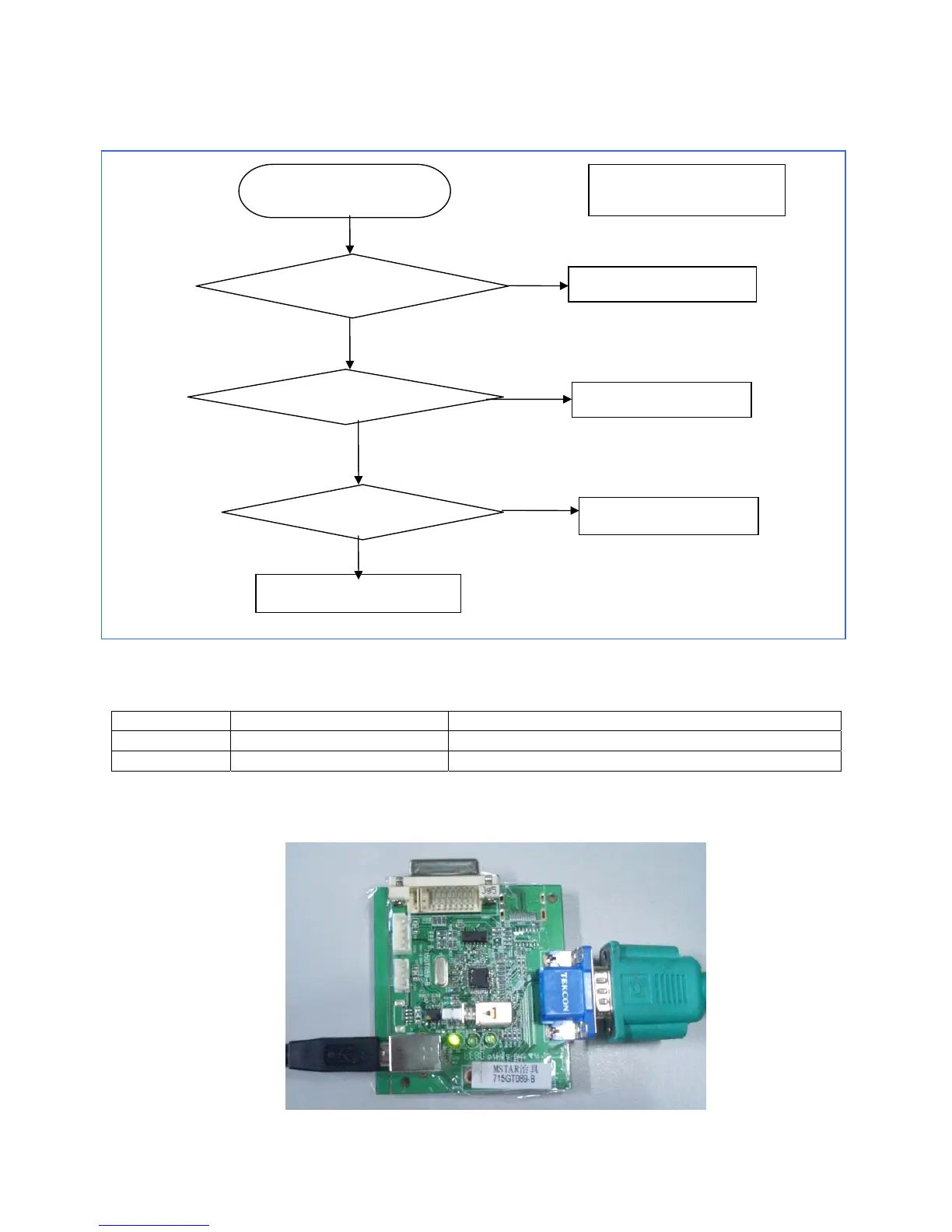
Step1:Connection
1. Connect USB cable to the PC USB port and the ISP tool,(715GT089-B);
2. Will be the Monitor VGA cable to connect ISP tool ;
3. ISP tool card connection as shown below
Check flow chart
For the key board
OSD is unstable or not
working
Is Key Pad Board connecting
normally?
Is Button Switch normally?
Is Key Pad Board normally?
Check Main Board
Connect Key Pad Board
Replace Button Switch
Replace Key Pad Board
OK
NG
NG
NG
OK
OK


 To Next Page
 Loading...