Service Manual AOC 931SW+
38
8.4 Writing DDC program step
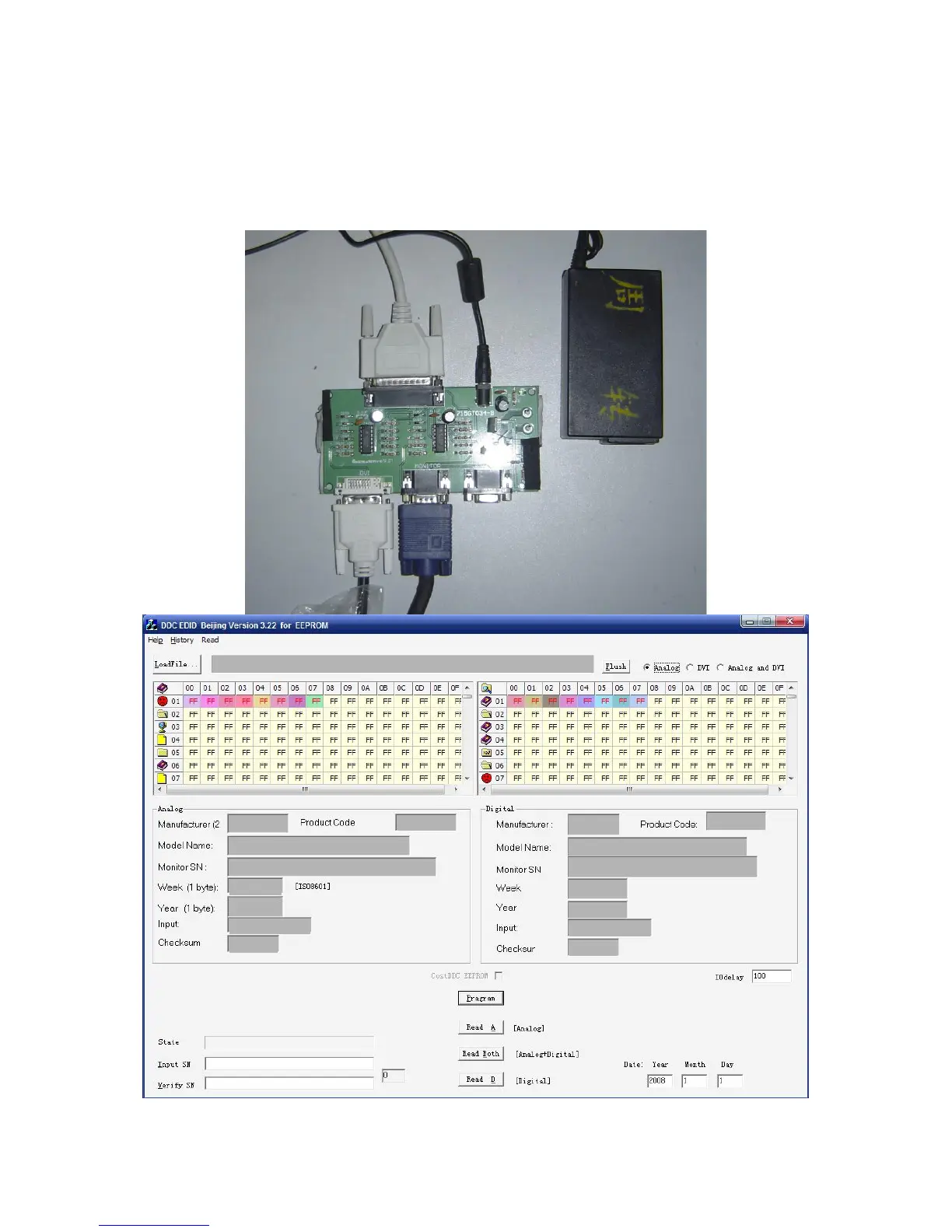
1. Prepared the PC with Windows XP system, DDC recording device (12V)for figure below
2. Connect the DDC recording device and the PC through PC parallel port
3. setup “Port95nt” driver program to PC ,
4. select relevant program and run it, below figure will appear
5, Press “LoadFile”, select EDID -model of product, and input port;
6. key in SN,and other informatiom, key-press “Pragram” button;


 To Next Page
 Loading...