17
INNI_USER MANUAL_191225PS
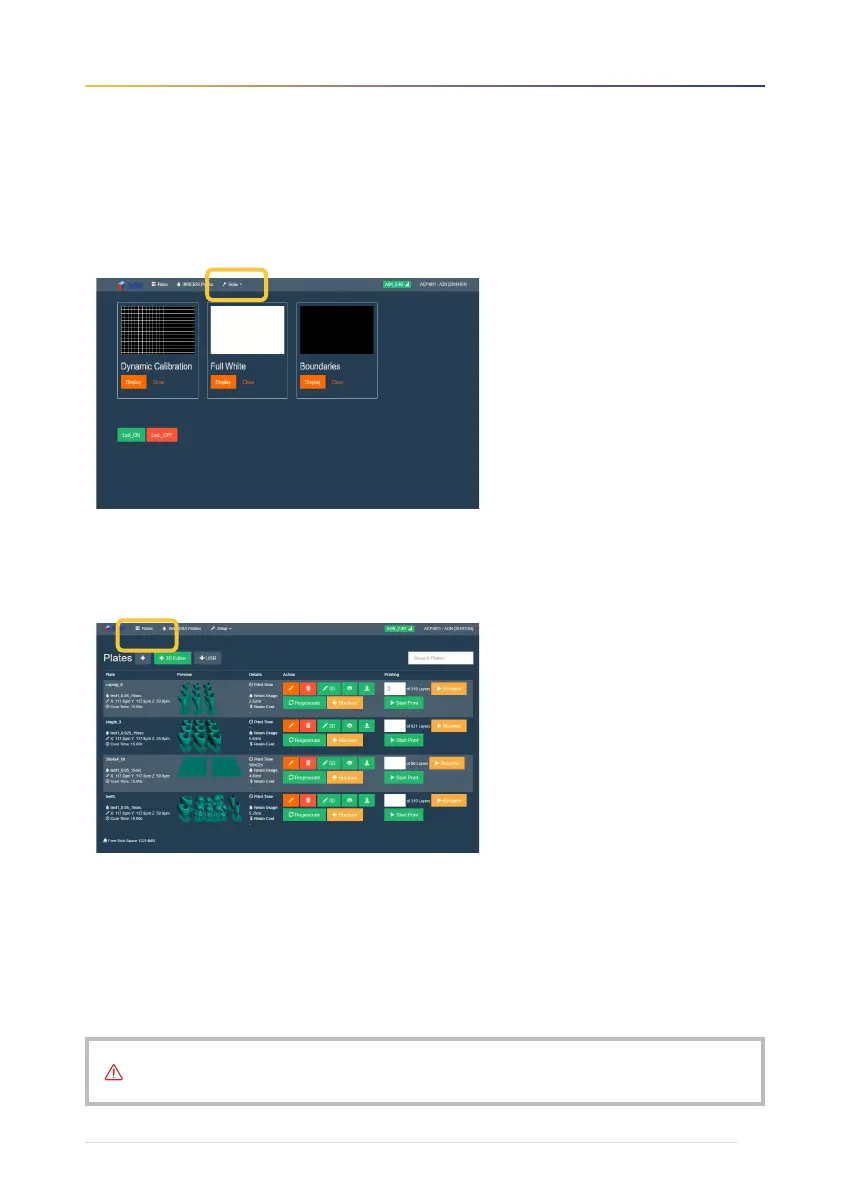
3. UV LCD projector :
Go to Setup → Projector Calibration. The following screen will appear.
4. Printing files :
Click on 'Plates'. The following screen will appear.
For the selected file output, be sure to click the ‘Regenerate’ button to rework the slicing.
The file can be reliably used after refreshing.
For more details, please refer to the AON Slicer user manual and video, www.aoninni.com


 To Next Page