24
Picture
Picture Mode
• Standard: For common environment.
• Soft
• User: Memorizes user’s settings.
• Football: For football game.
• Game Dark: For game content in a dark environment.
Color Temperature
• Color Temp Mode: Adjusts the color temperature. At
higher color temperatures, the screen looks colder; at
lower color temperatures, the screen looks warmer.
You can adjust Red, Green, Blue level in "User" mode.
Aspect ratio
Use this function to choose your desired aspect ratio.
• Auto: Keeps the image with original width-height
ratio and maximizes the image to fit native horizontal
or vertical pixels.
• 4:3: The image will be scaled to fit the screen and
displayed using a 4:3 ratio.
• 16:9: The image will be scaled to fit the screen and
displayed using a 16:9 ratio.
Picture
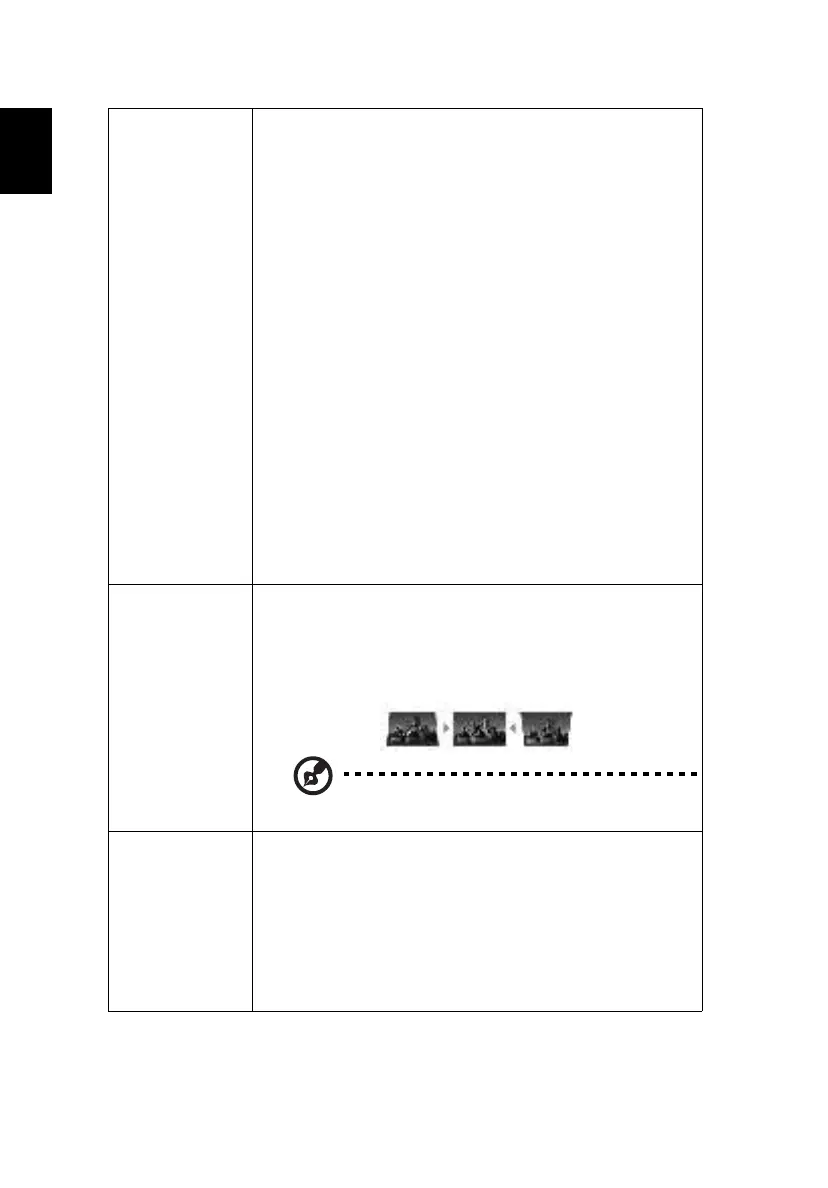
Keystone
• Auto V. Keystone: Automatically adjusts image
distortion caused by tilting projection (±40 degrees).
• V. Keystone: Manually adjusts image distortion caused
by tilting projection (±40 degrees).
This function is unavailable when Auto V. Keystone
is set to "On".
Sound
Sound Mode
There are several factory-preset sound modes optimized
for different audio categories.
Balance
Emphasises sound from the left or right channels.
Sound Mode
• Off: Turns off the surround sound effect.
• Surround: Enables virtual surround sound effect.


 To Next Page