H
H
o
o
w
w
t
t
o
o
i
i
n
n
s
s
t
t
a
a
l
l
l
l
t
t
h
h
e
e
U
U
P
P
S
S
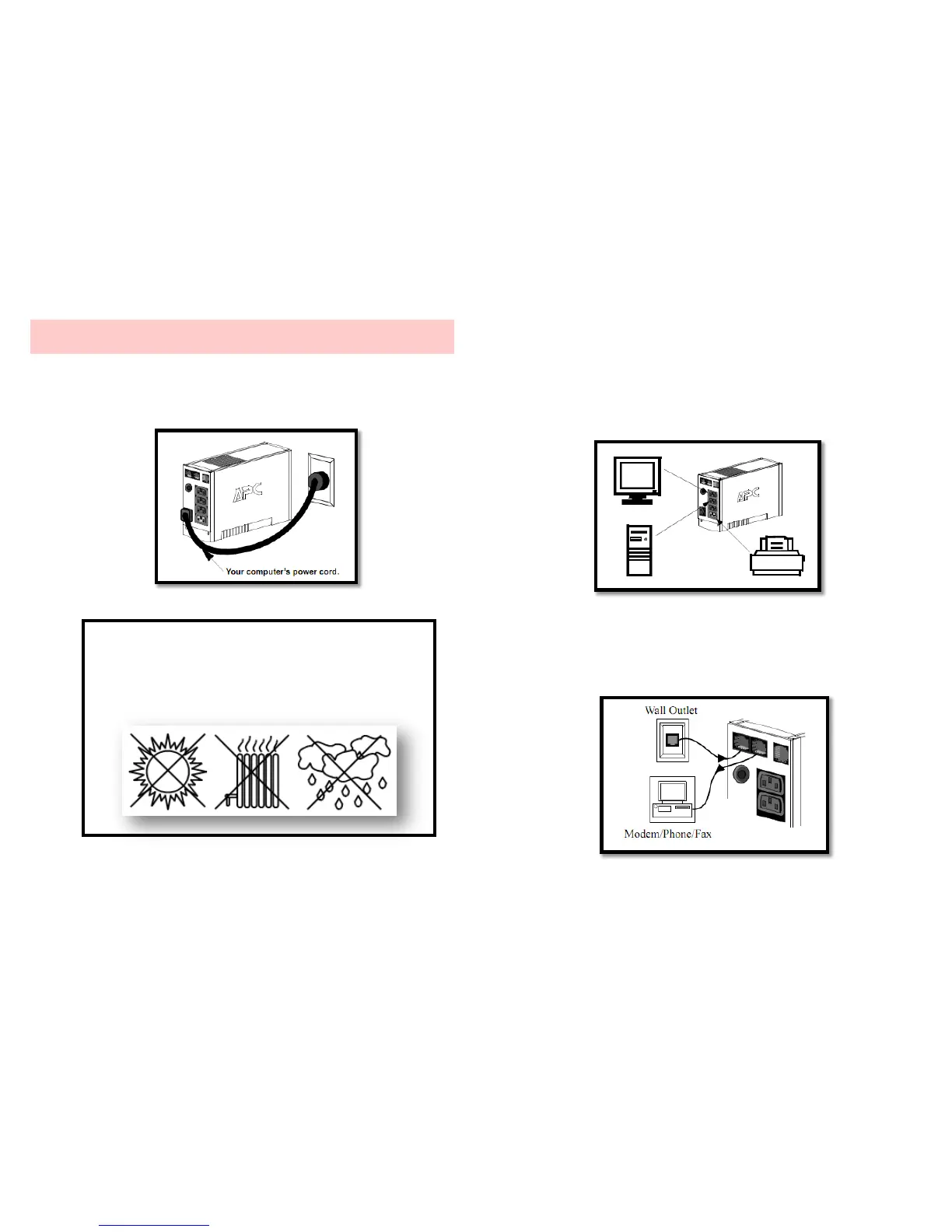
1. Plug the UPS into a wall outlet with your computer’s power
cord to connect with AC power system.
2. Connect CPU and monitor to the outlets for computer and
monitor.
3. Connect printer, fax machine, and scanner to Surge
Protection Outlet.
4. Connect phone line to Tel & Modem Port which is
compatible with Home Phoneline Networking Alliance and
Digital Subscriber Line standards.
Caution!
Avoid placing the UPS in direct sunlight,
excessive heat, high humidity, or in contact with
liquids of any type.



 To Next Page