POS MV V4 User Guide
Fault Identification
Copyright © Applanix Corporation, 2009
9-11
IMU Tab
The IMU Status pane, Figure 52, identifies the raw status bits from the IMU. If
any of these bits have a red light please contact Applanix Customer Support
representative for assistance, refer to page
A-1.
GNSS Corr. Tab
The In Use pane, Figure 52, shows the types of corrections that the
navigation algorithm may use. A green light indicates the item that is currently
being used.
The Base GNSS pane indicates the status of received data on the base
GNSS COM port. A green light indicated no problems; a red light indicates a
problem.
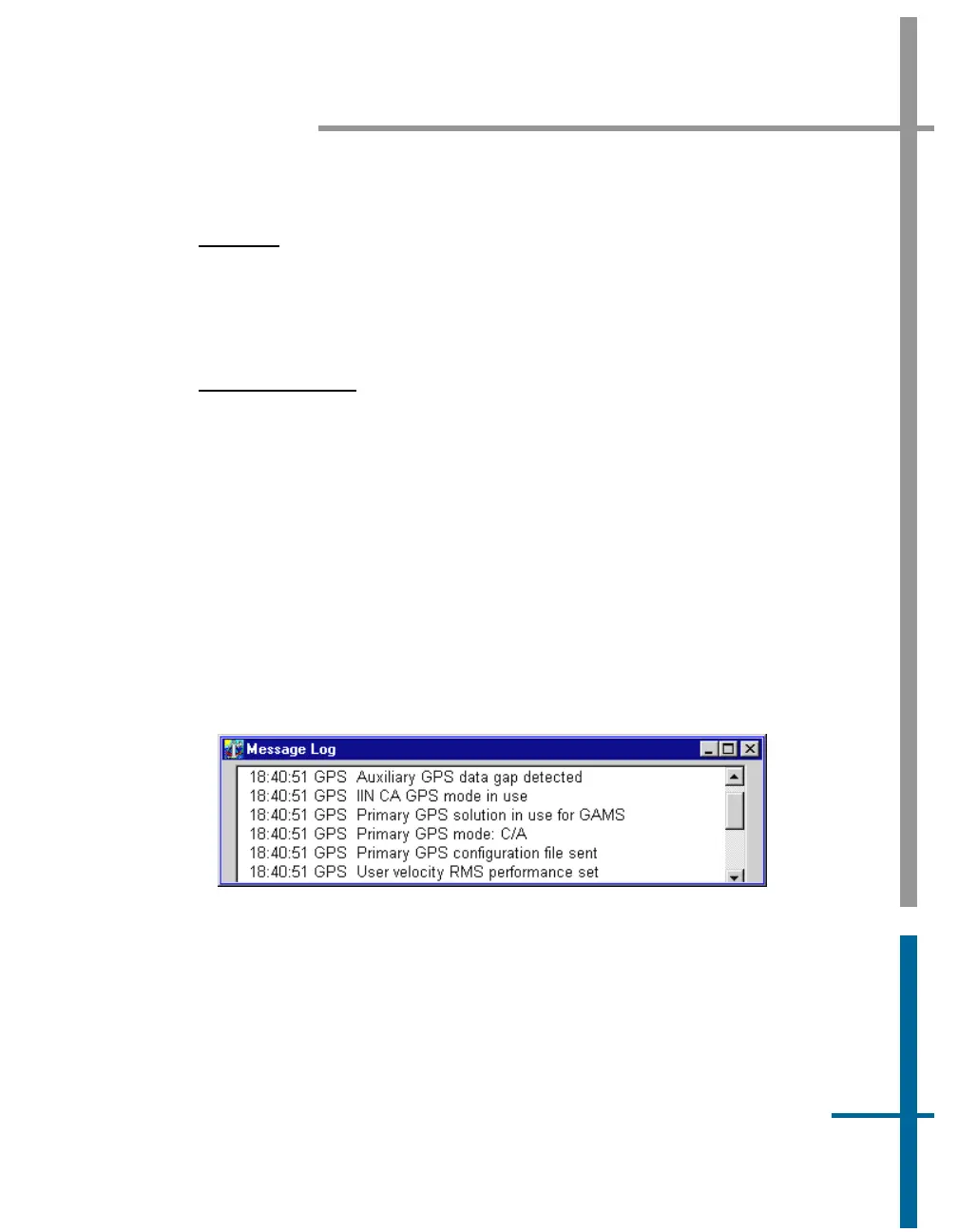
Message Log
Access the Message Log by selecting View, Message Log from the MV-
POSView menu bar, see
Figure 53.
Figure 53: POSView Message Log
Table 34 contains messages that can appear in the message log. Messages
marked with an asterisk (*) relate to indicators on the Fault Detection
window.
Note: Some cases of incorrect GNSS configuration is handled automatically
if the GNSS automatic reconfiguration feature is enabled; refer to the
GNSS



 To Next Page