POS MV V4 User Guide
Fault Identification
Copyright © Applanix Corporation, 2009
9-41
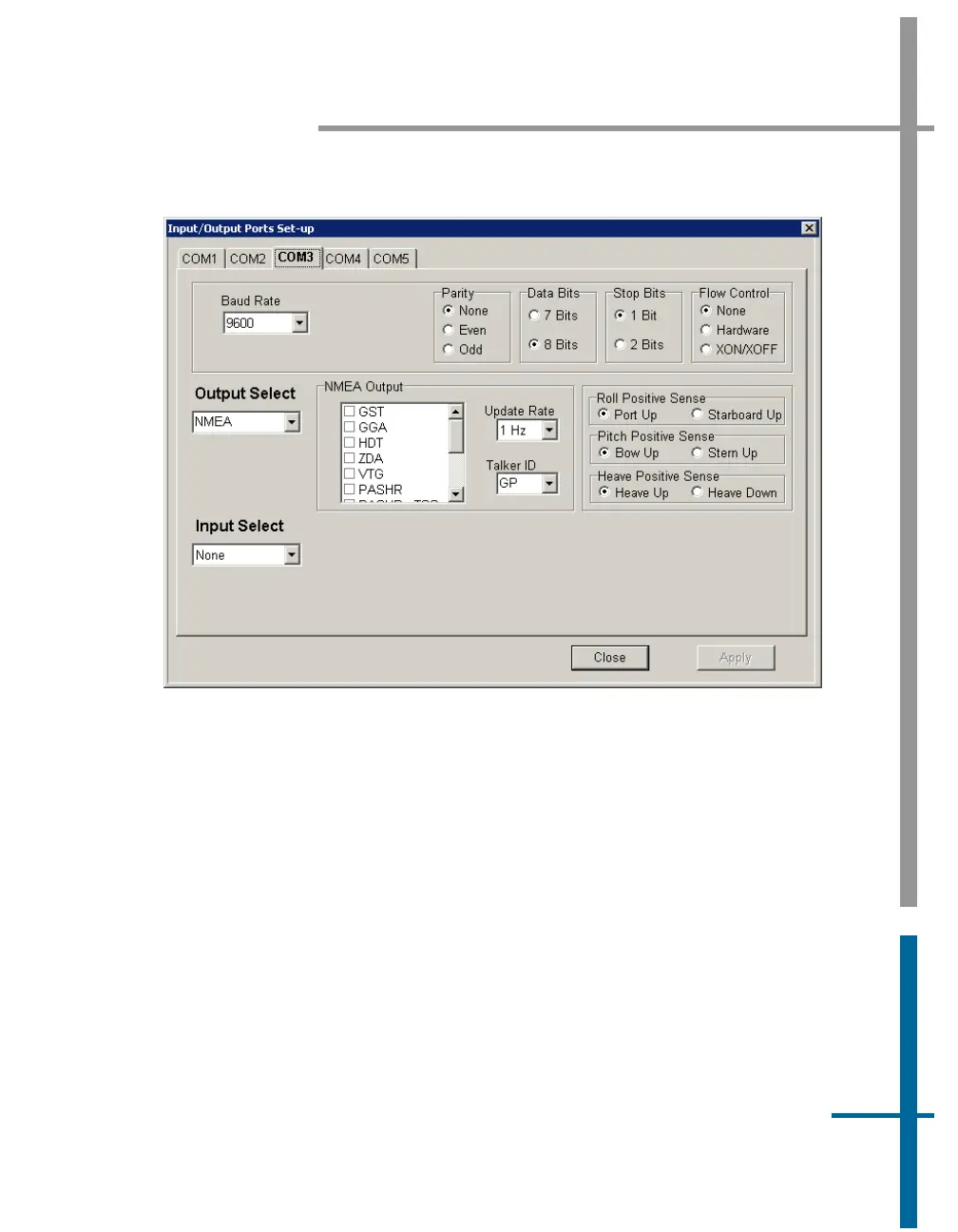
Figure 60: POSView Input/Output Port Setup
Note: Dynamically configurable COM ports add great flexibility, but can also
cause problems if inadvertently reassigned.
To check the output functions (NMEA and Binary) perform the following steps:
1. Ensure that POS is navigating and is in Degraded Nav mode or
better. Binary data is not output until this mode is reached.
2. Select Diagnostics, NMEA & Binary Output from controller menu
bar. Verify displayed Port# matches selected COM port (e.g. Port# 1
= COM 1), see
Figure 61.
3. Check Write Failure field. If value increases, indicates PCS hardware
interface problem; try another COM port. Reassign NMEA or Binary



 To Next Page