Installing Your Server in a Rack 27
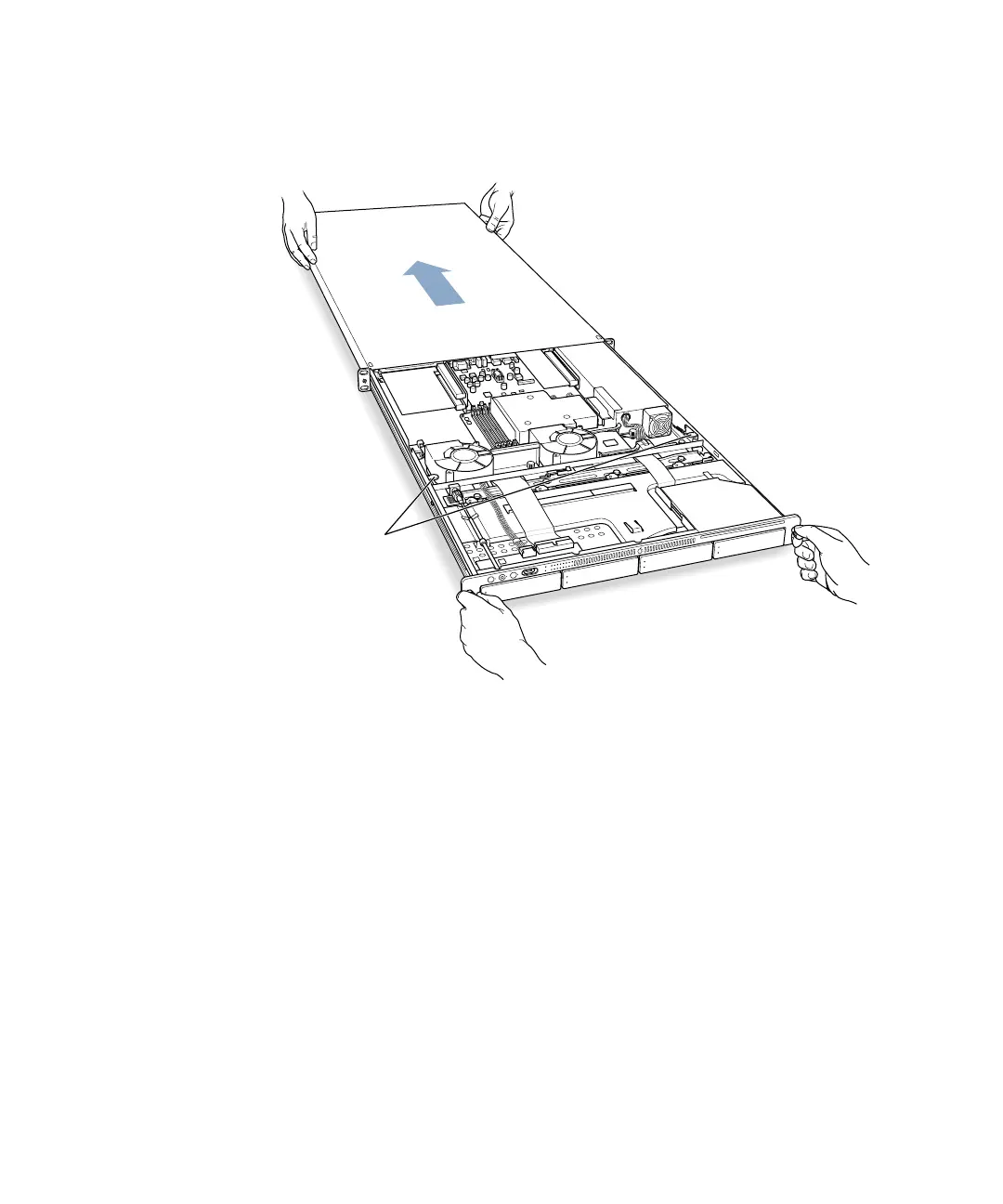
5 Remove the cover of the server’s enclosure by sliding it toward the back of the unit.
Hold the front thumbscrews to keep the main part of the server in place as you slide the
cover toward the back.
6 When the cover is almost off, press the yellow release latches at the sides of the server’s
interior to release the cover, then take the cover off.
When you’ve removed the cover, set it aside.
With the
server resting
on a flat, clean,
and stable surface,
slide the cover
completely to the
rear. Press these
two latches to
release the cover
from the server
and remove it.



 To Next Page