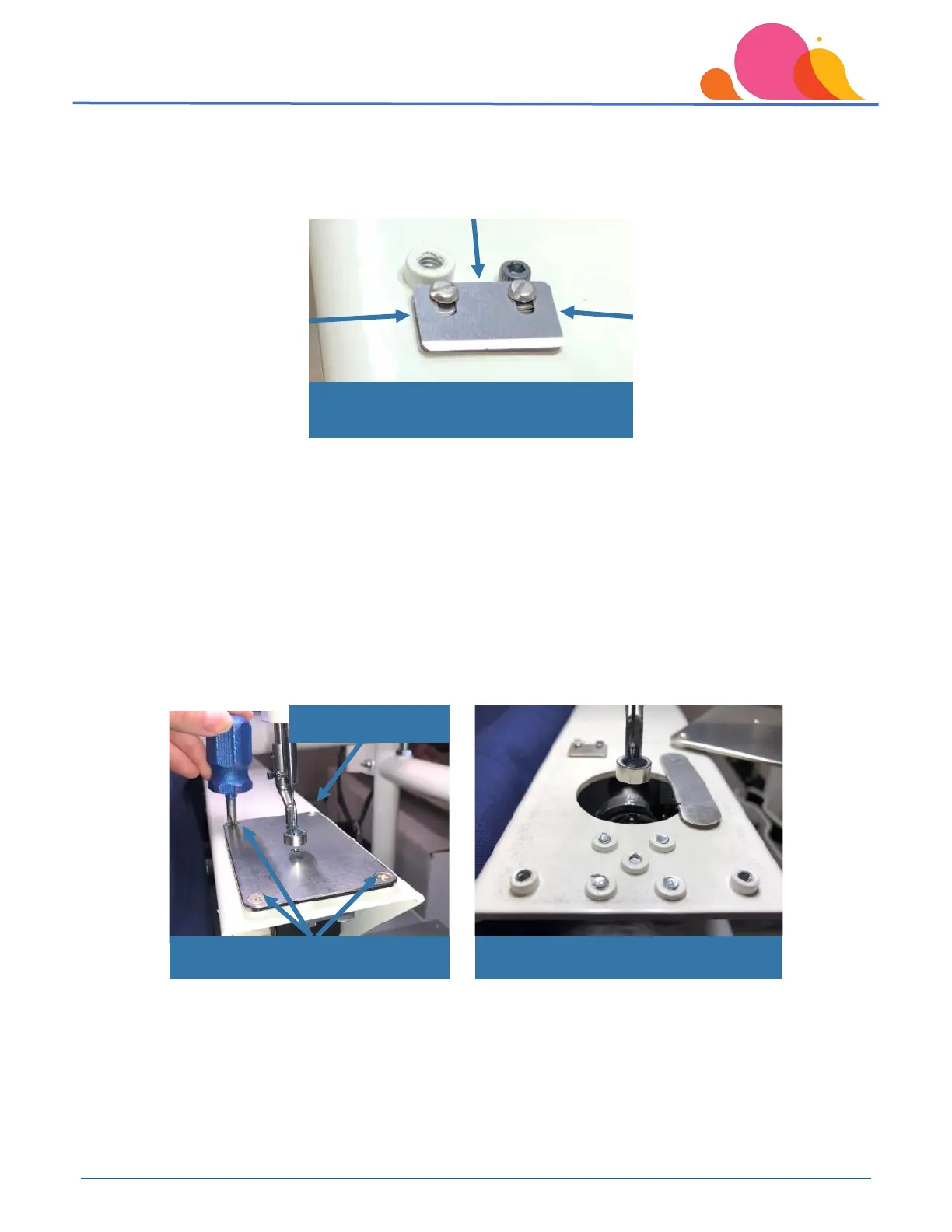
Once you have access to the thread cutter blades, use compressed air and blow between the blades themselves
from the back towards the front, and on each side. This will ensure the lint that is between the blades is completely
removed. You can also use a small pin or a business card and slide it between the blades to dislodge any lint that
may be stuck.
Blade Tension/Pressure Adjustment
Minor adjustments to thread cutter blades can be made by tightening the screws that hold the cutter blades down.
These adjustments should not be made until the blade area has been cleared of any lint, as tightening them with lint
between them will flatten the washers.
If you have not already moved the needle plate out of the way, remove the two front screws and the left rear screw
on the needle plate. Loosen the right rear screw, and pull the needle plate off to the right side of the machine.
Tighten the screw to hold the plate out of the way.
Needle plate off right side of machine
Use compressed air to clean between
blades from all sides



 To Next Page