Quick Troubleshooting Guide
If you are operating the machine in manual mode, be sure to begin moving the machine head immediately after
starting the machine to prevent thread breakage. When stopping the machine, turn the sewing motor off by
pushing the toggle switch away from the white dot on any handle.
Thread used should be industrial strength, preferably at least 50 weight. We recommend using polyester for
strength; however, if cotton thread is used, check the hook and bobbin case frequently to keep them clear of lint
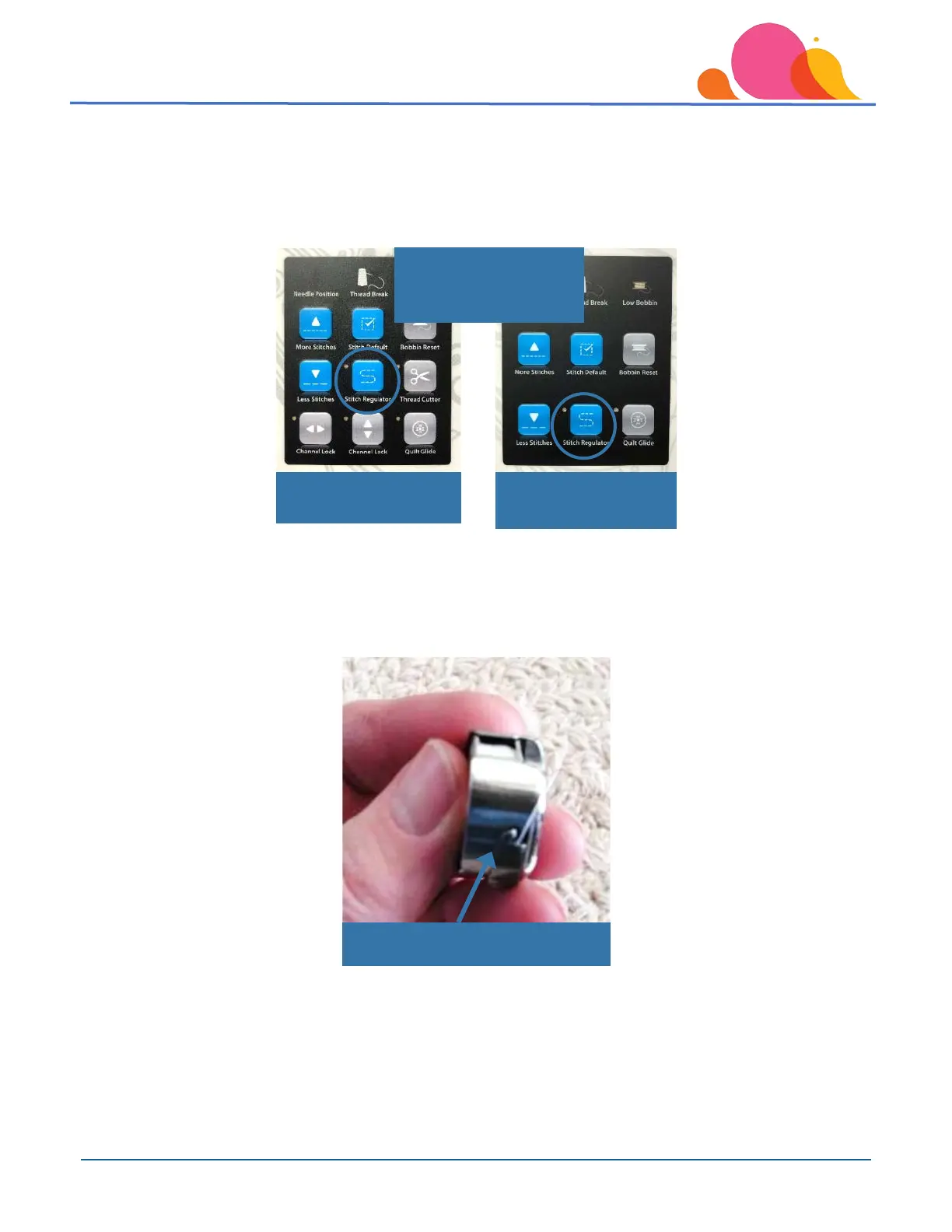
produced by cotton. Clean under the tension finger “tongue” with compressed air or the corner of a business card
- DO NOT USE A PIN – this can scratch the underside of the “tongue” and cause shredding.
Freddie Smart Touch
Panel
Indicator light for Stitch
Regulator off =



 To Next Page