Needle Up/Down Speed Adjustment (Needle Positioner)
Your machine goes through a “break-in” period during which the electronics loosen up. At some point you may find the
needle takes an extra stitch or more after you’ve stopped the sewing motor. Use this information to adjust your needle
up-down setting back to a single stitch.
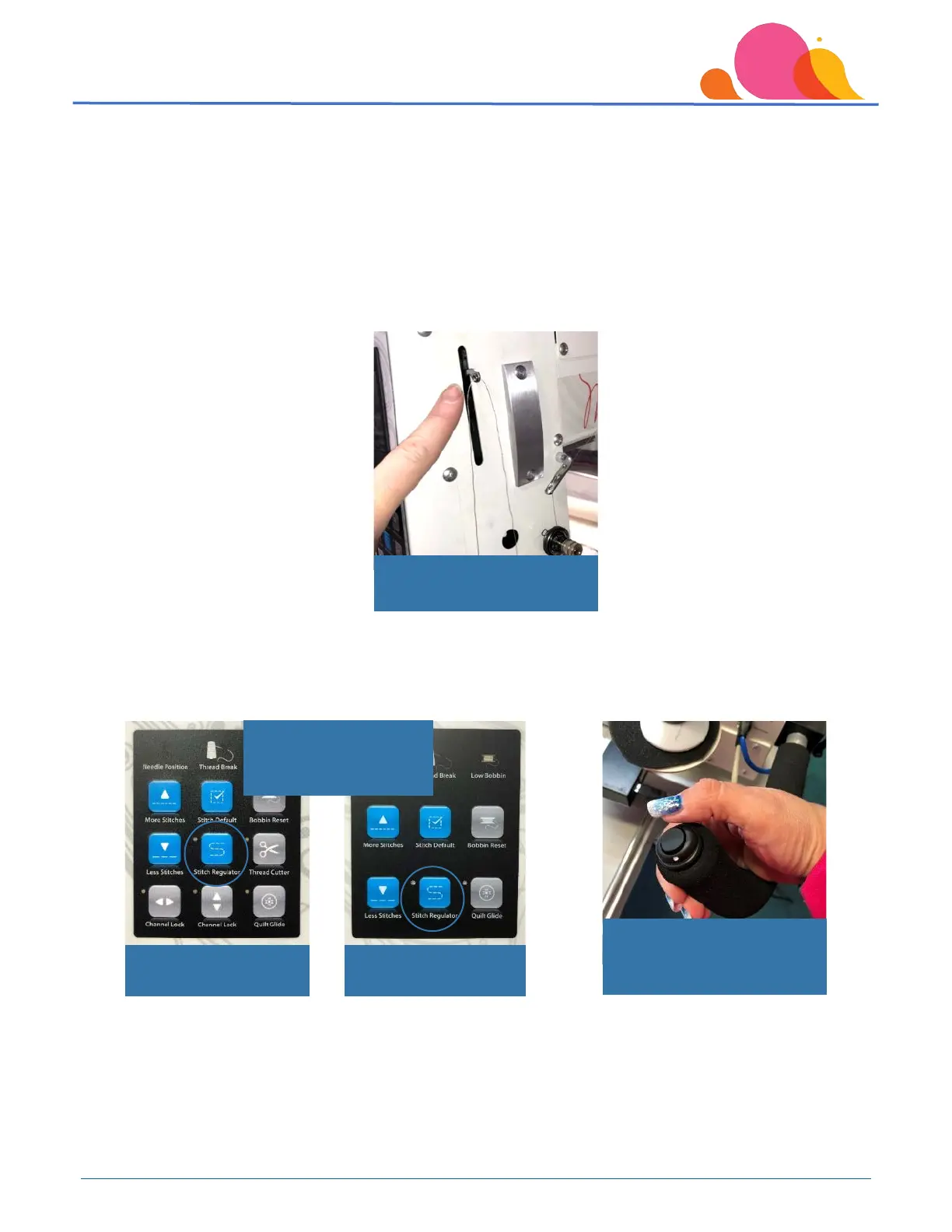
Remove the bobbin case and bobbin, and unthread the machine beyond the “take-up lever” on the side so that no
thread can get tangled in the hook during this adjustment. Before making the adjustment, the machine needs to be
‘warmed up’ – run in the ‘manual mode’ for 10-15 minutes.
Press the Stitch Regulator button on the Smart Touch Panel to enable you to run the machine in manual mode. Once
the Stitch Regulator light is off, push the toggle switch away from the white dot on any handle to start the machine
running in manual mode.
Unthread machine past take-
up lever
Freddie Smart Touch
Panel
Indicator light for Stitch
Regulator off =
from white dot to start



 To Next Page