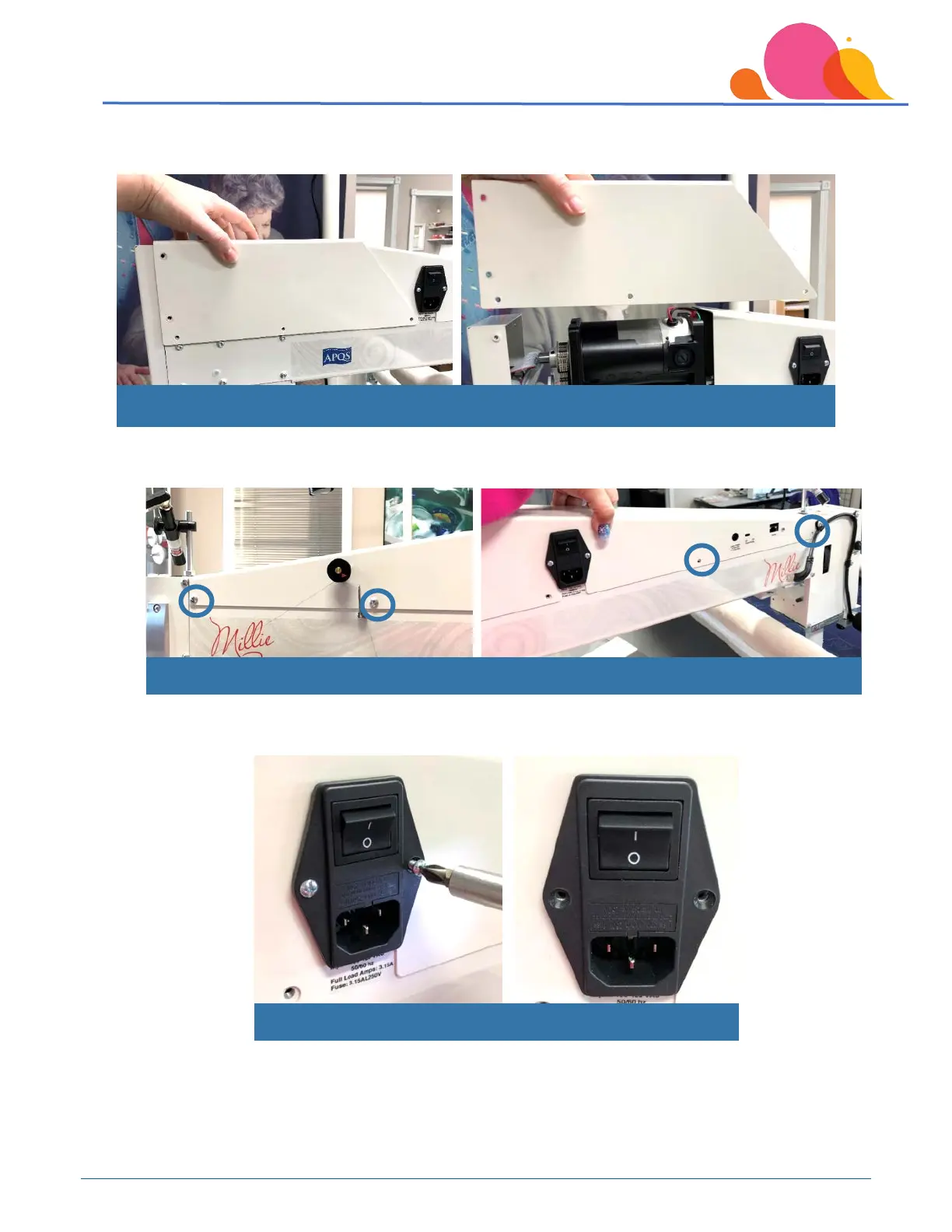
Once the screws are loose, lift the top cover straight up to remove it from the machine, and set it off to the
side of the machine. There are no wiring connections on this cover to disconnect.
Next, remove the screws from the top cover on the front of the machine.
You will also need to remove the 2 small Phillips screws that hold the power cord module in the machine.
Once all cover screws have been removed, lift top cover straight up and off the machine.
Remove both screws for power cord module
Remove remaining screws in top cover



 To Next Page