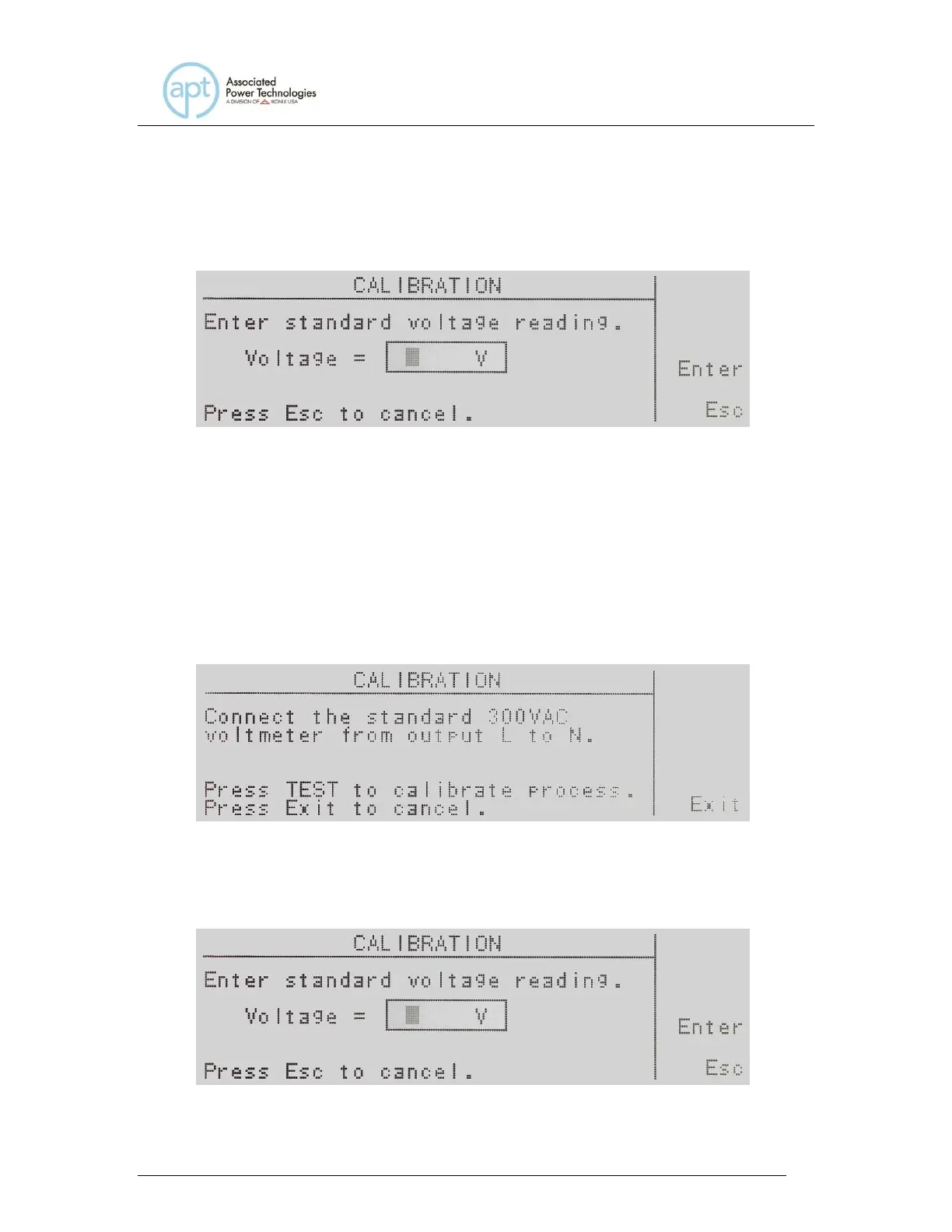
Follow the prompt message provided on the display, and press the Test/Reset
button to move into the calibration screen for voltage. If you press the Exit soft
key at this screen you return to the calibration mode screen.
Enter the voltage reading from the voltmeter with the numeric keypad. When the
value has been selected press the Enter soft key and you will be moved to the
next calibration parameter Voltage 300.0V. If you press the Esc soft key you will
be returned to the calibration mode screen.
10.13 Calibration of Voltage 300.0V
Use the up or down arrow soft keys to navigate to the Voltage 300.0V parameter
and press the Select soft key.
Follow the prompt message provided on the display, and press the Test/Reset
button to move into the calibration screen for voltage. If you press the Exit soft
key at this screen you return to the calibration mode screen.



 To Next Page