11.4.2 Saving New Settings
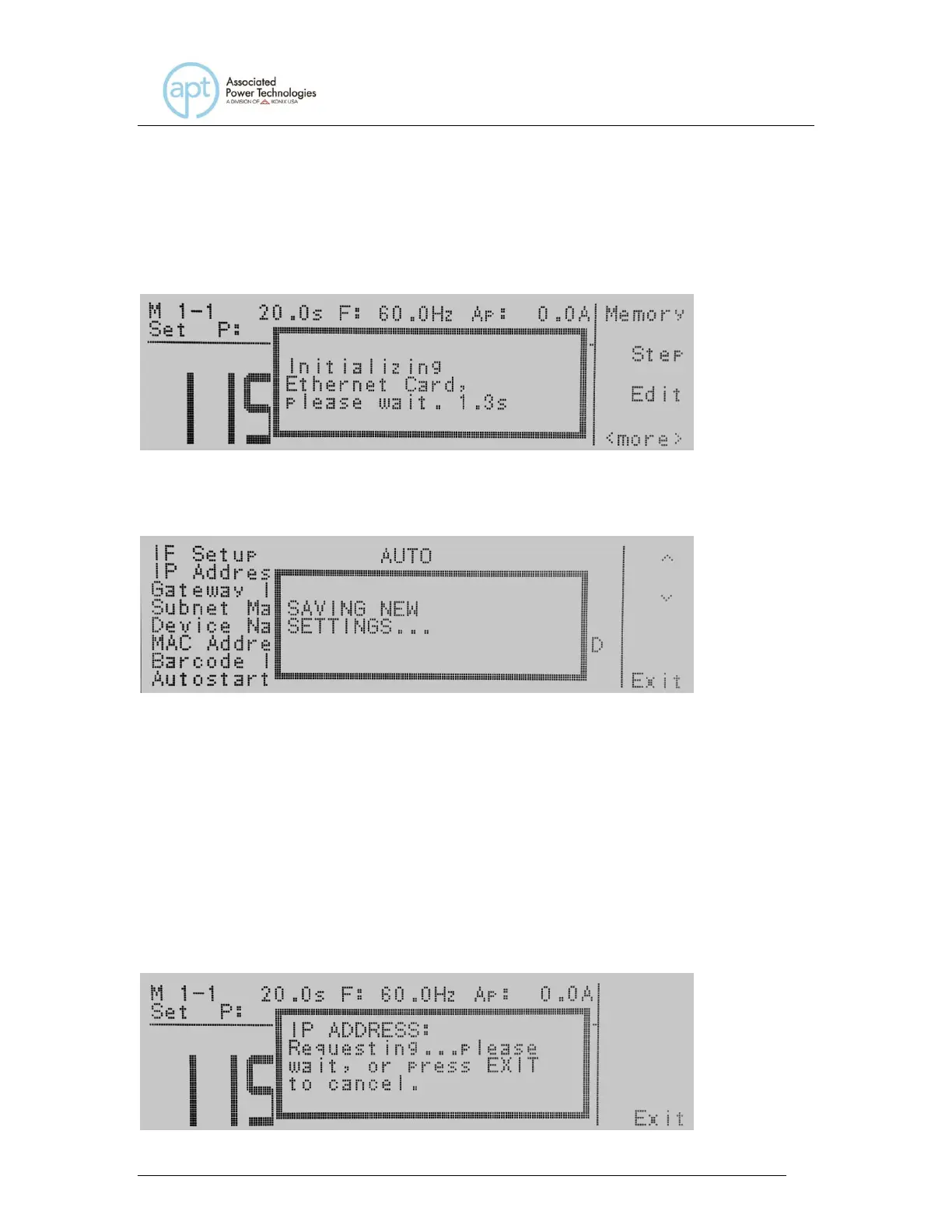
Upon startup, the Ethernet Card will take a few seconds to initialize. The
following message will be displayed:
Any time the user edits one of the Ethernet Card parameters and exits the
Ethernet Card Settings menu, the following message will be displayed:
The Ethernet Card will attempt to re-establish a connection with the server
anytime the user modifies a parameter and exits the Ethernet Card Parameters
Menu or uses the command set at the end of this option description. Thus, if the
IP Setup is set to AUTO, the Ethernet Card will request a new IP Address every
time a parameter is edited and, as a result, the “Requesting IP Address. . .”
message will appear.
11.4.3 Power Up
The Ethernet Card will be installed with the default options listed above. After the
APT 300XAC initially powers up, the following pop-up message will appear:



 To Next Page