instrument.
Crest Factor High Limit Range: indicates the crest factor range that can be
programmed into the instrument. If you select the 0=OFF high limit crest factor
range is turned OFF.
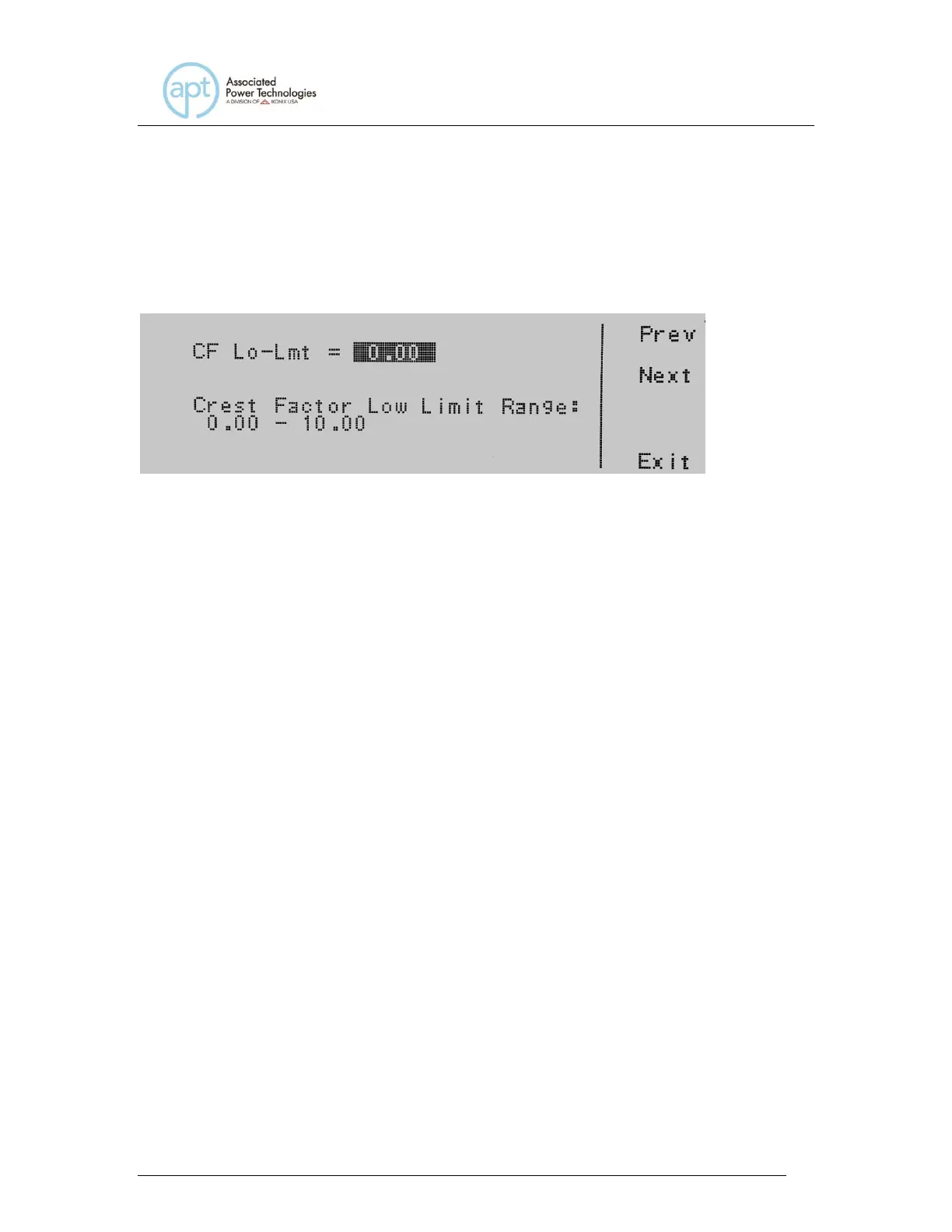
CF Lo-Lmt = indicates the crest factor low limit that is programmed into the
instrument.
Crest Factor Low Limit Range: indicates the crest factor range that can be
programmed into the instrument.
To change the Crest Factor High Limit or Low Limit use the numeric keypad and
type the peak current value. Once you type in a number a shaded black box (■)
will begin blinking acknowledging the parameter is being changed. Press the
Enter soft key to accept the parameter, or press the Esc key to move back to the
Crest Factor Parameter screen. When the Enter soft key is pressed the crest
factor is accepted and you transition into the next parameter: PF Hi-Lmt.
If you wish to bypass editing this parameter and move to the next parameter you
can press the Prev or Next soft key.
4.6.22 Editing PF Hi-Lmt & PF Lo-Lmt (PROGRAM Mode only)
Use the , soft keys to navigate to the PF Hi-Lmt or PF Lo-Lmt parameter (only
selectable for AC output). Pressing the Edit soft key will provide one of the
following screens:



 To Next Page