4. Programming Instructions
4.1 Powering on the Instrument
Turn on the Power switch located on the lower left-hand corner of the front panel.
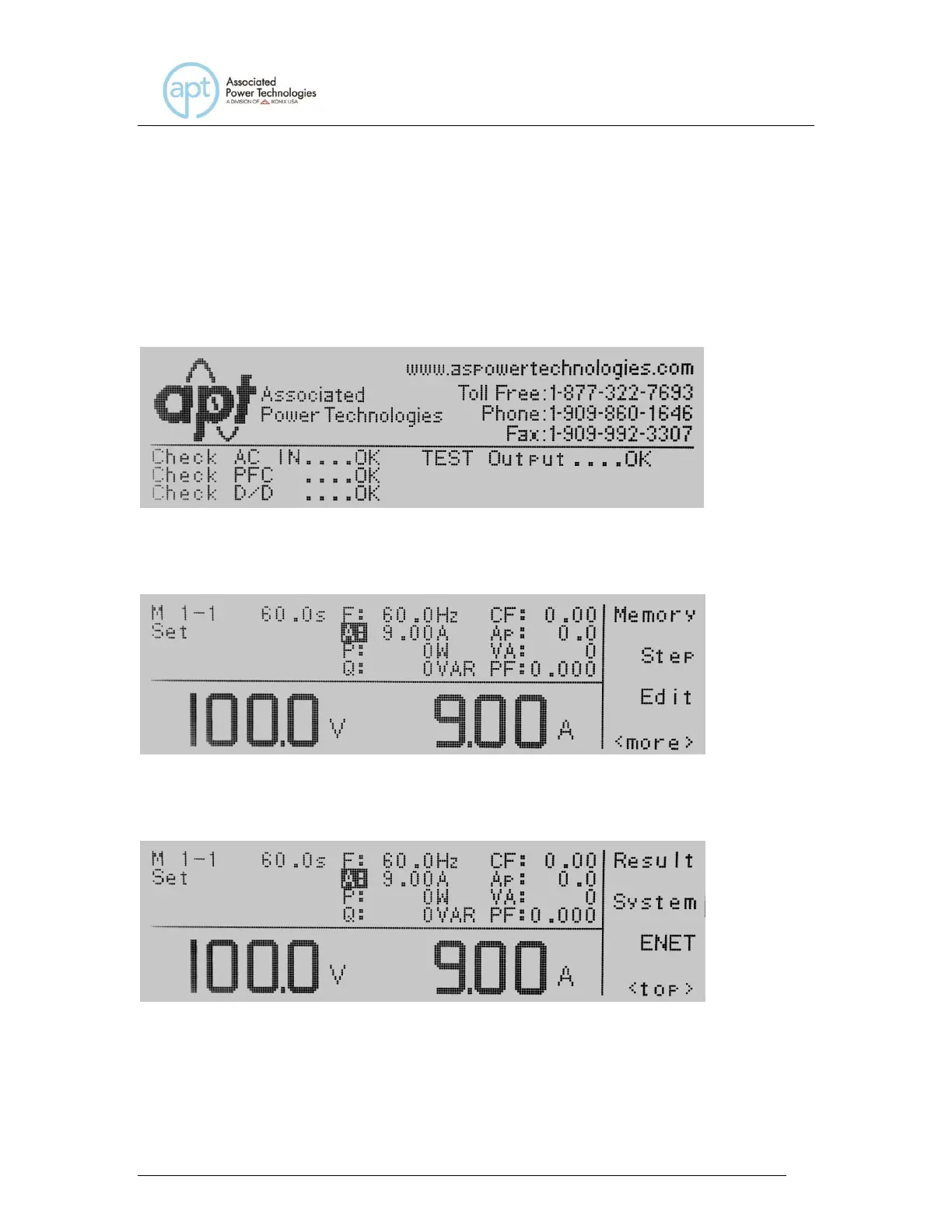
The Initialization screen will appear.
After a few seconds the Initialization screen will change to the Set screen. The
Set screen will be displayed as follows when in PROGRAM Mode:
If you press the <more> soft key within the Set screen, the soft keys will change
to include Result, System, and <top> in the PROGRAM Mode.
If you are in MANUAL Mode there will not be a step number 1 next to the M 1
and the Set screen will appear as follows:



 To Next Page