Installation
The LS100 package includes:
• LS100 image scanner unit
• User guide
• Desktop power supply and power cord
• Ink-jet cartridge (only with ink-jet option present)
• Document holder
• USB Cable
Unpack the machine:
• Open the top of the box
• Extract all the accessories (power supply, cartridge, etc.) from the box
• Extract the LS100 unit
Care of the final location:
• Put the machine on a flat surface
• Do not put the machine under direct sun light
• Offer adequate ventilation and distance from substances that can damage the machine
(water, oil, dirtiness, etc..)
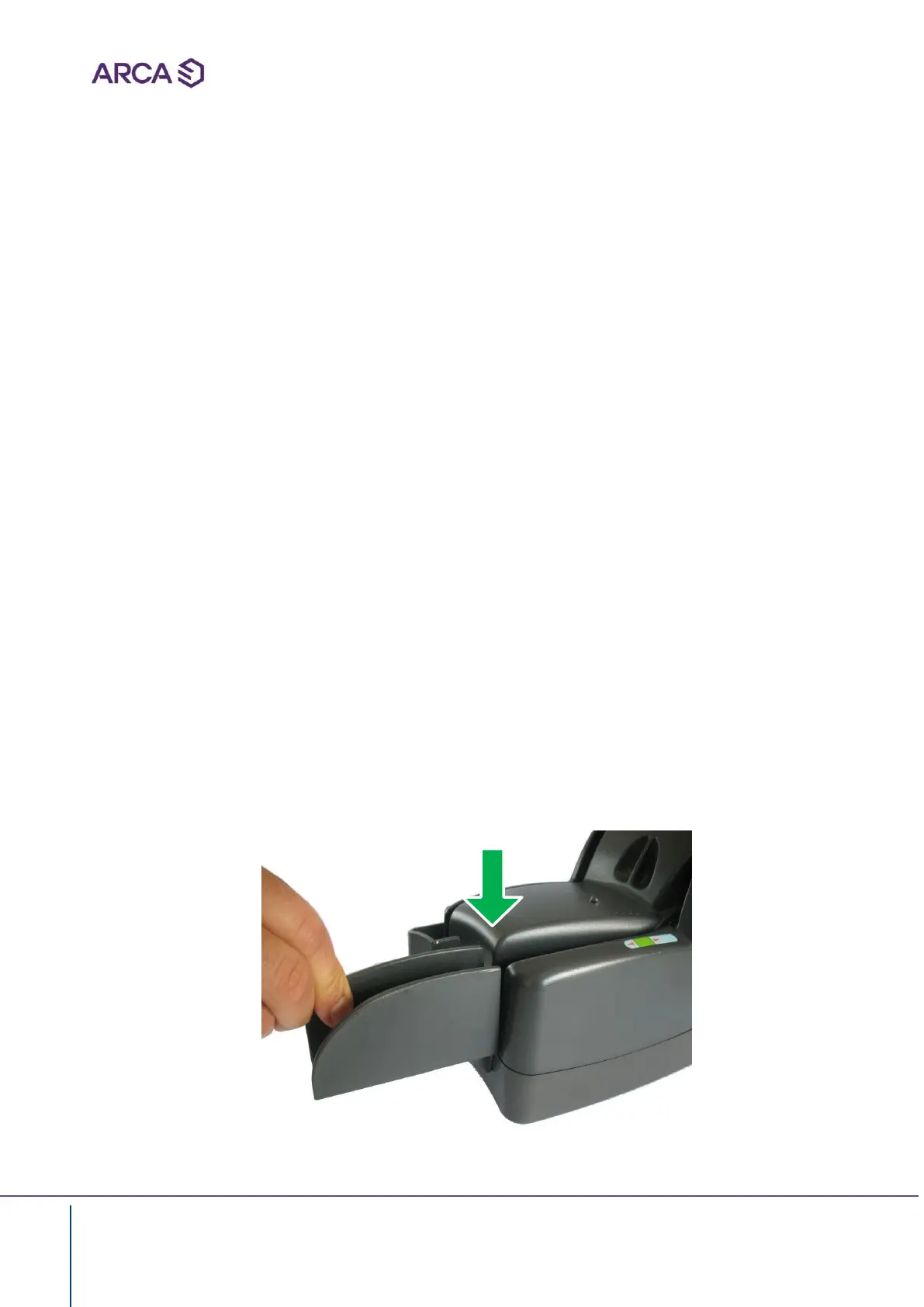
Removable document holder
• Put the document holder in the slot and then put a little pressure downward
The hook of the holder must coincide with the predisposed seat on the machine slot perfectly,
there must be no step between the hook and the machine


 To Next Page