Ink-Jet felt pad
When the ink-jet felt pad doesn’t absorb correctly it is necessary to replace it with a new one.
Take particular care to this operation because it requires to disassemble
the body of the machine (external cover)
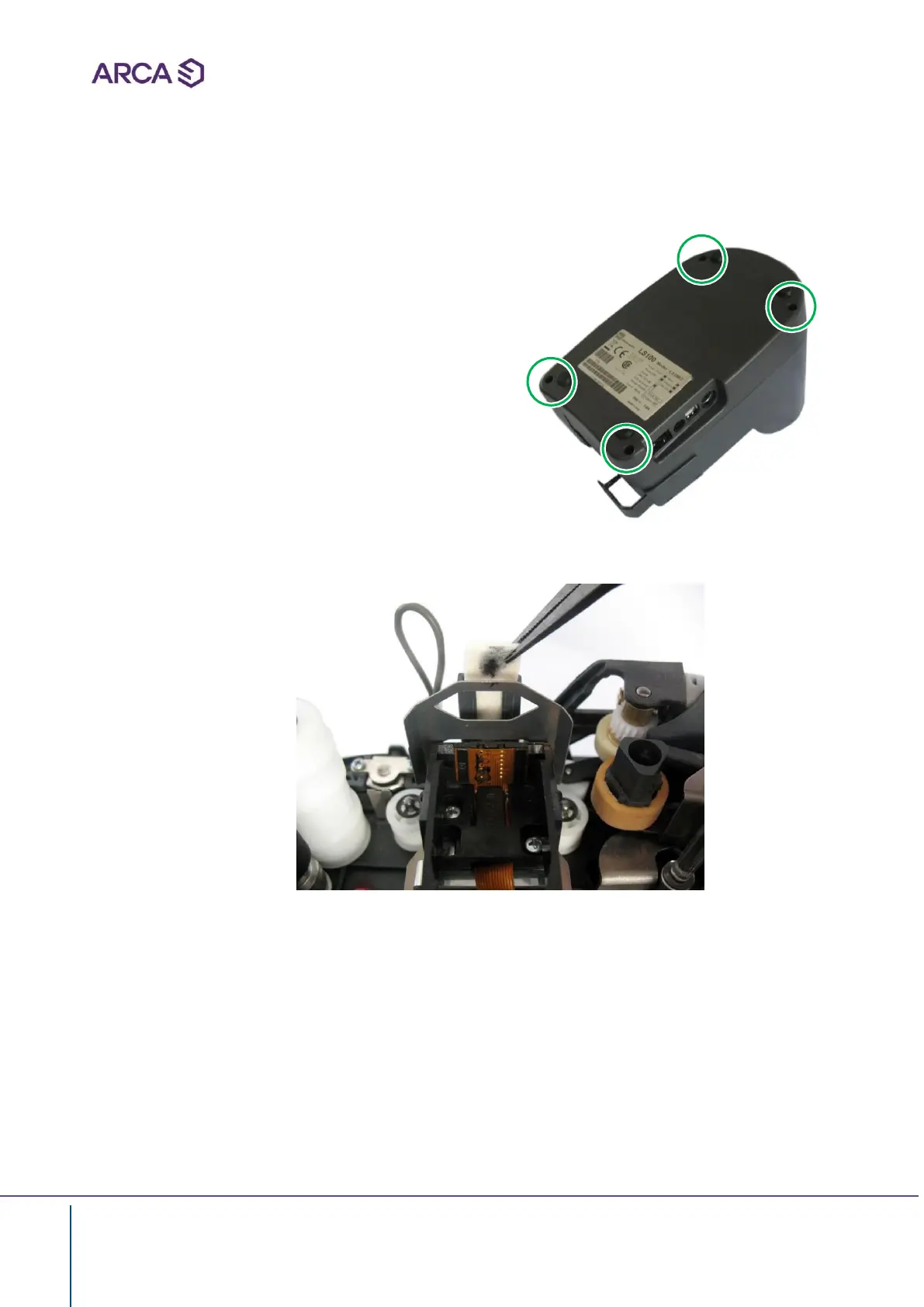
• Remove the body of LS100 unscrewing the
four screws in the floor pan of the machine
• Take out the old felt pad using a pincers and slide it up
• Insert the new felt pad in the correct position
• Reassembly the machine and tighten the screws


 To Next Page