Maintenance
Occasional verifications
• When the output pocket is nearly full, remove the documents, because if the pocket
becomes full it can cause jam
• Verify the quality of the image
• Verify the quality of the endorsement
Removing Jam
If a jam occurs:
• Disconnect the power supply and the USB connection from the machine
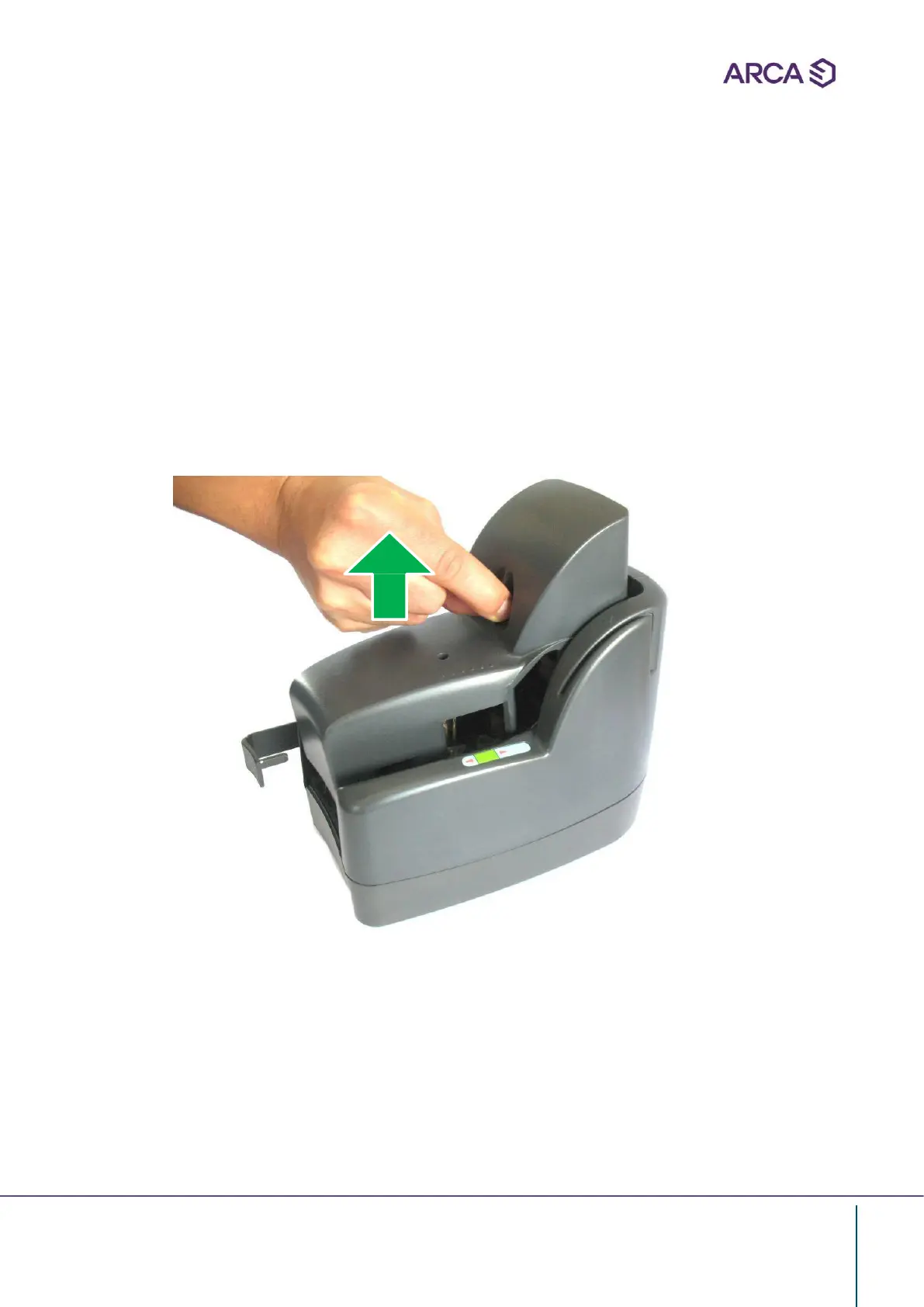
• Pull up the cover
• Extract the jammed document with care, first pull it gently forward and then slightly
upward
• Place the cover in the correct position


 To Next Page