V 11/21 77
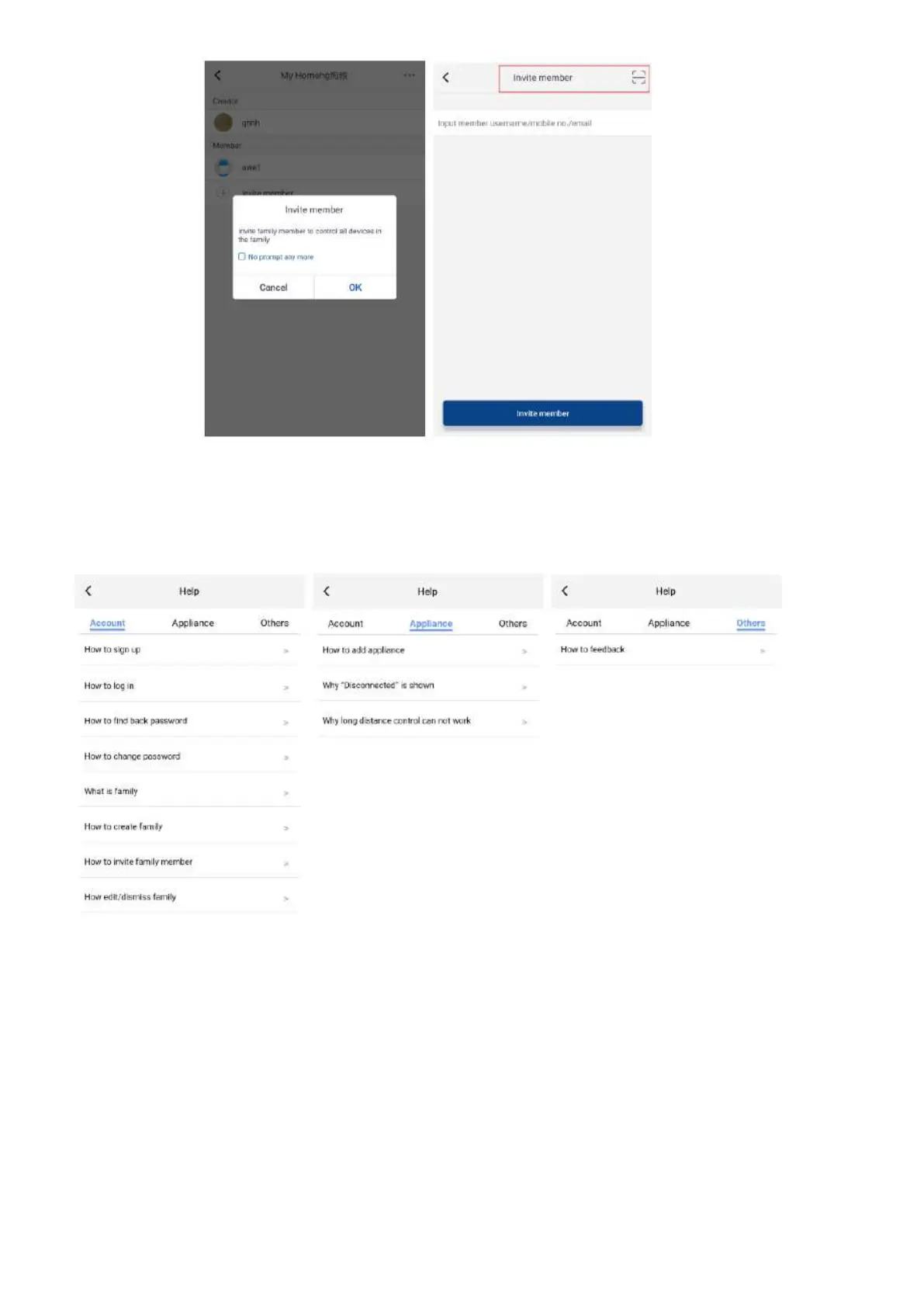
4. Help
Press Help to view the instructions for EWPE SMART APP.
5. Feedback
Clic Feedback to send a feedback on the product.
6. How to reset the air conditioner WiFi module:
Turn off the unit with the remote control and disconnect the air conditioner power for at least 10 seconds. Reconnect the
power supply. After 1 minute, press the "WiFi" and "Mode" buttons simultaneously. If the air conditioner beeps, it means that
the WiFi module has been reset correctly.
Attention: The configuration is carried out within 2 minutes. If it does not happen within 2 minutes, repeat the reset operation.





 To Next Page