V 11/21 68
WIFI GUIDE (Optional)
It is possible to install the Wifi module to remotely control the air conditioner. The air conditioner must be in constant
connection with a wireless router or access point connected to the internet. Mobile devices such as smartphones and
tablets, on which dedicated applications are installed and the Wi-Fi modules subsequently configured, can be used as
remote controls once connected to the internet.
How to set up and operate the air conditioner with Wifi
1. Make sure that the device (smartphone or Tablet) used is equipped with a standard version of Android (version 4.4 or
higher) and iOS (iOS7.0 or higher) as the operating system. For more details refer to the App.
2. Units can be connected and controlled only via Wi-Fi network or via Hotspot function.
3. Routers with WEP encryption are not supported.
4. The application interface is universal for all products and many features may not match for all units. It may vary
depending on the operating system used or the update in use. Refer to the current version.
5. If the access protection on your Router is active in the "MAC Filter" / "MAC address filter" item, enable the access to
the network of the MAC address of the device.
Installation and use instruction
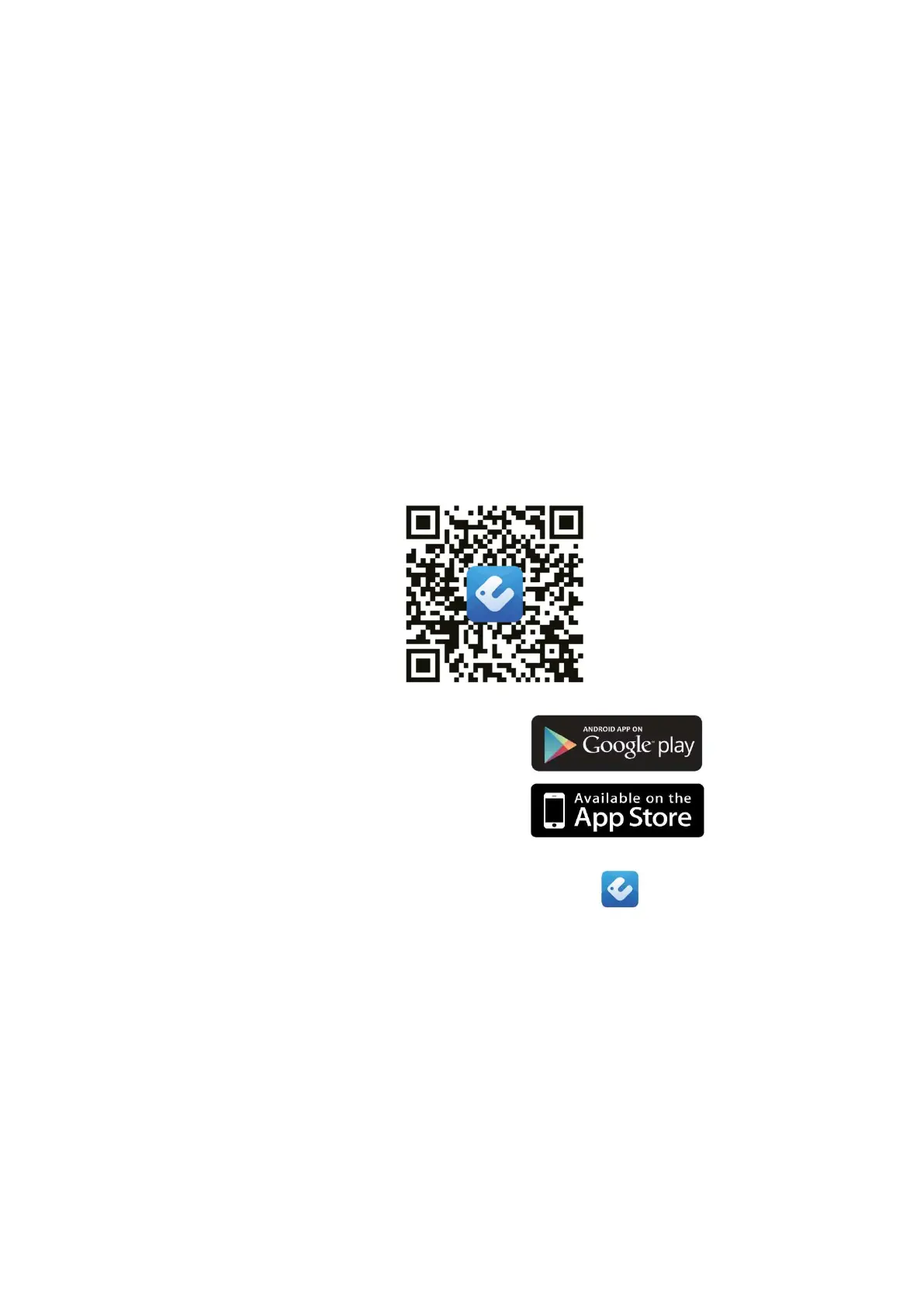
1. Frame the QR Code using a QR Code Reader
or search for the "EWPE SMART" application in the app store
download and install the application.
Install the App by referring to its guide. Once the installation is complete, the icon appears on the smartphone's
home page.
NB:
Before starting any procedure, disconnect the power supply from the product, allow a few minutes to pass and
reconnect it.
1. Registration and access.
After installing the application, open "EWPE SMART" and click Sign up to register.
PLEASE NOTE:
• USERNAME: must be UNIQUE, composed of name + number, without spaces (eg Rossi57)
• Personal email: if already registered, retrieve Username / Password. It is not possible to create another account
with the same mail.
• PASSWORD: must have at least one capital letter, symbols or special characters (- ;, etc.) and numbers.
• Repeat PASSWORD written above
• EUROPE country





 To Next Page