V 11/21 66
Setting the timer
You can set the operating time of the unit as needed. You can also set Timer on and Timer off in combination.
Before setting, check if the time set on the remote control is correct. If not, adjust the time.
(1) Setting the Timer off function
• By pressing the TOFF button, "OFF" flashes and the time indication shows the last set time of the timer.
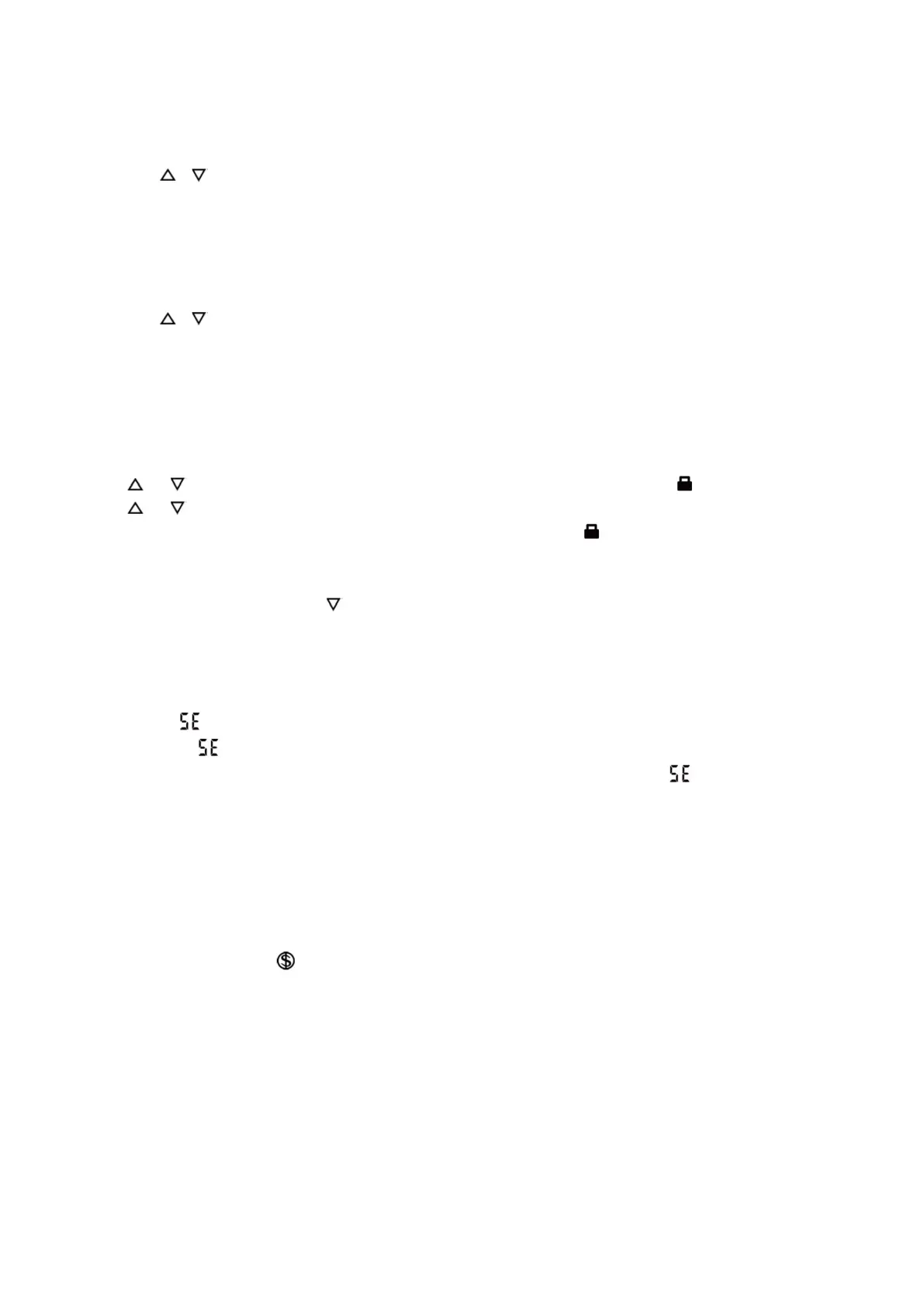
• Press the or button to set the timer hour.
• Press the TOFF button again to confirm the setting. OFF is displayed and the time indication continues to show the
current time.
• Press the TOFF button once again to cancel the timer; OFF is not displayed.
(2) Setting the On Timer function
• By pressing the TON button, "ON" flashes and the time indication shows the last set time of the timer.
• Press the or button to set the timer hour.
• Press the TON button again to confirm the setting. ON is displayed and the time indication continues to show the current
time.
Introduction to the functions of key combinations
Child lock setting
Press and simultaneously to lock the buttons on the wireless remote control until the icon is displayed.
Press and simultaneously again to unlock the buttons on the wireless remote control until the icon disappears.
When the keys are locked, if a key is pressed and its function is invalid, the icon blinks 3 times.
Changeover of temperature unit of measurement between ° C and ° F
With the unit off, press the MODE and keys simultaneously to switch the temperature scale between ° C and ° F.
Energy saving function setting
With the unit turned on and in cooling mode, press the TEMP and CLOCK button simultaneously to enter the power
saving mode.
The display of indicates that the power saving function is activated.
Failure to display indicates that the power saving function is disabled.
If you want to deactivate the power saving function, press the TEMP and CLOCK buttons and is not displayed.
In this mode the fan speed is fixed, in Automatic mode and cannot be adjusted.
The temperature cannot be set. If you press the TURBO button, the signal is not sent from the remote control.
The Sleep and Energy Saving functions cannot operate at the same time: if the Energy Saving function has been set,
pressing the Sleep button will deactivate it. If you have selected the Sleep function, by activating the Energy Saver
function, the Sleep function is deactivated.
8°C heating function
In heating mode, press the "TEMP" and "CLOCK" buttons simultaneously to start or disable the 8 ° C heating function.
When this function is started, " " and "8 ℃" will be displayed on the remote controller and the air conditioner will keep
the heating status at 8°C. Simultaneously press the "TEMP" and "CLOCK" buttons again to exit the 8°C heating function.
With the 8 ° C heating function, the fan speed defaults to automatic speed and cannot be adjusted.
With the 8 ° C heating function, the set temperature cannot be adjusted. Press the "TURBO" button and the remote
control will not send signal.
The sleep function and the 8 ° C heating function cannot work at the same time. If the 8 ℃ heating function has been set
in cooling mode, press the "SLEEP" button to cancel the 8 ℃ heating function. If the sleep function has been set in
cooling mode, starting the heating function at 8 ℃ will cancel the sleep function.
In temperature mode ℉, the remote will display 46 ° F heating.
Autoclean function
With the unit off, press and hold the MODE and FAN buttons simultaneously for 5 seconds to activate or deactivate the
automatic cleaning function. When the automatic cleaning function is activated, the indoor unit displays "CL".
The function will see condensation, ice formation, defrosting and drying phases take place in sequence aimed at eliminating
all residues of dust and pollutants and any trace of condensation from the evaporator. This will always allow clean air to





 To Next Page