V 11/21 65
In high / low swing mode, when the state is switched from off to, if you press this key again for 2 seconds, the state
goes directly to the off state; if this key is pressed again within 2 seconds, the change of oscillation state will also depend
on the circulation sequence indicated above
Setting the Light function
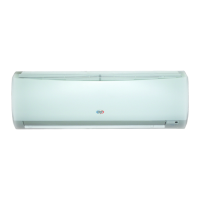
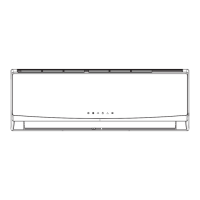
The light on the light panel receiver displays the current operating status. If you want to turn off the light, press the LIGHT
button. Press this button again to turn on the light. The corresponding icon will be
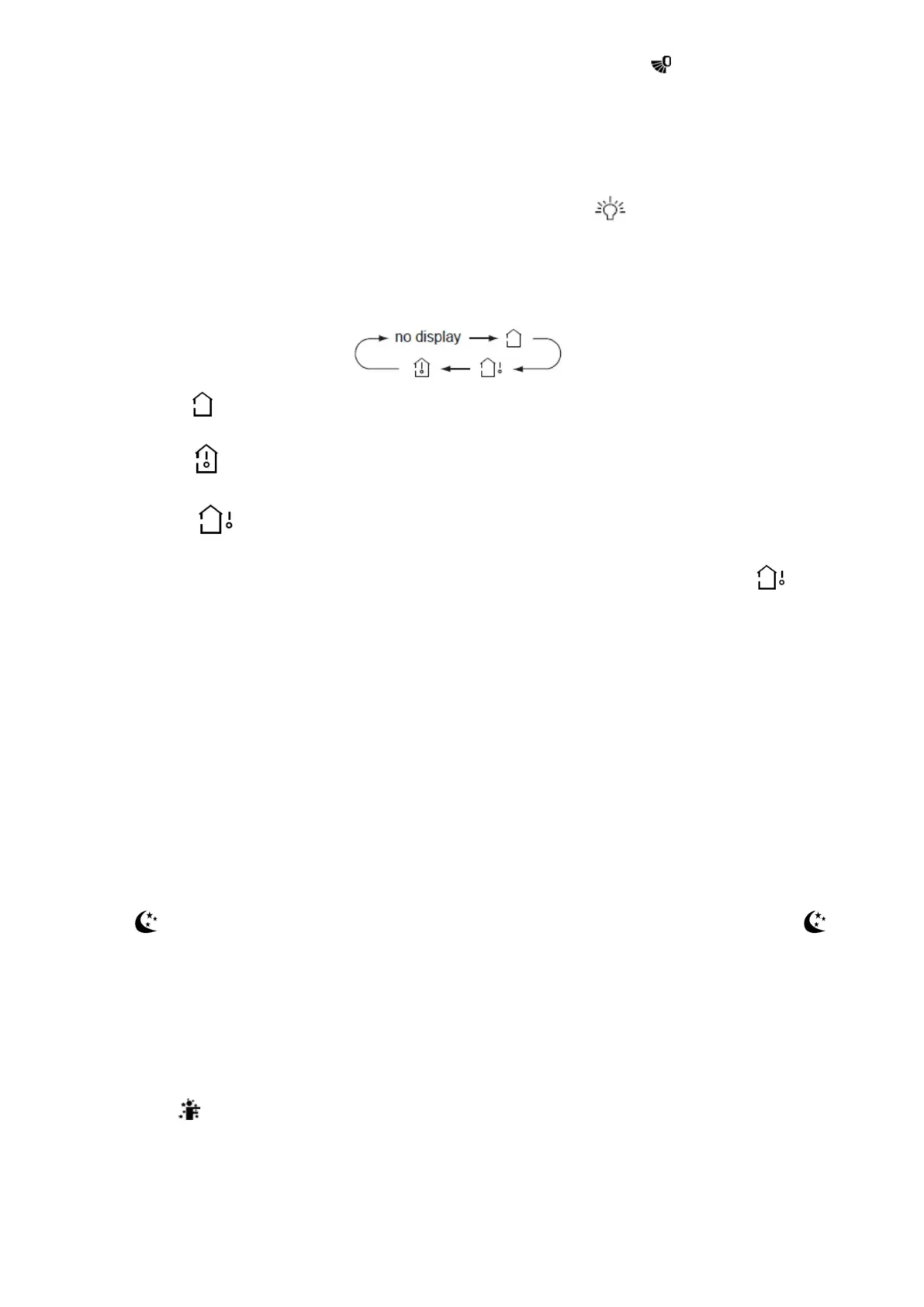
Room temperature display
By pressing this button, you can see indoor set temperature, indoor ambient temperature or outdoor ambient
temperature on indoor unit's display. The setting on remote controller is selected circularly as below:
When selecting " " or no display with the remote controller, the temperature indicator on the indoor unit displays the set
temperature.
When selecting " " with the remote controller, the temperature indicator on the indoor unit displays the indoor ambient
temperature.
When selecting " " with the remote controller, the temperature indicator on the indoor unit displays the outdoor
ambient temperature.
The outside temperature display is not available for some models. At that time, the indoor unit receives the " " signal
while displaying the set indoor temperature.
It is default to display the set temperature when the unit is turned on. There is no display in the remote control.
Only for models whose indoor unit is equipped with dual-8 display.
When indoor or outdoor room temperature display is selected, the indoor temperature indicator displays the corresponding
temperature and automatically turns to display the set temperature after three to five seconds.
Setting the Wifi function (optional)
Press this button to activate or deactivate the Wifi function (see chapter Wifi).
Setting Health and Scavenging functions
Functions not available.
Setting the Sleep function
In COOL or HEAT mode, press this button to start the Sleep function.
The " " icon is displayed on the remote control. Press this button again to cancel the Sleep function and the " "
icon will disappear.
After power on, the default setting is disabled. After the unit is turned off, the Sleep function is canceled.
In this mode, the set temperature will be adjusted with the time change. In Fan, DRY and Auto modes, this function is
not available
Setting I FEEL function
Press the I FEEL button to activate or deactivate the I FEEL function.
When the icon is displayed, it means that the I FEEL function has been activated.
Once this function is set, the remote control will send the detected room temperature to the indoor unit at regular intervals,
which will automatically adjust its operation in order to reach the set temperature.
Press this button again to cancel the I FEEL function and the icon will disappear.
Place the remote control close to the user when this function is set: Do not place the remote control near high or low
temperature objects to avoid detecting an inaccurate room temperature. When the I FEEL function is activated, the remote
control must be placed within a confined indoor area, where the unit can receive the signal sent by the remote control.





 To Next Page